5. Battery and charging
MiR100 Hook User Guide (en) 10/2020 - v.3.0 ©Copyright 2016-2020: Mobile Industrial Robots A/S. 55
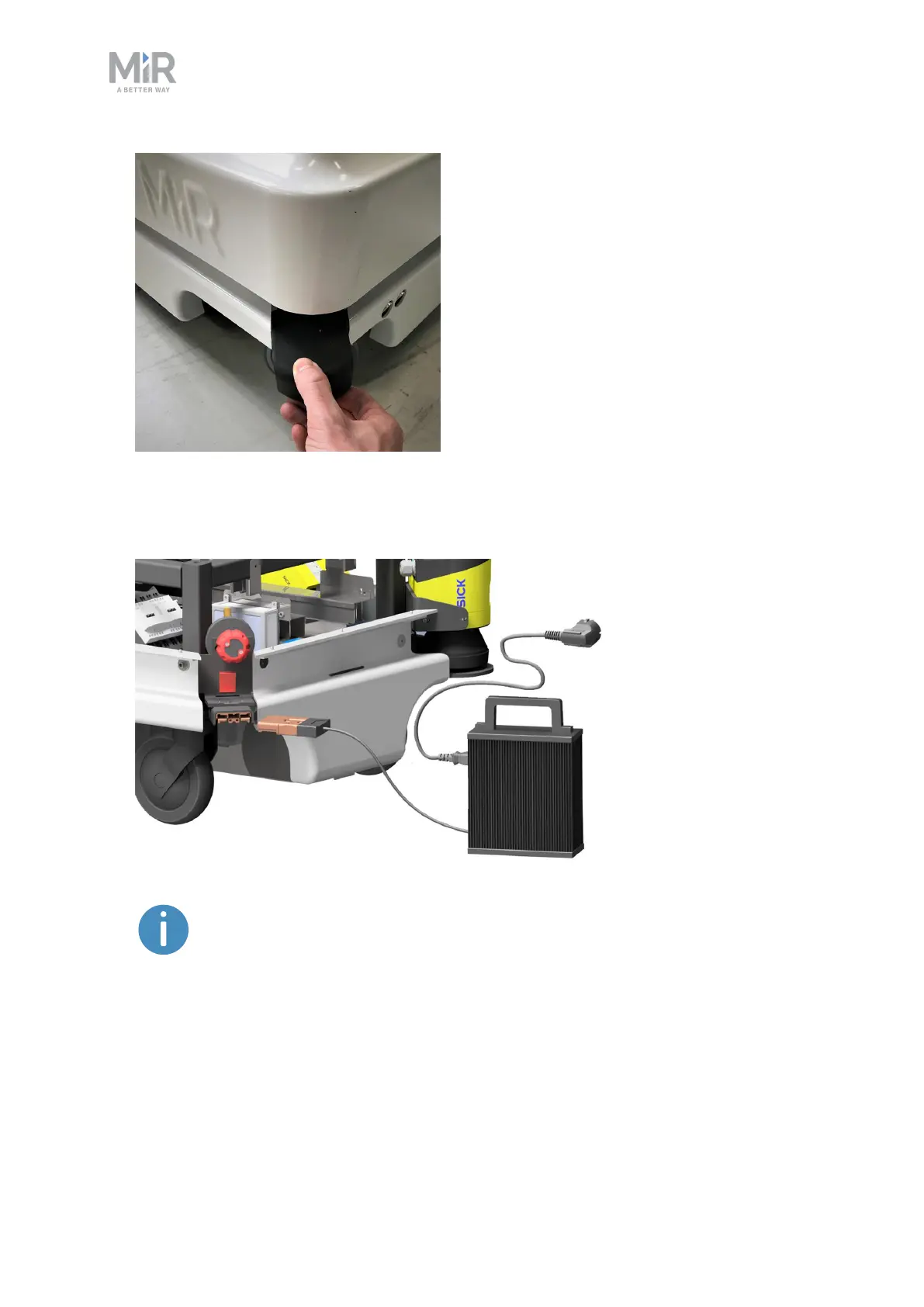
2. Attach the charger to the robot’s charging socket and to a power outlet. Turn on the
rocker switch on the robot to begin charging.
Use only the original charging cable.
3. Look at the indicator lights on the charger to confirm that the robot starts charging. If the
plug is not connected properly to the socket, the robot will not start the charging.



 To Next Page