4. Getting started
MiR100 Hook User Guide (en) 10/2020 - v.3.0 ©Copyright 2016-2020: Mobile Industrial Robots A/S. 53
4.12 Shutting down the robot
Follow these steps to shut down MiR100 Hook:
1. Ensure that the robot is not moving or executing an action.
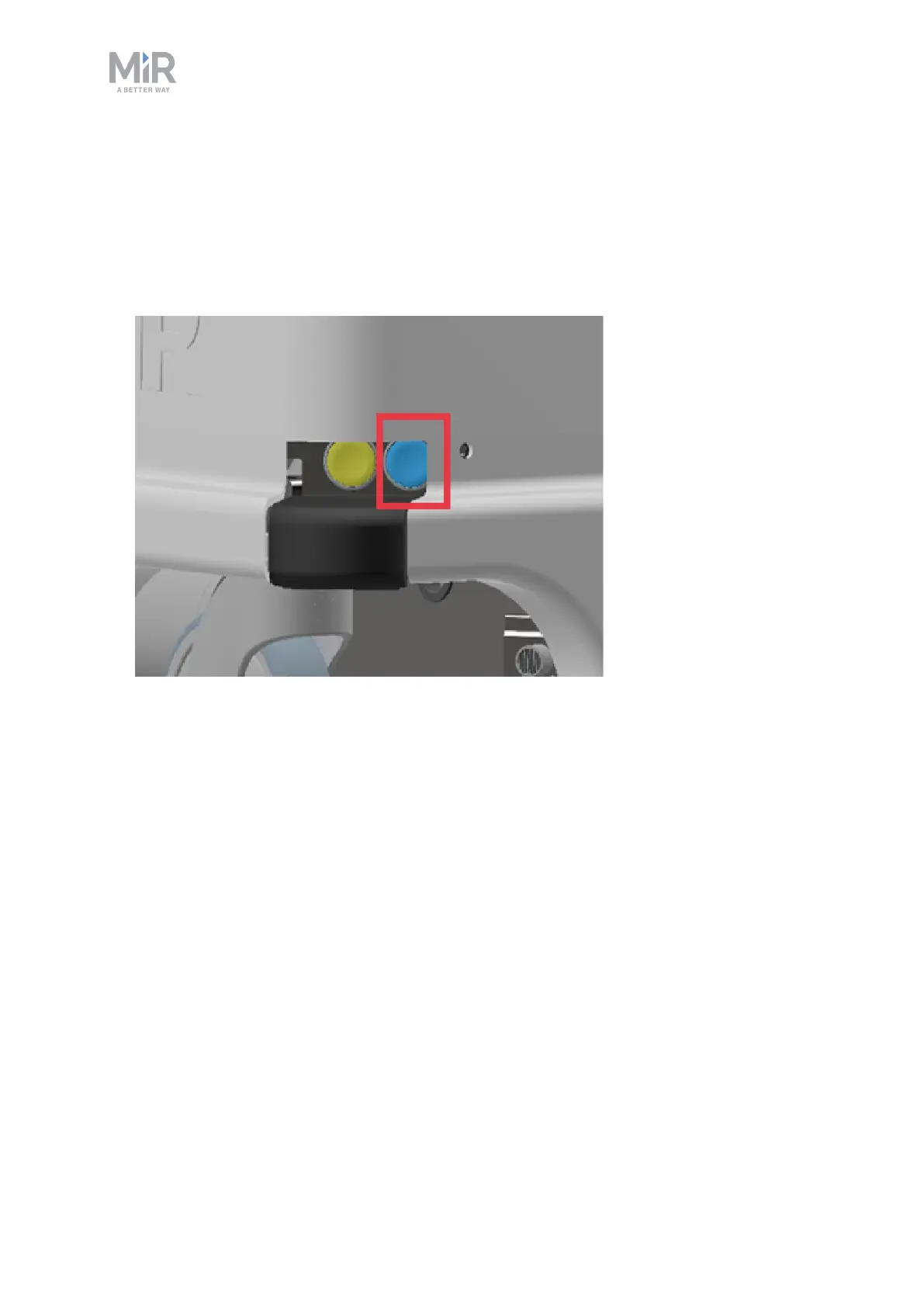
2. Press the Power button for three seconds.
3. The robot starts the shutdown process. The status lights waver yellow.
4. When the robot finishes the shutdown process, the status lights are off.
When you shut down the robot for transportation, service, or repair, the battery must be
disconnected—see Disconnecting the battery on page56.



 To Next Page