4. Getting started
MiR100 Hook User Guide (en) 10/2020 - v.3.0 ©Copyright 2016-2020: Mobile Industrial Robots A/S. 52
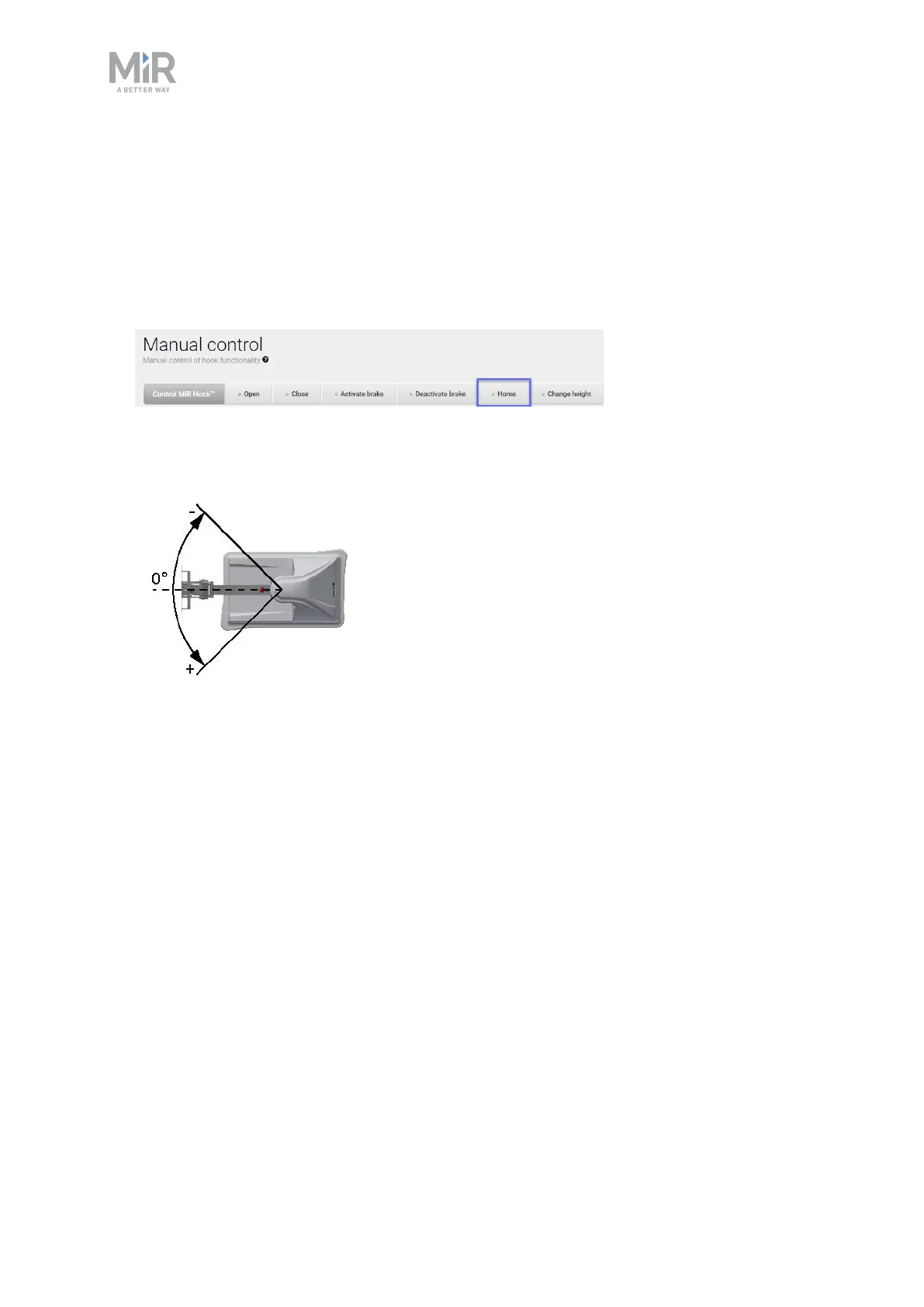
Homing
A homing raises the hook to its topmost position and is used as a zero-point calibration of the
hook. Homing must be performed as the first action to center the arm.
1. In the robot interface, go to Hook > Manual control.
2. Under Hook actions, select Home, and wait until the hook stops moving.
3. Select Deactivate brake.
4. Manually push the arm close to 0 degrees.
5. Select Activate brake.
Homing is now complete.



 To Next Page