4. Getting started
MiR100 Hook User Guide (en) 10/2020 - v.3.0 ©Copyright 2016-2020: Mobile Industrial Robots A/S. 47
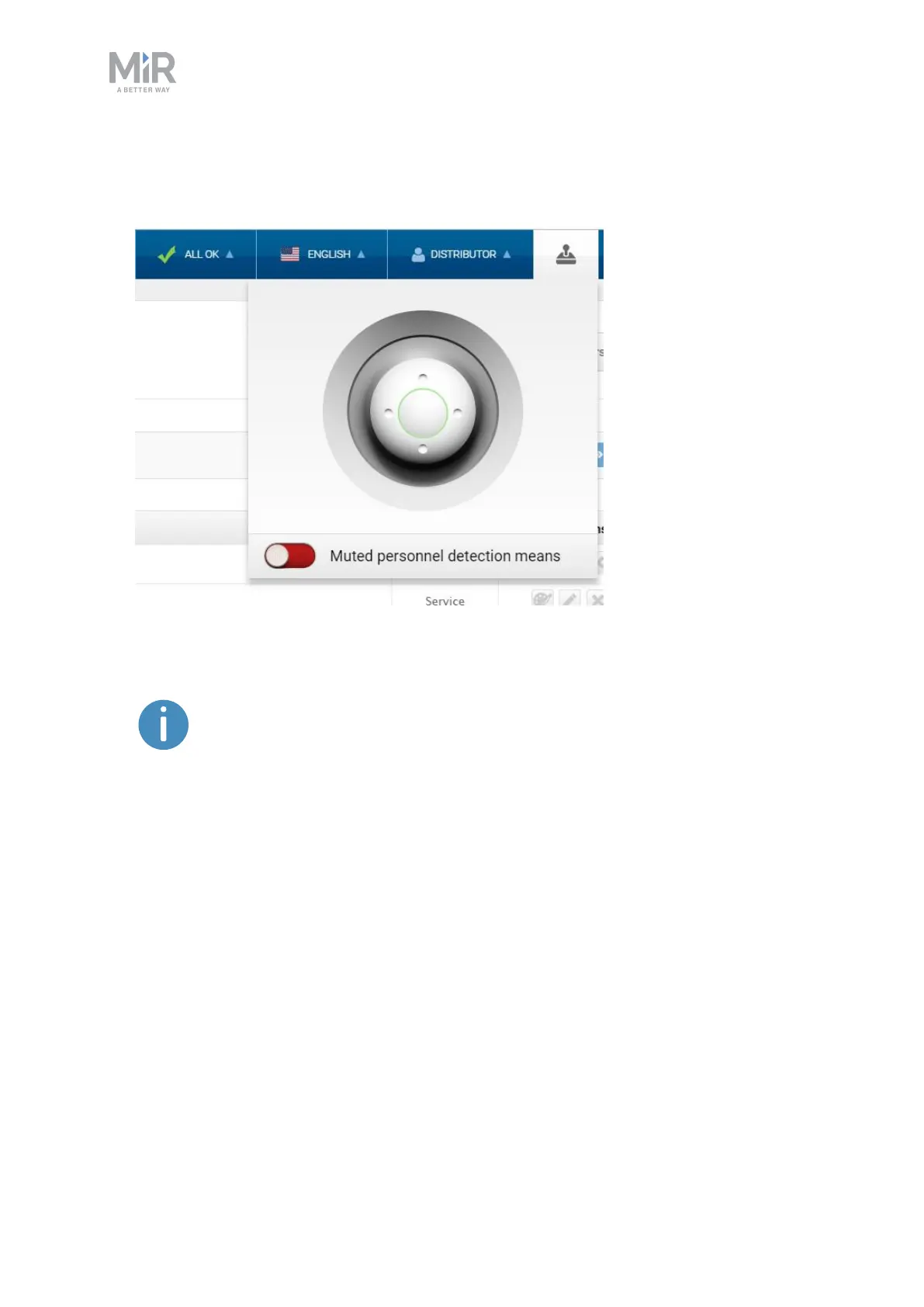
To drive the robot in Manual mode, follow these steps:
1. In the robot interface, select the joystick icon. The joystick control appears.
2. Drive the robot off the ramp using the joystick.
Place your foot in front of the ramp while the robot drives on it to keep the
ramp from slipping.
4.8 Checking the hardware status
To check that all hardware components work as intended, follow these steps:
1. Sign in to the robot interface—see Connecting to the robot interface on page45.
2. Go to Monitoring > Hardware health.



 To Next Page