Mitel 5614 DECT Phone User Manual for MiVB
* System dependent.
MENU
ICONS
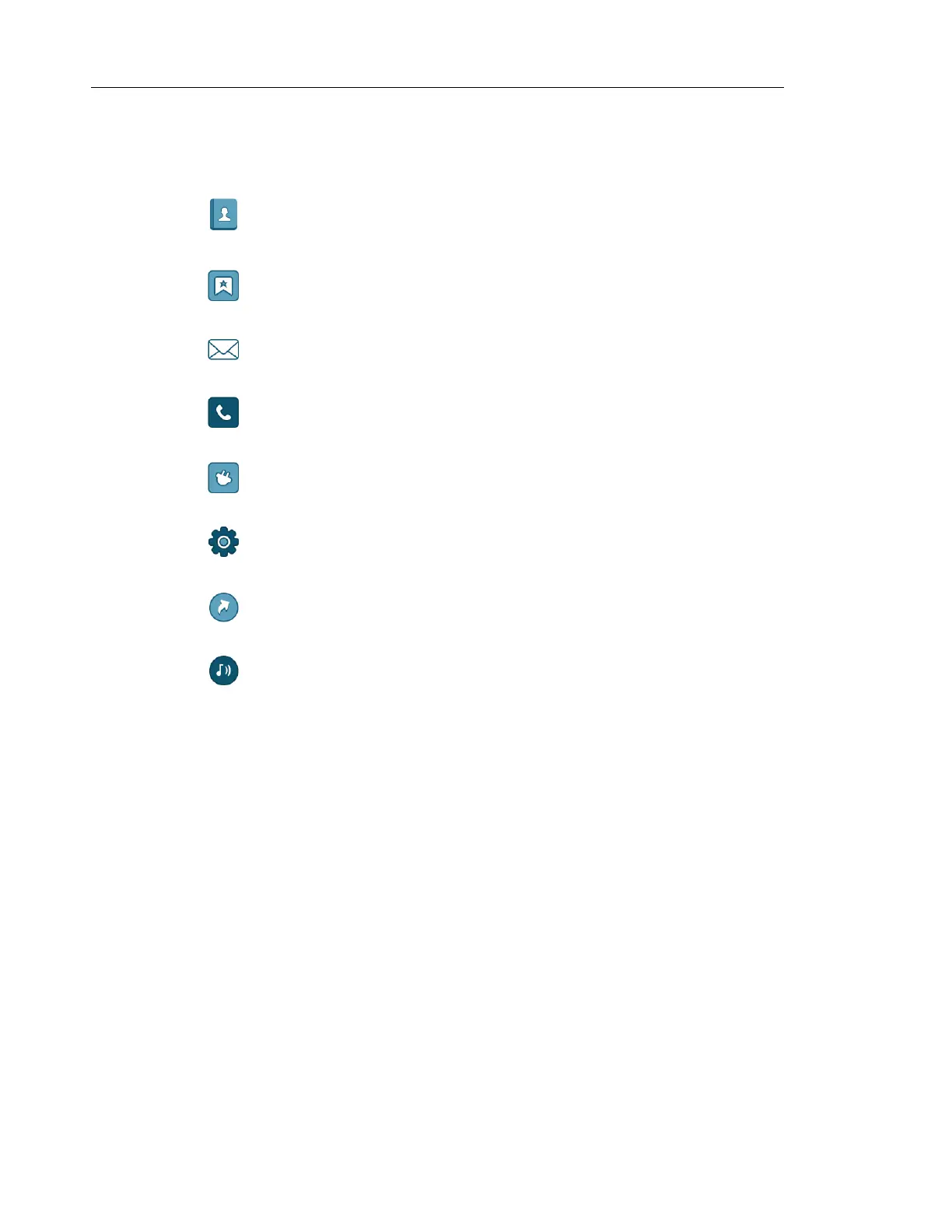
The ”Contacts” menu contains all names/numbers in the Contacts list. In
addition, a company phonebook* with up to 1000 entries can be downloaded to
the handset via the WinPDM. A central phonebook* can also be accessed from
the "Contact" menu.
The "Services" menu contains menu shortcuts used to customize an own menu.
The “Messaging” menu contains all message handling such as reading and
writing messages.
The “Calls” menu contains call lists, call time, and call services*. Call services is
configured in the WinPDM/Device Manager.
The “Connections” menu contains Bluetooth connection, headset selection,
System selection, and In charger selection.
The “Settings” menu contains personal handset settings such as changing the
ring volume, selecting language, etc.
The ”Shortcuts" menu contains shortcuts for the Soft keys, Hot keys, Navigation
keys, and the Multifunction button.
The “Profiles” menu allows up to four different profiles to be added. The
"Normal" profile is active by default.



 To Next Page