Dansensor® Lippke® 5000 EN User Guide 101
P/N 380419-C
05/2022
Change PIN-code
NOTE! Only available when logged in using a PIN-code.
Use this function to change the PIN-code required for logging in.
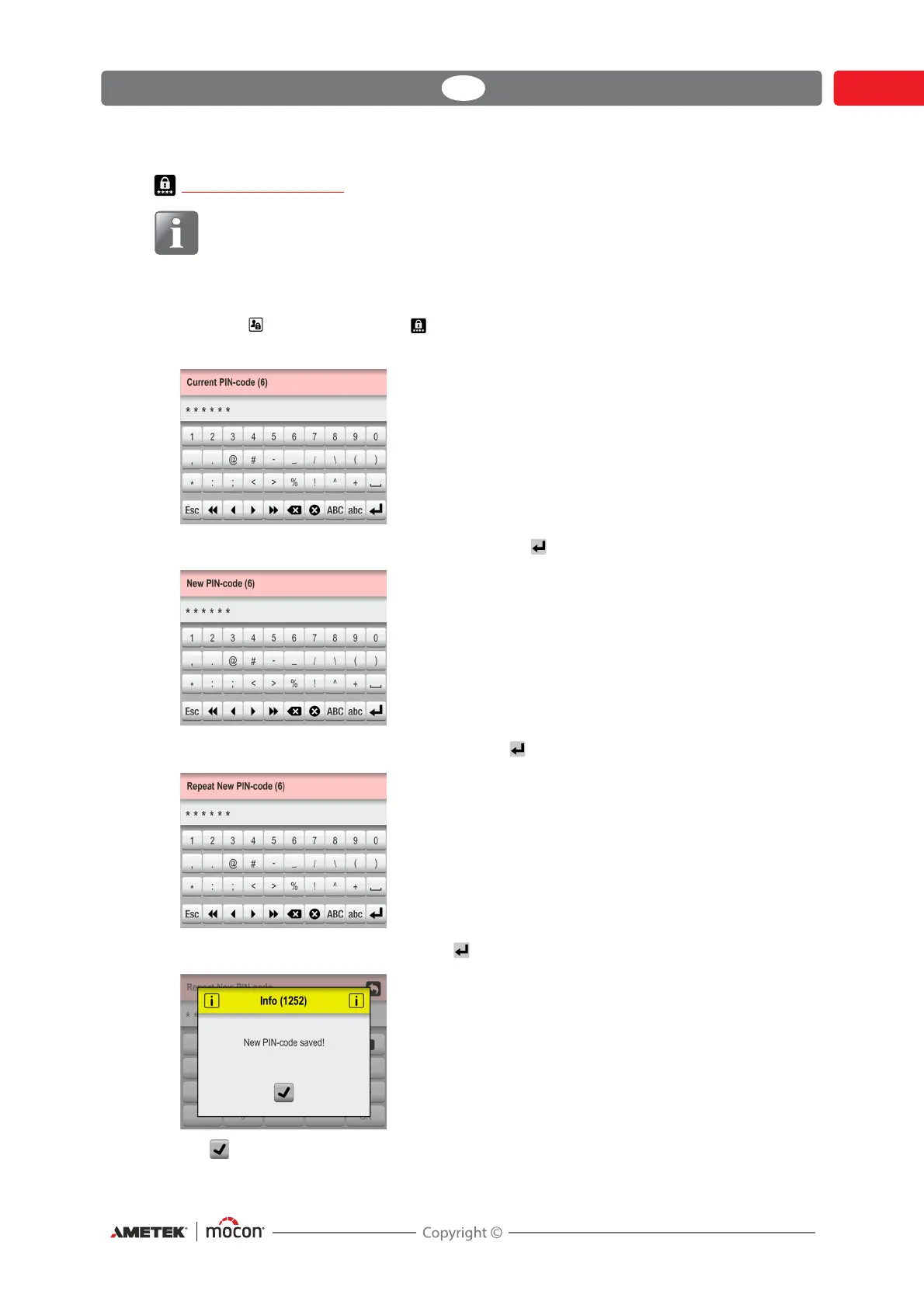
To change the PIN-code do the following:
1. From the Access menu select Change PIN-code.
This screen appears:
2. Enter current PIN-code (6 characters) and tap the key.
3. Enter new PIN-code (6 characters) and tap the key.
4. Enter new PIN-code again and tap the key.
5. Tap to confirm. PIN-code has now been changed.



 To Next Page