76 User Guide EN Dansensor® Lippke® 5000
P/N 380419-C
05/2022
Performing a workflow/test
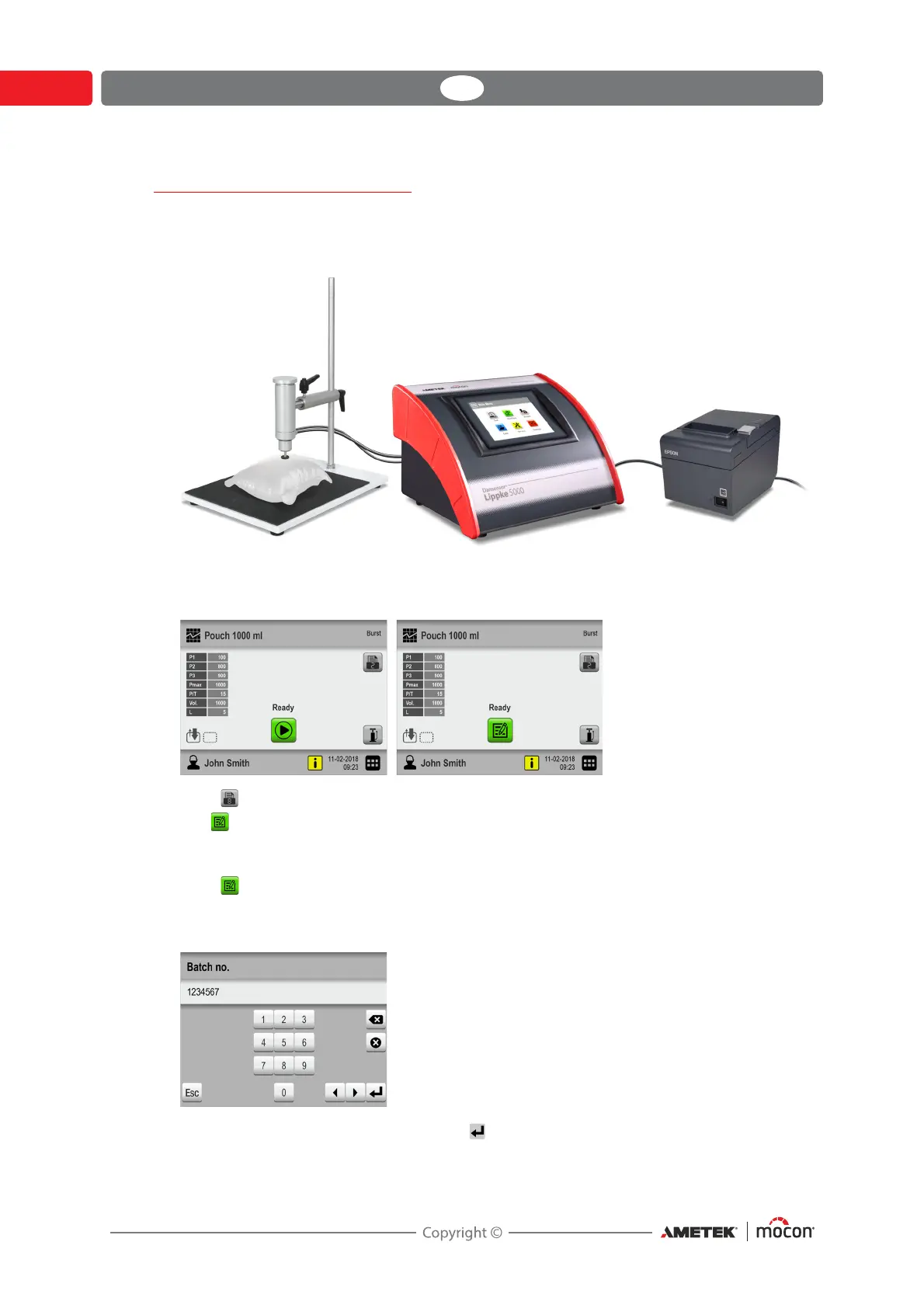
1. Prepare the test package using the appropriate test setup (accessory, needle type, septum
type etc.).
2. Connect printer if required.
3. Select appropriate test definition - see "Selecting a Test definition" on page 74.
4. When the device is ready, the display will show one of the screens below.
5. Press button to select required number of print-outs if required.
6. The button appears if the selected test definition requires entering of data in one or
more predefined custom fields before test starts.
If this is the case, proceed from item 7, otherwise go to item 10.
7. Press button to start the workflow.
8. If the first custom field requires entering of, for example, Batch no., a keyboard will
appear.
Enter appropriate information and press key.



 To Next Page