Dansensor® Lippke® 5000 EN User Guide 75
P/N 380419-C
05/2022
5. Once you have found the required test definition, tap it to select it and return to the test
screen.
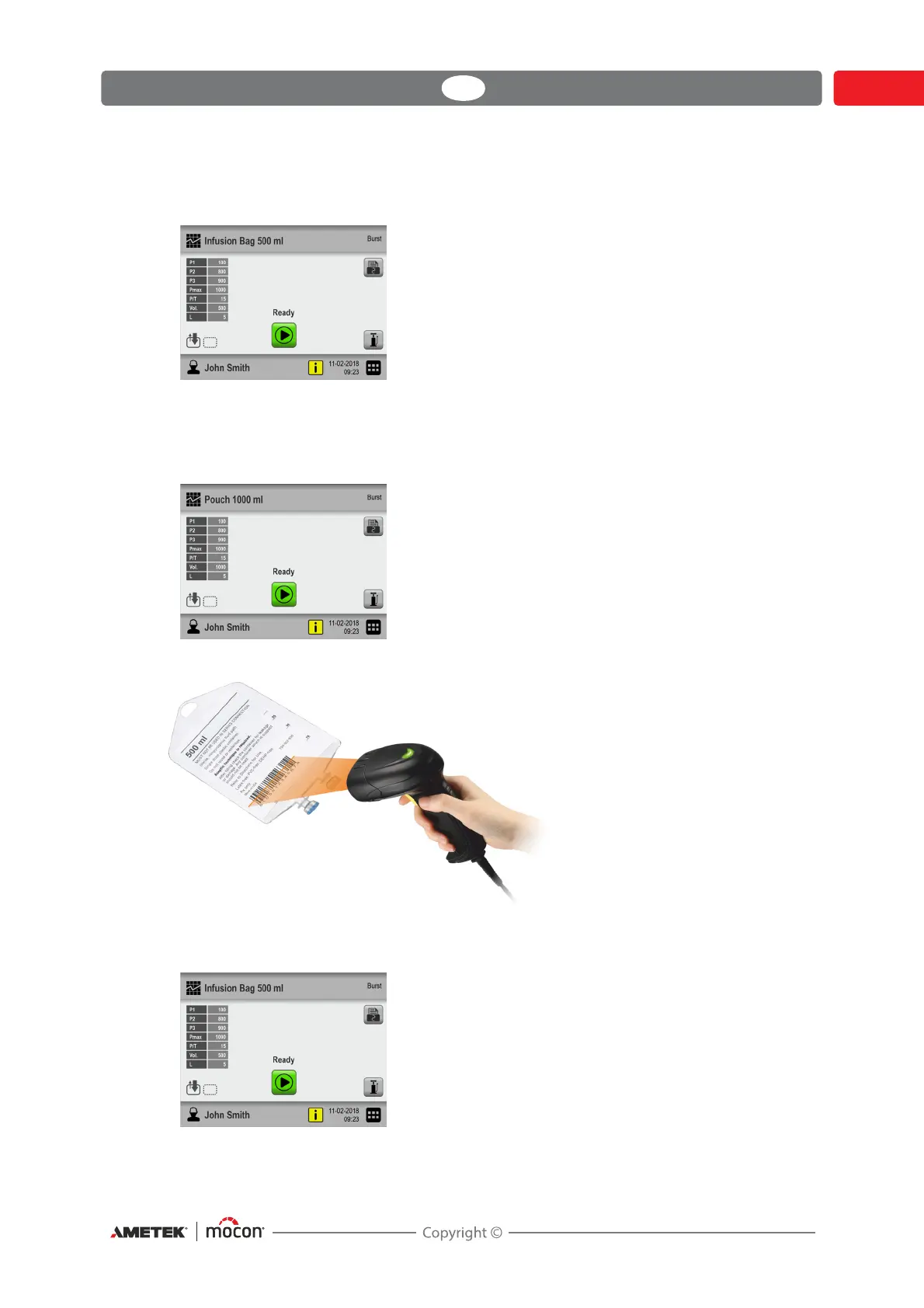
Select test definition using a bar-code scanner
1. The device must be ready and show the test screen.
2. Use the bar-code scanner to scan the test item’s bar-code
3. If the bar-code matches the Product ID of a valid test definition, this will now be selected
as the active test definition.



 To Next Page