Dansensor® Lippke® 5000 EN User Guide 109
P/N 380419-C
05/2022
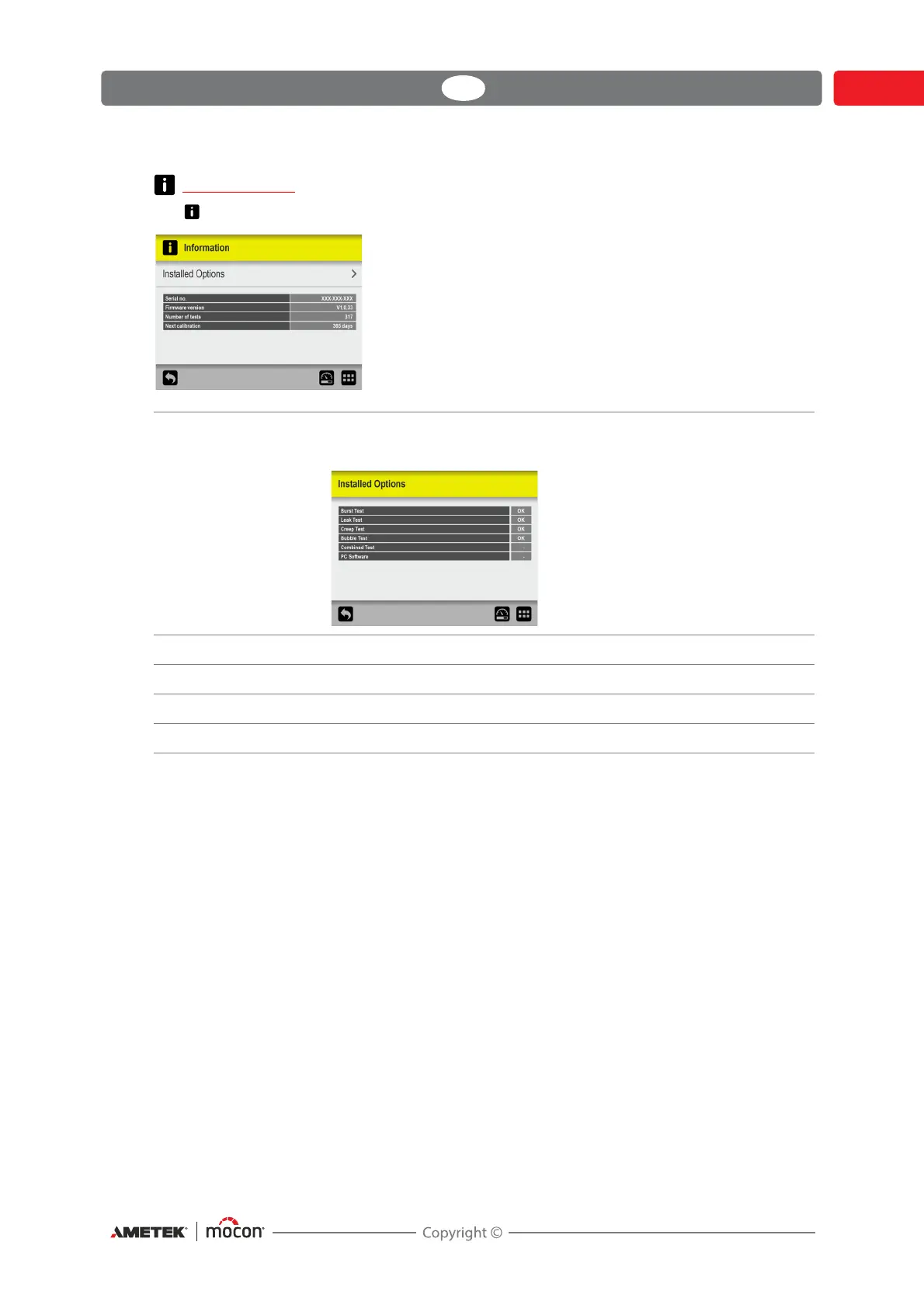
Information
The Information screen holds general information about the device.
Installed Options Opens the Installed Options screen, which shows an overview of
the installed options:
Serial no. Shows the device’s serial number.
Firmware Version Shows the firmware version currently installed on the device.
Number of tests Shows the total number of tests performed.
Next calibration Shows the number of days left until the device should be calibrated.



 To Next Page