Dansensor® Lippke® 5000 EN User Guide 87
P/N 380419-C
05/2022
6. Menus and Settings
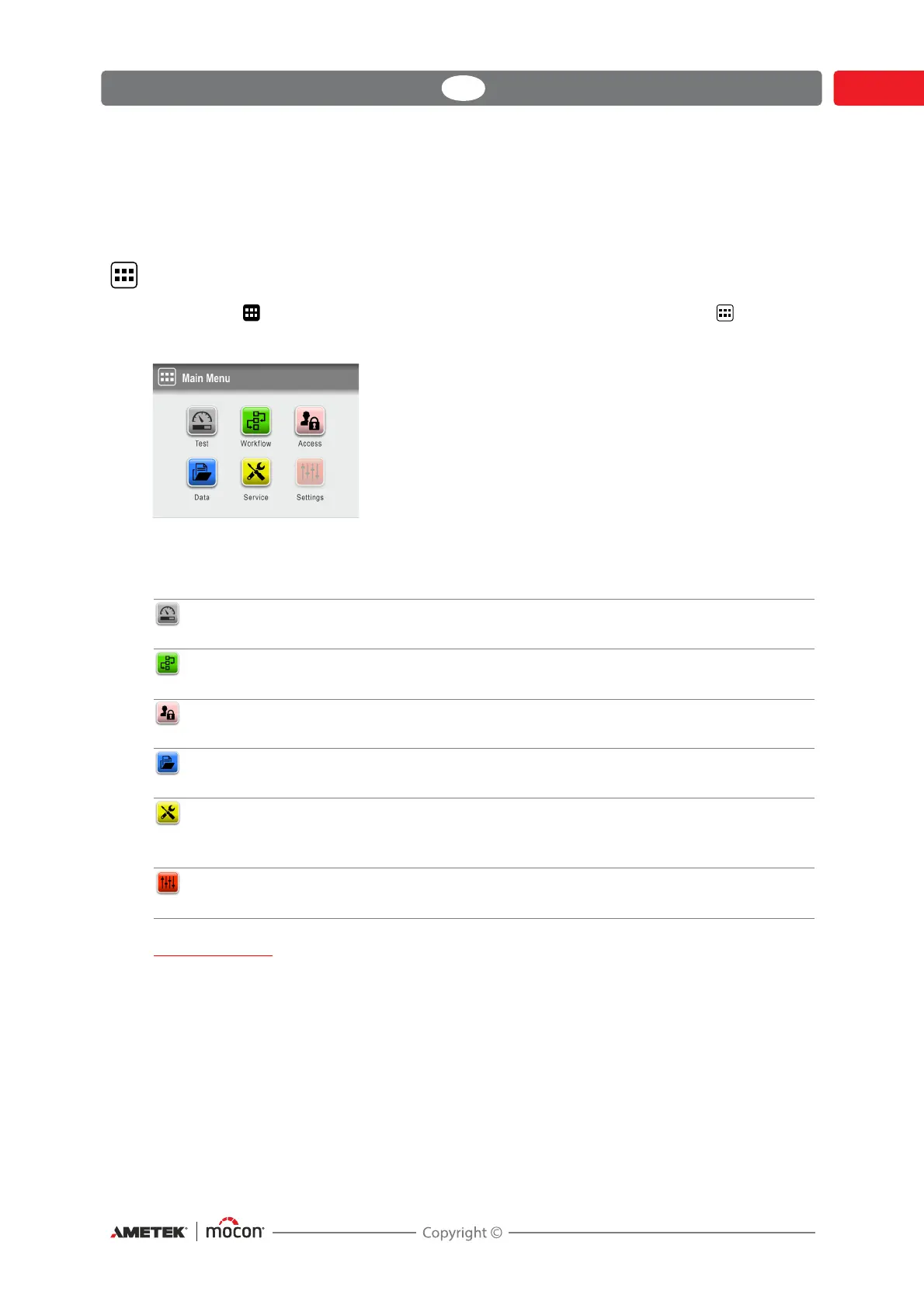
Main menu
Tapping the icon in the lower right corner of the test screen takes you to the Main
Menu.
Please note that the access level of the current user determines which features and menus are
available - see
"Access levels" on page 98 for details about the various access levels and the
associated rights.
IMPORTANT!
When changes are made to device settings, workflows and users etc., most of these are
not saved until you return to the previous menu level.
To make sure changes are saved, you should go to the main menu and wait at least 30
sec. before switching the device off.
Test Takes you to the Test screen.
See "Performing a workflow/test" on page 76 for details.
Workflow Definition of workflows and set-up of test definitions.
See "Workflow" on page 88 for details.
Access Selection and administration of user access levels.
See"Access" on page 97 for details.
Data View logged data for a test definition.
See "Data" on page 103 for details.
Service Perform test measurements and view device serial nos., SW
version and counters etc.
See "Service" on page 108 for details.
Settings Setting of various device parameters.
See "Settings" on page 115 for details.



 To Next Page