Dansensor® Lippke® 5000 EN User Guide 57
P/N 380419-C
05/2022
4. Operating
Basics
CAUTION! If the device has been stored in a cold location and then moved to a
warmer location then at least one hour of acclimatization is required before
switching on the unit.
If operated in a cold and high humidity environment it is advisable to let the device
heat up for 30 minutes after is has been switched on.
NOTE! Up to 10 minutes of heating time after power on is required before
measurements can be performed.
Switching on/off
1. Use the “ON/OFF” button on the back of the device to switch the device on and off.
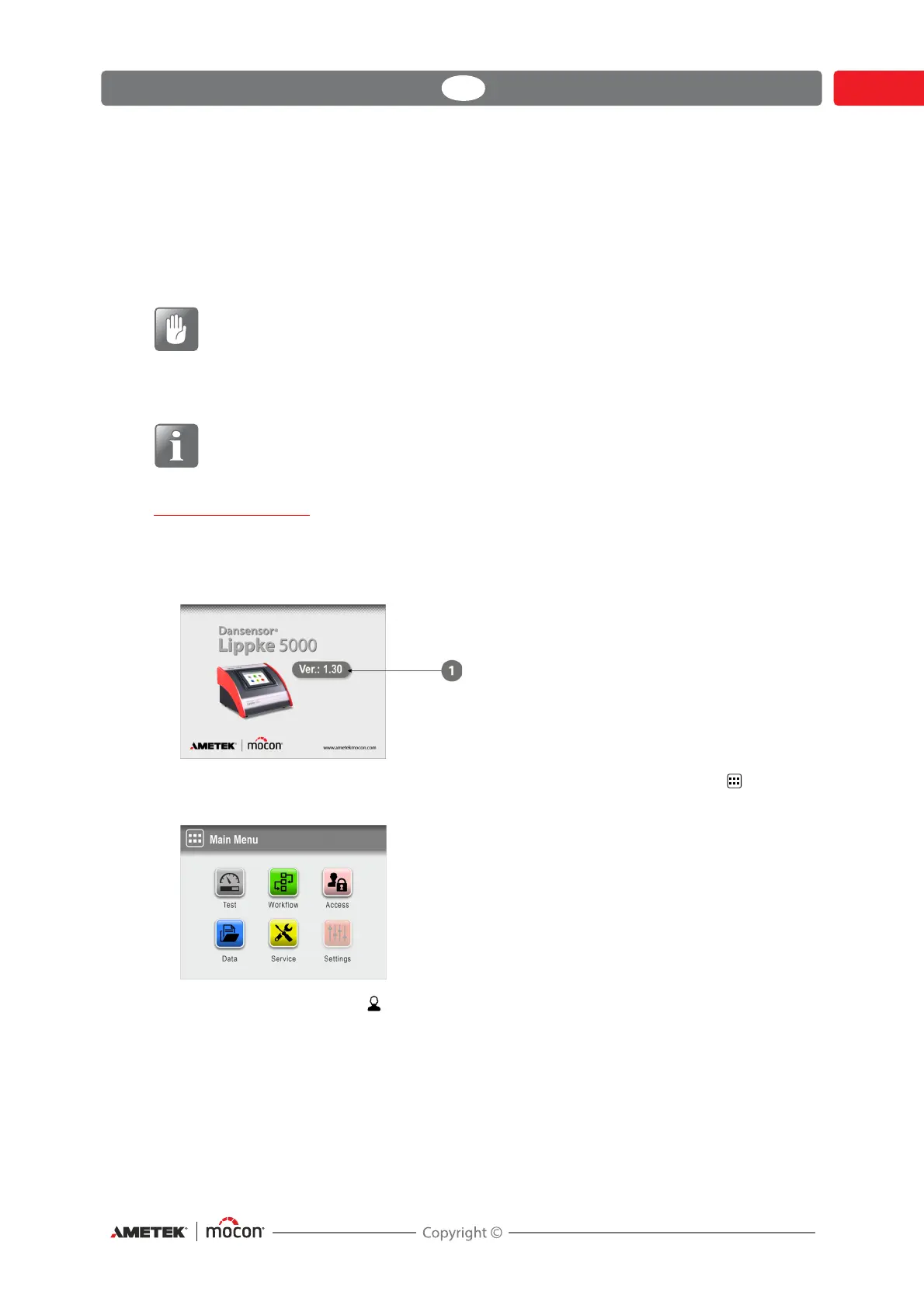
2. When the device is switched on, the display will show the start-up screen, indicating the
device model and the currently installed firmware version
.
3. When the device is ready and if no login is required, the display will show the Main
Menu:
Current user is the default Operator.



 To Next Page