56 User Guide EN Dansensor® Lippke® 5000
P/N 380419-C
05/2022
NOTE! Check to ensure that all hoses are firmly and tightly connected. Please use
the union nuts provided with the system. This will help ensure that all the
connections are safe and leak free - see
"Correct use of hose connectors" on page 54.
4. Connect the noise filter to the “EXHAUST” outlet connector.
CAUTION! Filter should only be hand tightened - do not use any tools.
5. Connect the power cable with the provided power supply between a suitable power
outlet and the device’s “POWER SUPPLY” connector.
CAUTION! Always use the power supply that comes with the device.
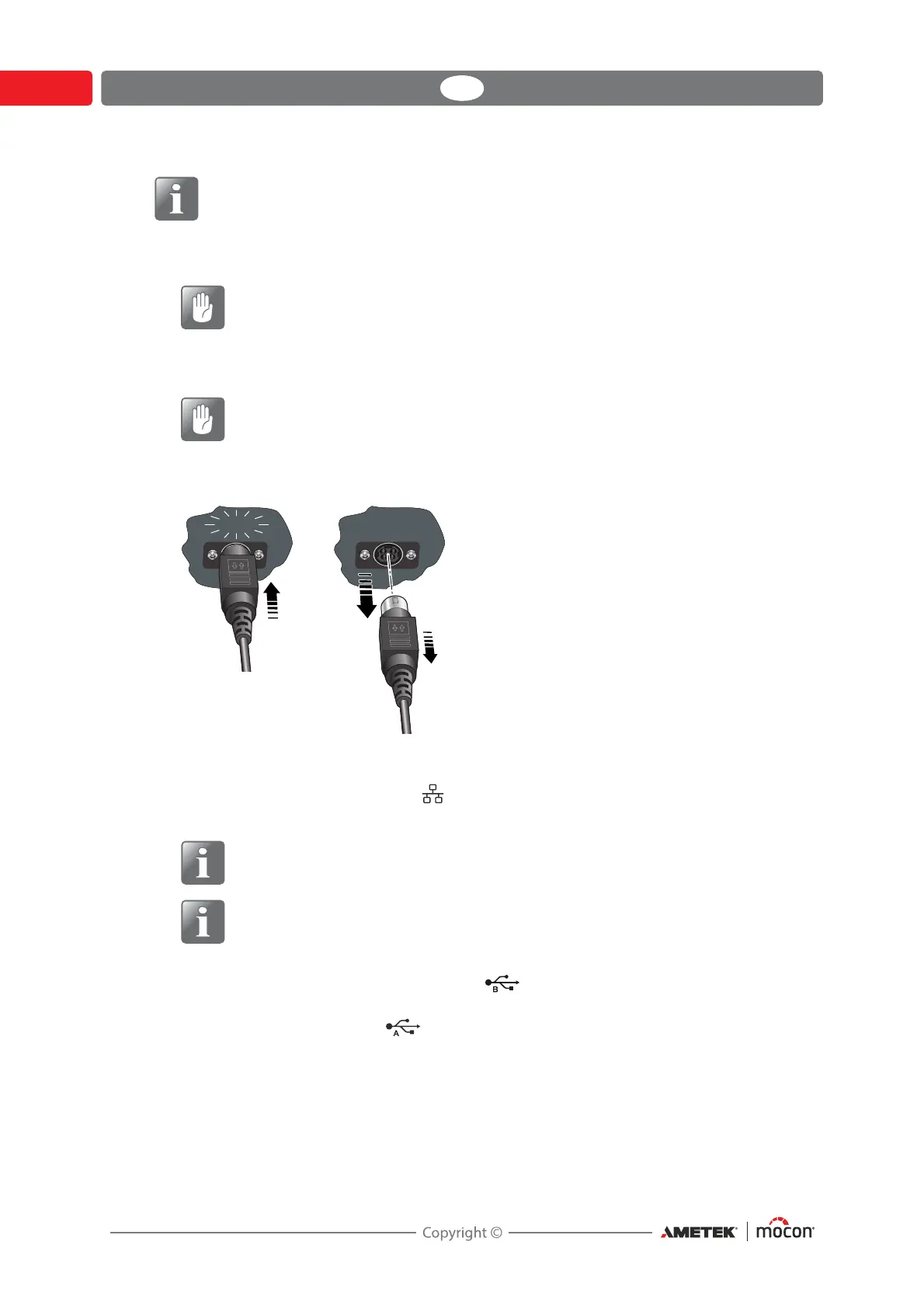
Make sure that the connector clicks into the socket. When disconnecting the cable, pull
the collar backwards to unlock the plug, then disconnect it.
6. If you plan on using network data logging, you should connect a LAN/Ethernet cable
from the LAN connector (labelled
) to a connector on your local area network.
This cable is not delivered with the device.
NOTE! Use shielded cables for optimal noise immunity.
NOTE! Always consult your network administrator before making network
settings, as incorrect settings can result in reduced or no network activity.
7. If you will be using the device together with the PC Software you should connect a USB
cable
from the USB connector (labelled ) to a USB connector on the PC.
This cable is not delivered with the device.
8. The USB connector (labelled ) can be used for connecting a USB memory stick for
exporting/importing log data, device settings etc. and for connection of a bar-code
scanner, a printer or a keyboard - see also
"Connecting multiple USB devices" on page 71.



 To Next Page