78 User Guide EN Dansensor® Lippke® 5000
P/N 380419-C
05/2022
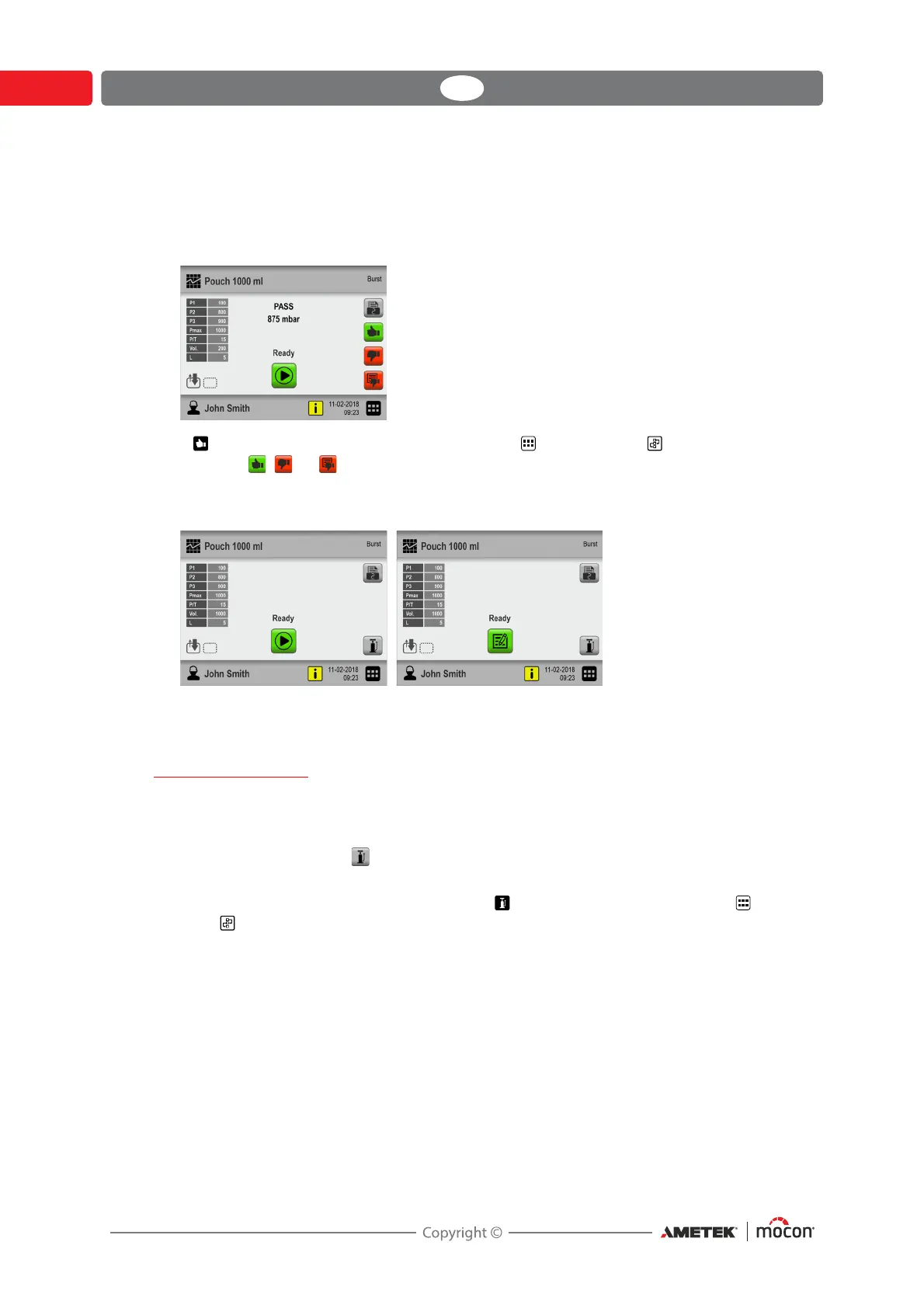
12. When the test terminates (in this case when the package bursts) the test result is
displayed on the screen.
In this case the test is approved (PASS) because the package bursts within the limits as
specified in the test definition.
13. If Acknowledge Measurement is enabled in Main Menu -> Workflow you must
press the , , or button now to validate and end the test/workflow - see page 62 for
details.
14. If print-outs are selected, the selected number is now printed on the connected printer.
15. The device is now ready for a new test/workflow.
Manual Inflation
While preparing a package for testing, it may turn out that the package is so flat that it is
difficult to get the needle properly into the package without the risk of damaging the back of
the package.
In this case, you can use the button to inflate the package a little and thus get better space
for the needle inside the package.
The button is only available on the test screen if Manual inflation is enabled in Main
Menu -> Workflow.



 To Next Page