64 User Guide EN Dansensor® Lippke® 5000
P/N 380419-C
05/2022
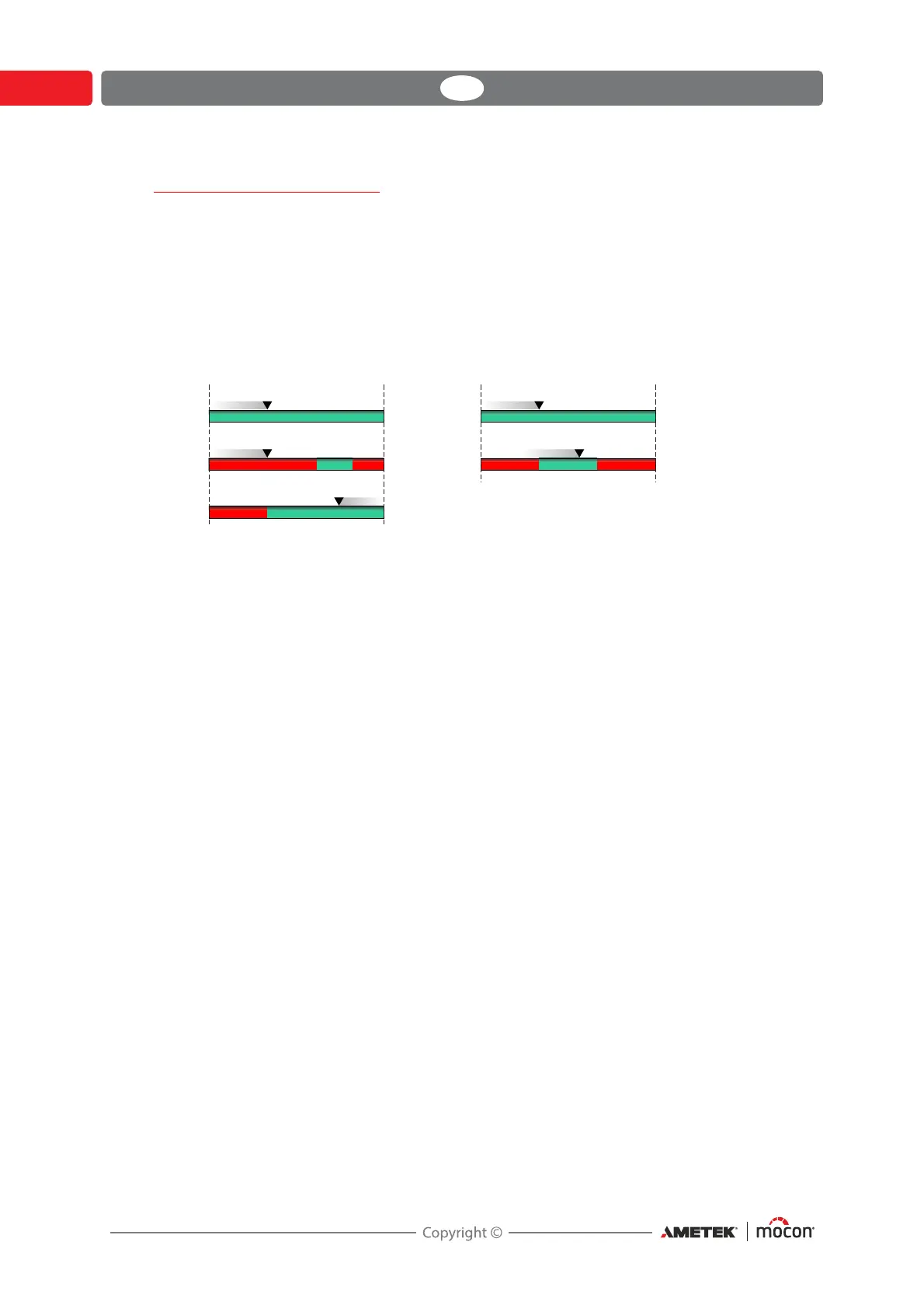
Test screen progress bar
The test screen uses a progress bar to offer a better view of the test progression.
The progress bar shows the area of a test definition’s min. and max. settings of either pressure
or time and a small arrow indicates the current pressure or time. Areas that in the test
definition are defined as acceptable values are green and areas that will result in a failed test
are red.
The various progress bars show the following:
The bar is used for “Leak”, “Creep” and “Bubble” tests and simply shows the pressure build-
up in the package.
The bar is used for “Burst” tests and shows the pressure build-up in the package. The green
area illustrates the pressure range within which the package is expected to burst.
The bar is used for “Leak” tests and shows the pressure loss in the package. If arrow reaches
the red area, the leak limit has been exceeded.
The bar is used for “Creep” tests and simply shows the duration of the actual testing.
The bar is used for “Creep2Fail” tests and shows the duration of the actual testing. The
green area illustrates the time range within which the package is expected to burst.
;;;
PEDU
;;;
PEDU
PEDU
PEDU
PEDU
VHF
VHF
NJO NJONBY NBY
;;VHF



 To Next Page