Dansensor® Lippke® 5000 EN User Guide 71
P/N 380419-C
05/2022
Printer
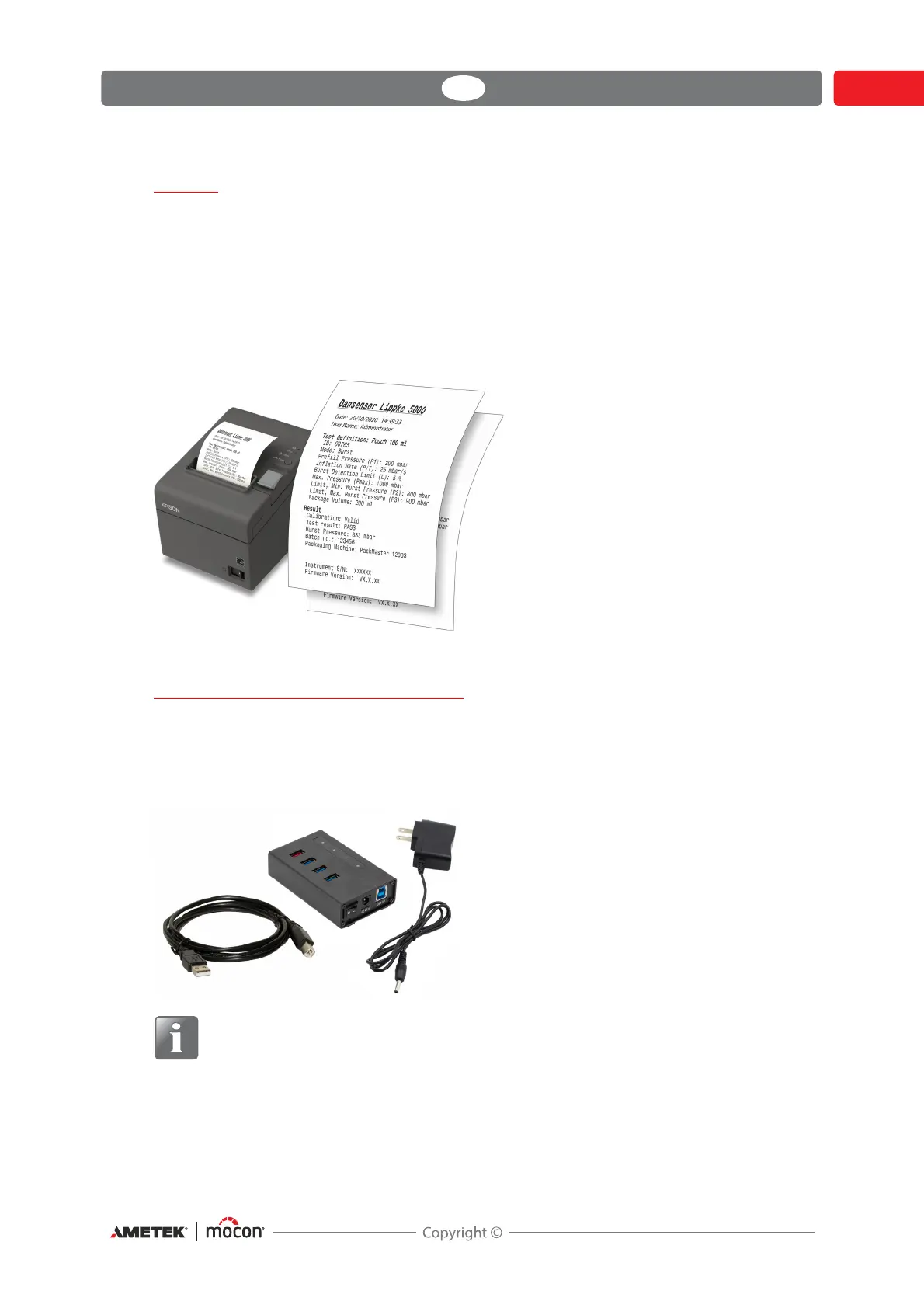
If a printer is connected to the device, it is possible to print a number of copies of the test
results.
The print-outs show:
Test date and current user
Test Definition name and parameters
Test result and custom fields and comments (if any)
Device serial no. and current Firmware version.
See "Printer" on page 128 for details about compatible printers.
Connecting multiple USB devices
Even if the device has only one USB connection, it is still possible to connect several USB
devices at the same time. However, this requires the use of a USB hub, which is available with
different numbers of USB connections.
MOCON Europe A/S does not offer USB hubs.
NOTE! Some USB devices (f.ex. bar-code scanners) have a larger power
consumption than others, so to ensure that the USB hub can provide the required
power supply to all the connected devices, we recommend using a USB hub with a
separate power supply.



 To Next Page