Dansensor® Lippke® 5000 EN User Guide 105
P/N 380419-C
05/2022
Test Log
From the Test Log screen you can read out and manage the test log data for selected test
definitions.
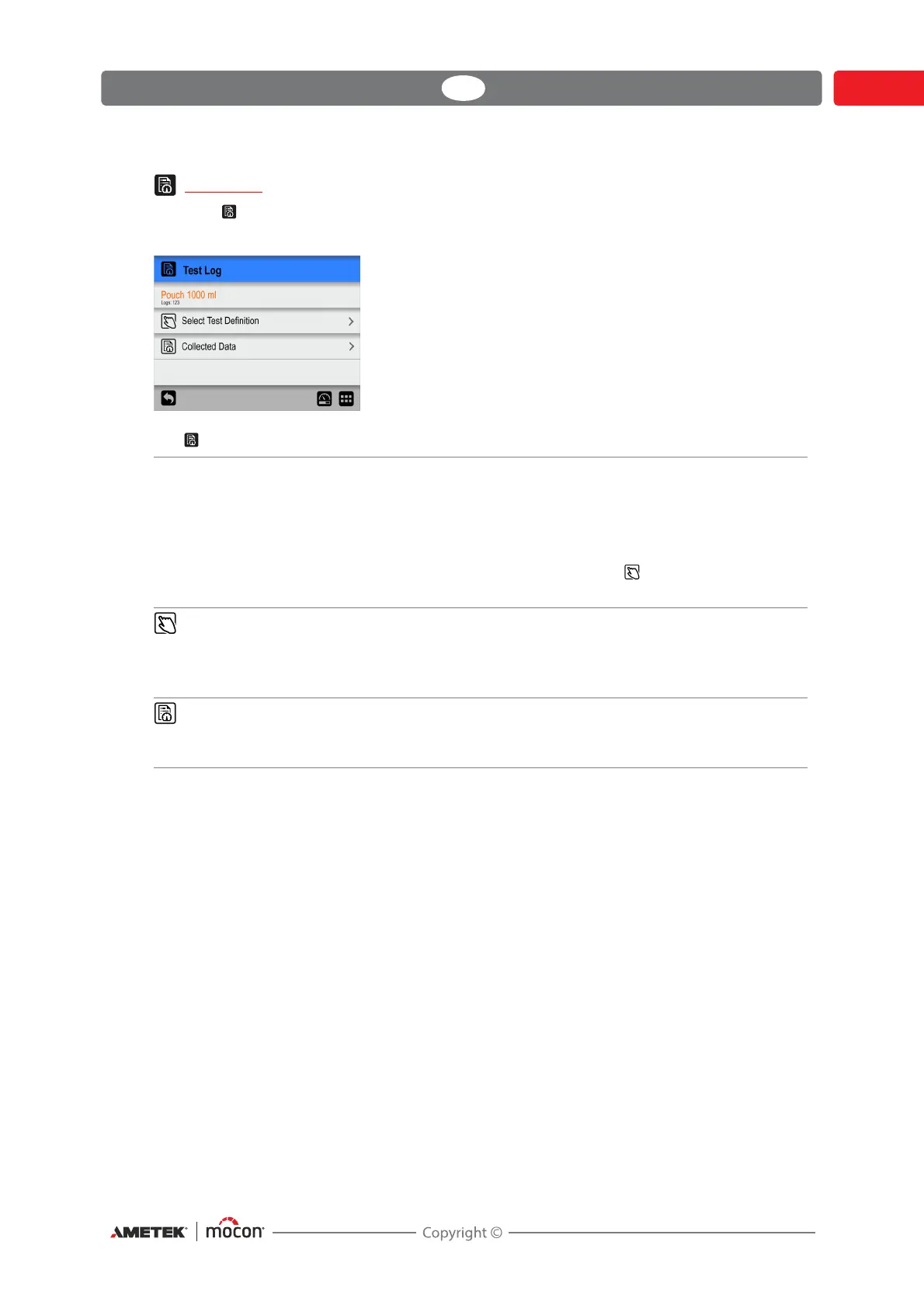
The Test Log menu holds the following items:
Active test definition The test definition currently selected for data management.
The field also shows the current number of data logs for the
test definition.
The default selected test definition is always the active test
definition (test definition text is orange) but any other test
definition can be selected using the
Select Test Definition
function.
Select Test Definition Select test definition for data management.
The procedure of locating and selecting test definitions is the
same as described in
"Select (as active)" on page 90 and "Find
and Filter" on page 93.
Collected data Displays the logged data (if any) for the currently selected test
definition.
See "Collected data" on page 106 for details.


 To Next Page