70 User Guide EN Dansensor® Lippke® 5000
P/N 380419-C
05/2022
Keyboard
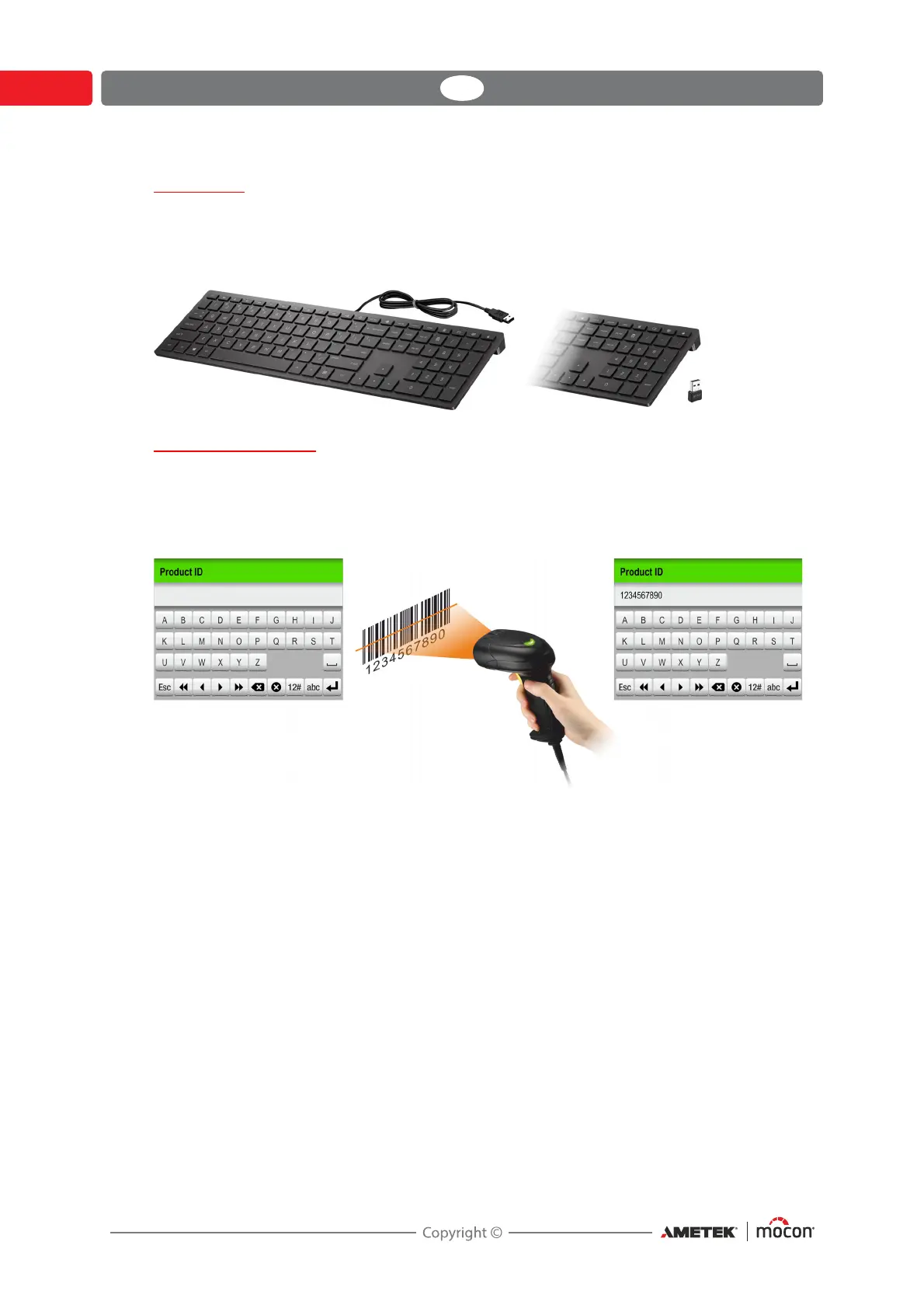
It is possible to connect an external keyboard, which makes it easier to enter text.
USB keyboards with cable or wireless transmitter can be used.
MOCON Europe A/S does not offer keyboards.
Bar-code scanner
If a bar-code scanner is connected to the device, it can be used to scan bar-codes for test
definition and user creation.
The scanner can also be used to scan predefined text strings converted to bar-codes, e.g. for
custom field inputs or invalid measurement notes.
Subsequently, the scanner can be used to easily and quickly select or change test definitions
or users.
See "Select test definition using a bar-code scanner" on page 75 for details.



 To Next Page