Dansensor® Lippke® 5000 EN User Guide 117
P/N 380419-C
05/2022
Import
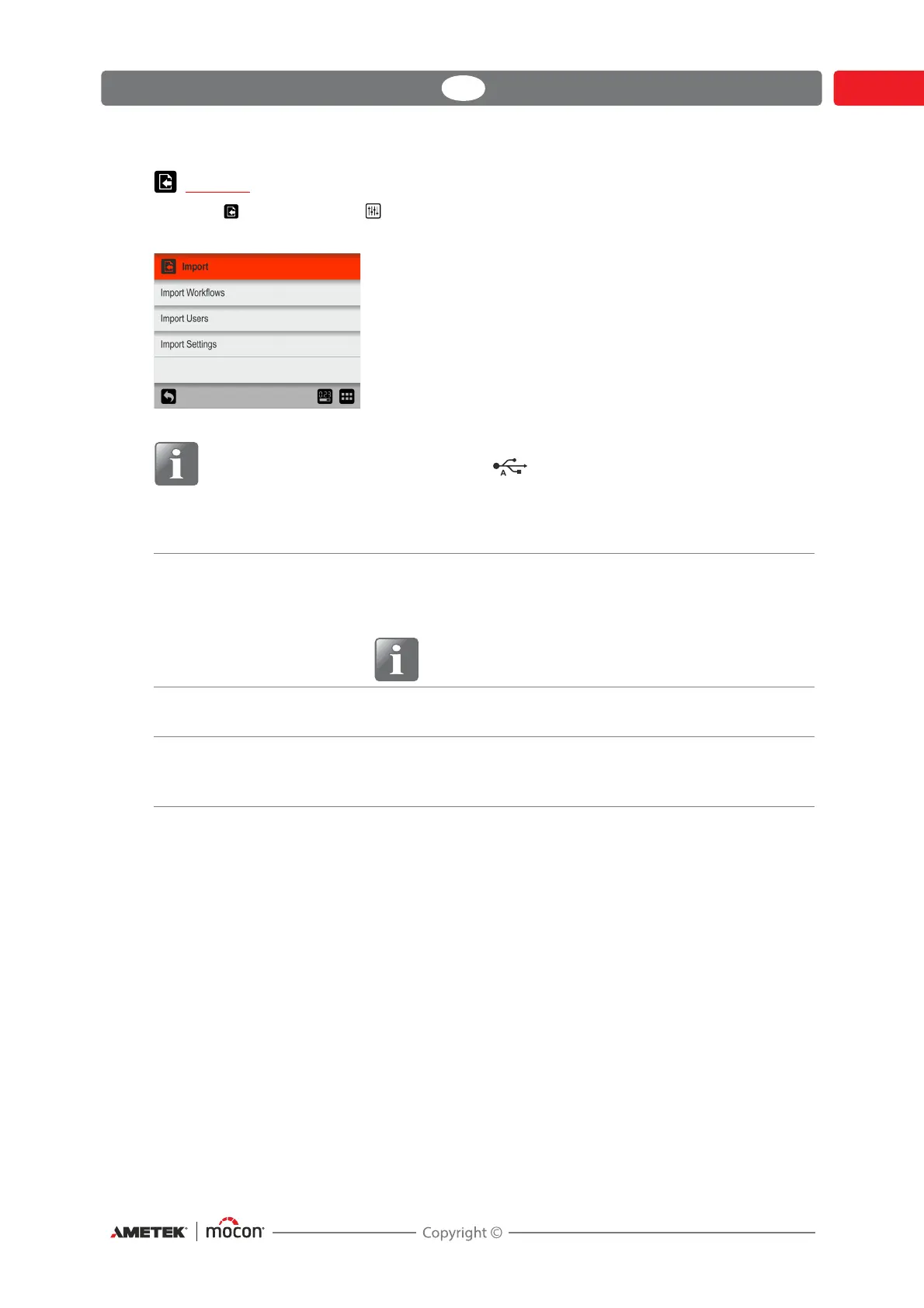
Selecting Import from the Settings menu will display a screen showing the various
import functions.
NOTE! The import functions require that you insert a USB-stick with the required
files in the device’s USB-port (labelled ).
The functions can for example be used to clone your device with exported data from another
device.
The import functions requires that the files are located in a folder named lippke and named
as described in
"Export" on page 116.
Import Workflows Imports a workflow database.
Only new test definitions will be imported, unless you choose
to delete the existing test definitions before importing.
NOTE! Custom Fields will be deleted from the
imported test definitions.
Import Users Imports a user database.
Only new users will be imported.
Import Settings Imports all settings.
Current settings will be overwritten.
Test definitions, users and log files are not affected.



 To Next Page