Dansensor® Lippke® 5000 EN User Guide 77
P/N 380419-C
05/2022
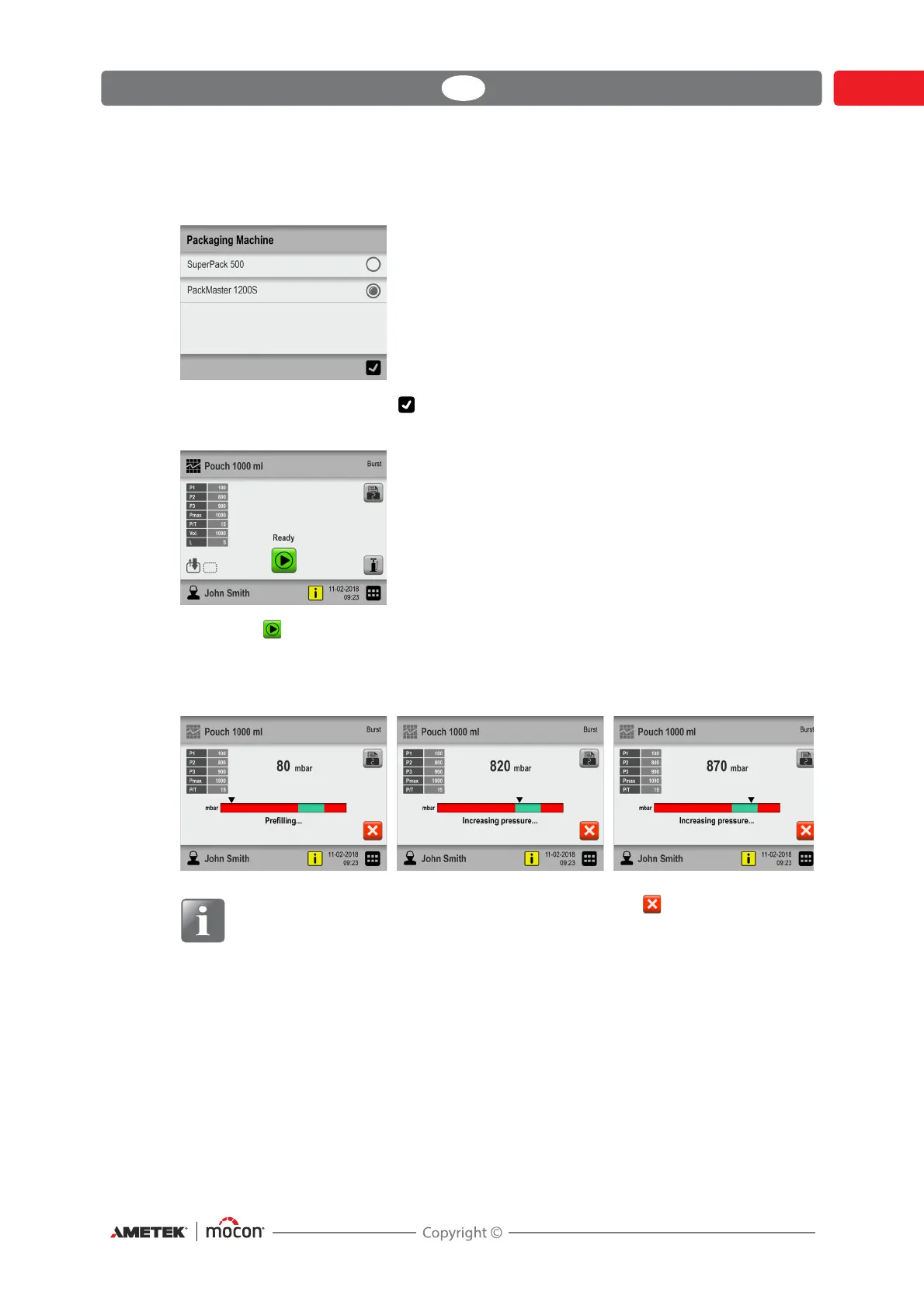
9. If another custom field is required, this could, for example, be selection between 2
predefined options, e.g. packaging machines.
Make your selection and press .
10. When display changes to...
... press the button to start the test.
11. The device now automatically performs all the steps of the selected test, displaying each
step as it is executed (pre-filling, pressure increase, etc.) together with the read-out of the
current package pressure.
See "Test screen progress bar" on page 64 for further details.
NOTE! The test can be aborted anytime by pressing the button.



 To Next Page