96 User Guide EN Dansensor® Lippke® 5000
P/N 380419-C
05/2022
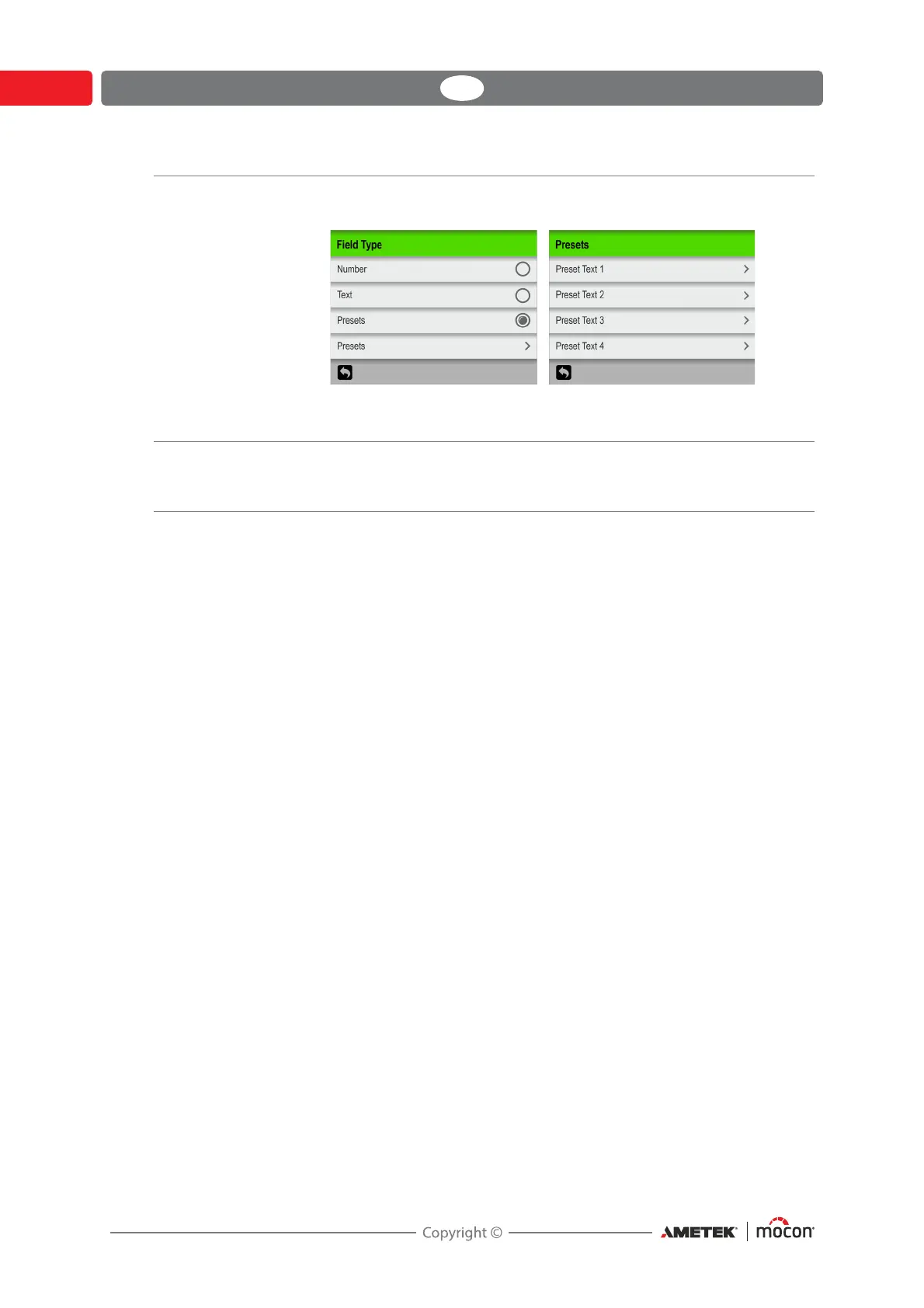
When type is set to Presets you have the possibility to define up to 4
different text fields.
When prompted during the measuring workflow, you must select
either of the preset text fields from the list.
Use Previous Value If enabled, the previous entered value will already be filled in, when
the appropriate entry keyboard appears.
Only applies when Field Type is set to either Text or Number.



 To Next Page