8-44 Manual # 42-02-2223
Using iView
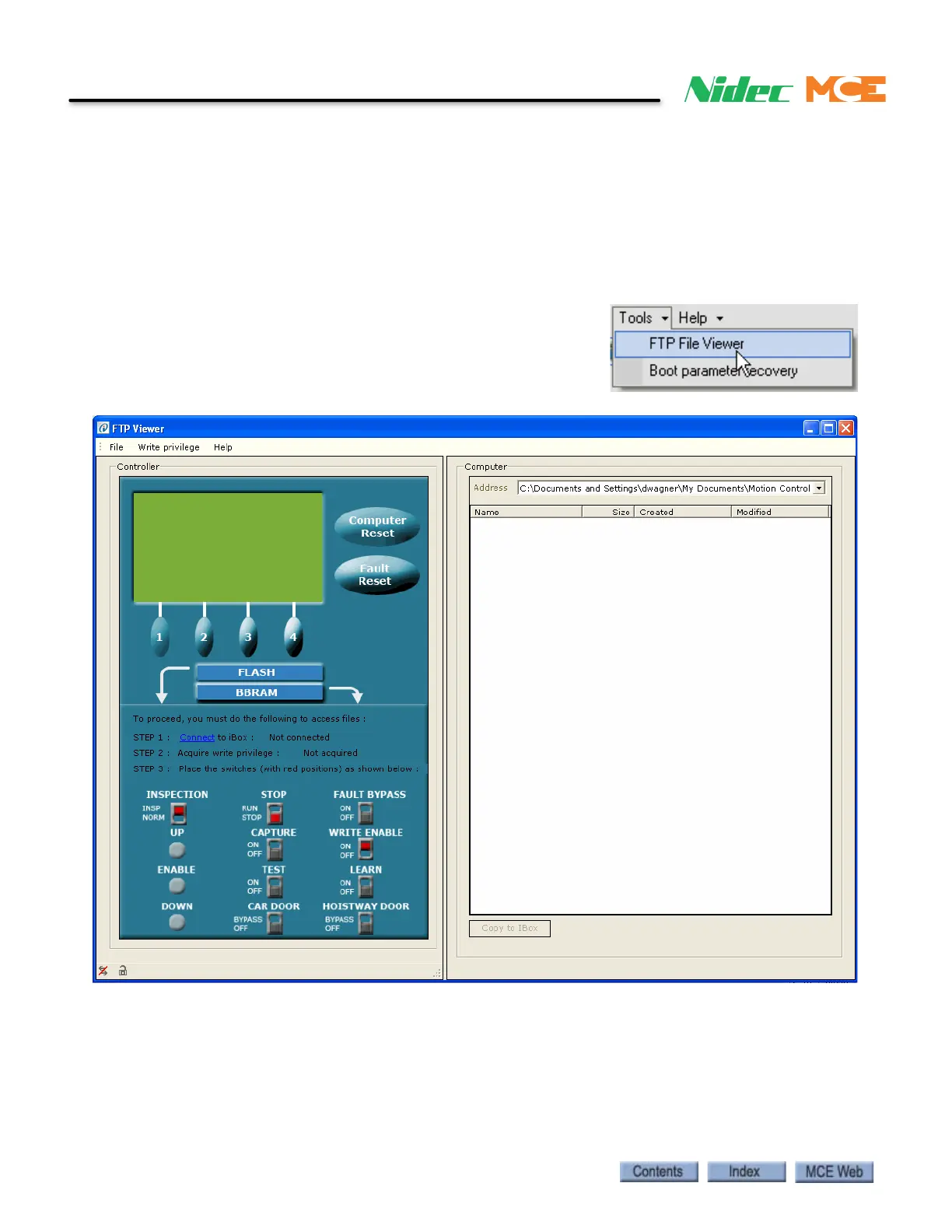
FTP File Viewer
The FTP File Viewer is a very useful troubleshooting tool. It can be used to copy firmware files
from an iBox to a PC, delete iBox firmware files or copy firmware files from a PC to an iBox. For
example, the Controller’s Event Log file could be copied from the iBox to the iView PC and then
sent via e-mail to MCE for evaluation. Typically this would be done per instructions from MCE
Tech Support.
Using the FTP File Viewer
1. From the iView Tools menu, click FTP File
Viewer.
2. The FTP Viewer window opens.



 To Next Page