9-2 Manual # 42-02-2223
Reference
iControl AC Specifications
Software Test Point Signals
The iBox allows you to select any one of over fifty signals to display on-screen in iView or on the
iBox LCD display at each of two “software test points.” A signal selected on a software test point
(Test Point 1, Test Point 2) is also output on the corresponding iBox physical test point (STP 1,
STP 2). For example, if you selected Brake Voltage on software Test Point 1, the Brake Voltage
value would be displayed on screen and would also be output on iBox test point STP 1. Signals
you can choose from are listed in the following table.
Raw signals are unprocessed signals directly from a source. They are frequently too “spikey” to
use to read an average value but provide proof of activity and instantaneous reaction to chang-
ing conditions.
Filtered values represent the average, filtered value extrapolated from the raw signal to provide
a viewable, “smoothed,” signal.
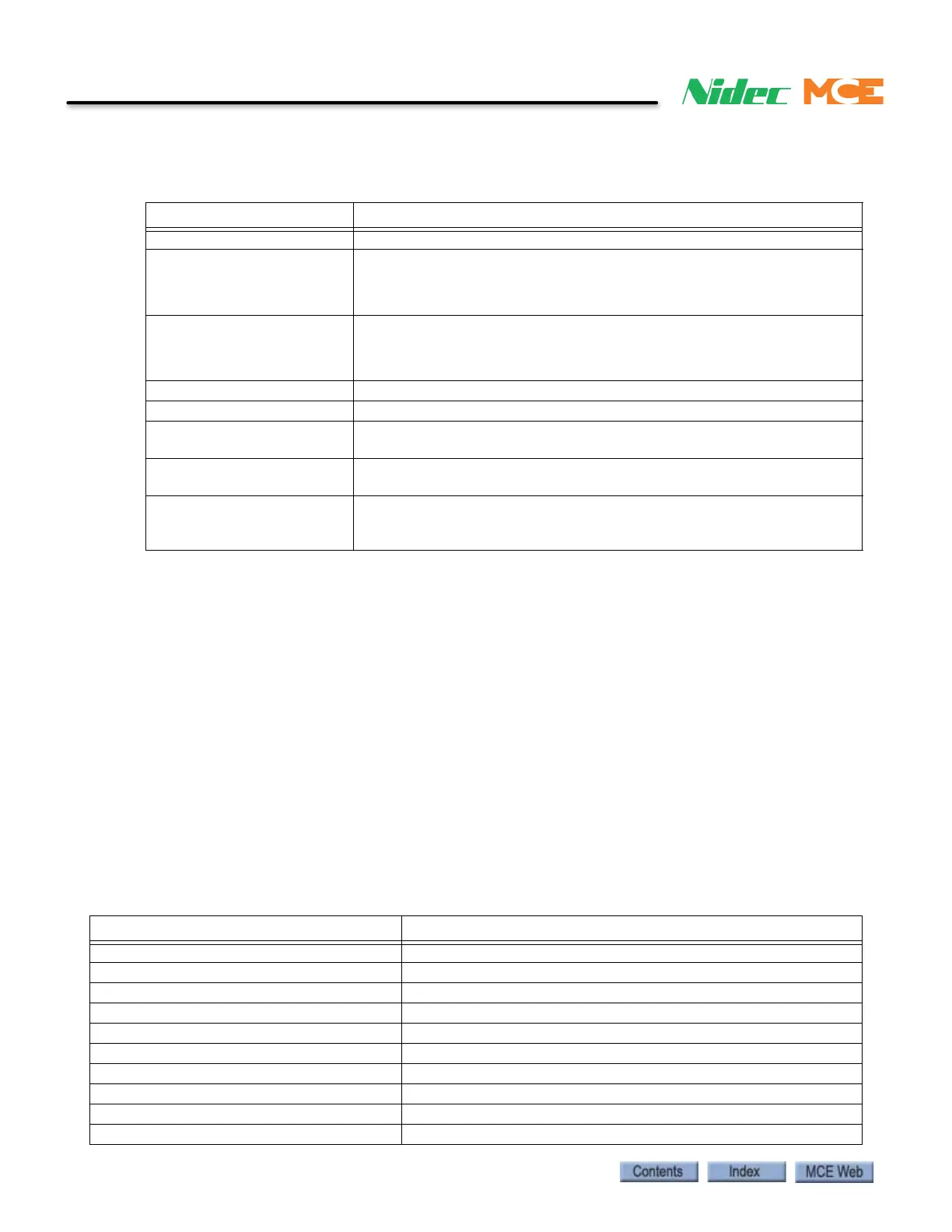
Table 9.1 iControl AC Specifications
Parameter Specification
Car Speed Up to 1800 fpm (9 m/s)
Jerk
15 ft/sec
3
(7.62 m/sec
3
) maximum
8 ft/sec
3
(2.44 m/sec
3
) nominal
1 ft/sec
3
(0.305 m/sec
3
) minimum
Acceleration
10 ft/sec
2
(3.04 m/sec
2
) maximum
4 ft/sec
2
(1.52 m/sec
2
) nominal
1 ft/sec
2
(0.31 m/sec
2
) minimum
Number of Stops Up to 96 (60 for Simplex operation)
Number of Cars in Group Up to 15
Floor Leveling Accuracy +/- 0.25 inches (6.35mm) guaranteed
+/- 0.125 inches (3.18mm) typical
Minimum Floor to Floor Time 4.8 seconds for 12-foot (3.66m) floor heights if rotating equipment is
capable of delivering the necessary torque.
Environmental Limits 32 to 104 degrees F (0—40 degrees C) ambient
12,000 ft (3,658m) altitude
95% relative humidity (non-condensing)
Table 9.2 Test Point Signals
Test Signal Description / Text References
Acceleration (Command) Post-filter, acceleration command signal.
Acceleration (Directional) Directional acceleration signal.
Acceleration (Filtered) Pre-filtered acceleration signal.
Acceleration (Interpolated) Interpolated (smoothed) acceleration signal.
Acceleration (Raw) Raw acceleration signal.
Acceleration (Slew) Slew rate limited acceleration signal.
Armature Active Status High = armature control enabled.
Armature Command Control Filtered armature composite command.
Armature Command (Damped) Damped armature composite command.
Armature Command (Raw) Raw armature composite command.



 To Next Page