9-69
TORQMAX F5 Drive v1.xx Setup
iControl AC
9
TORQMAX/KEB Drive Operation Overview
The LF.3 parameter determines the mode the drive is in. The drive default mode is “run.”
Generally:
•Set LF.3 to Stop to adjust parameter values
• Press Enter to save the adjusted value
•Set LF.3 to run and press Enter to run the elevator using the controller Inspection con-
trols or for normal operation
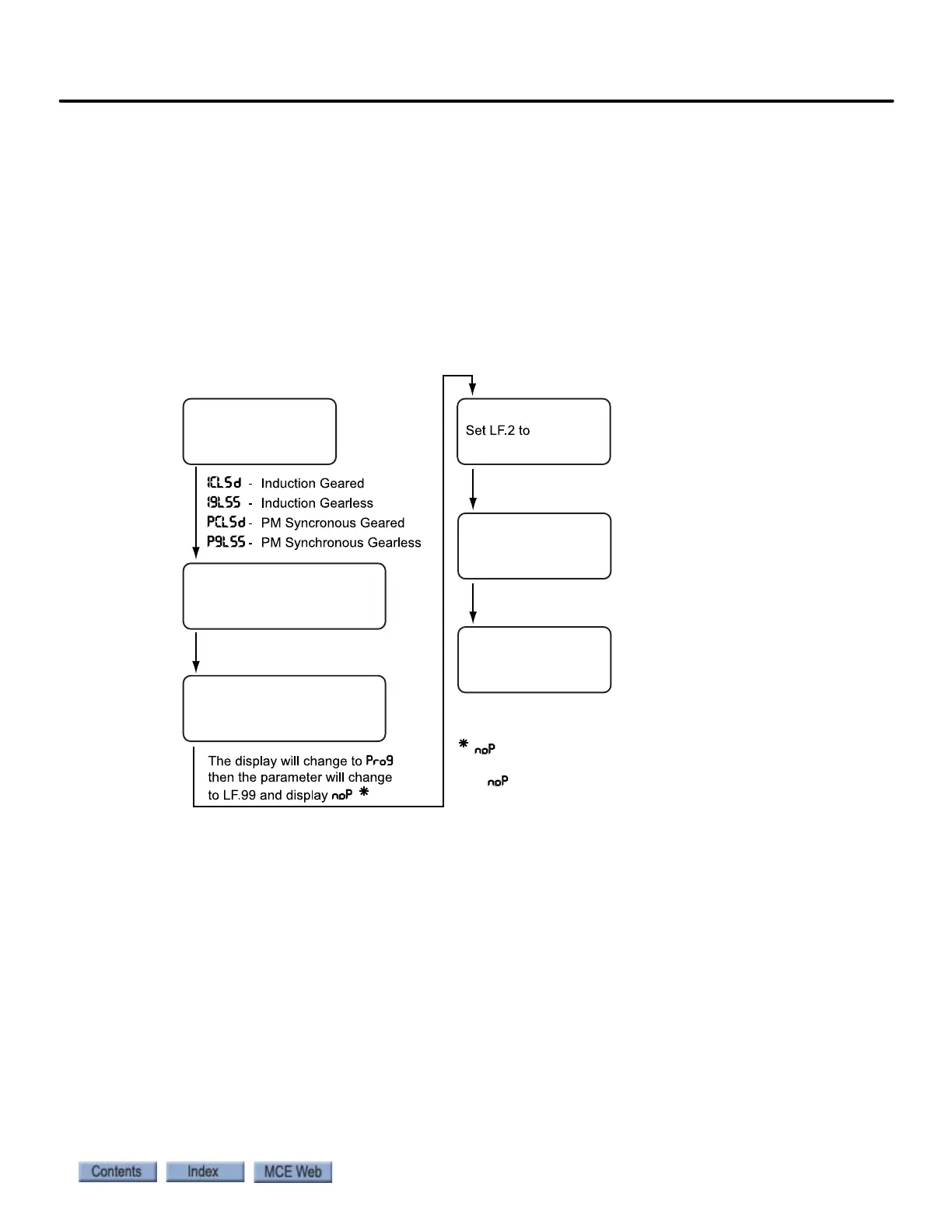
Drive Motor/Encoder Setup Overview
Figure 9.2 F5 Motor/Encoder Setup Overview
Learn or Enter Motor or Encoder Data In order to enter motor nameplate data
into the drive, learn motor information, or learn encoder information, you must activate param-
eter LF.3 appropriately:
• conF (configuration): Operation troubleshooting (90 second time-out)
• S Lrn: Auto tuning drive to motor
• run: Sets drive to run mode
• I Lrn (inertia learn): Learns system inertial / activates FFTC.
• P Lrn (pole learn): Learns motor pole positions (see drive manual).
StoP: Motor cannot run. Note: When StoP is active, the drive will not respond to the direction
inputs and therefore, the motor will not run.
Determine Motor Type
Enter motor data -
LF.20 ... LF.25
Go to US.10, press FUNCTION
until correct selection displayed
then press ENTER
Go to US.4, set the display
to LOAD, then press ENTER
Enter encoder data -
LF.26 ... LF.29
indicates successful load.
If does not appear,
refer to drive manual.
SErSP



 To Next Page