97
Cirrus LT Plus User Manual v1.2 - Chapter 4
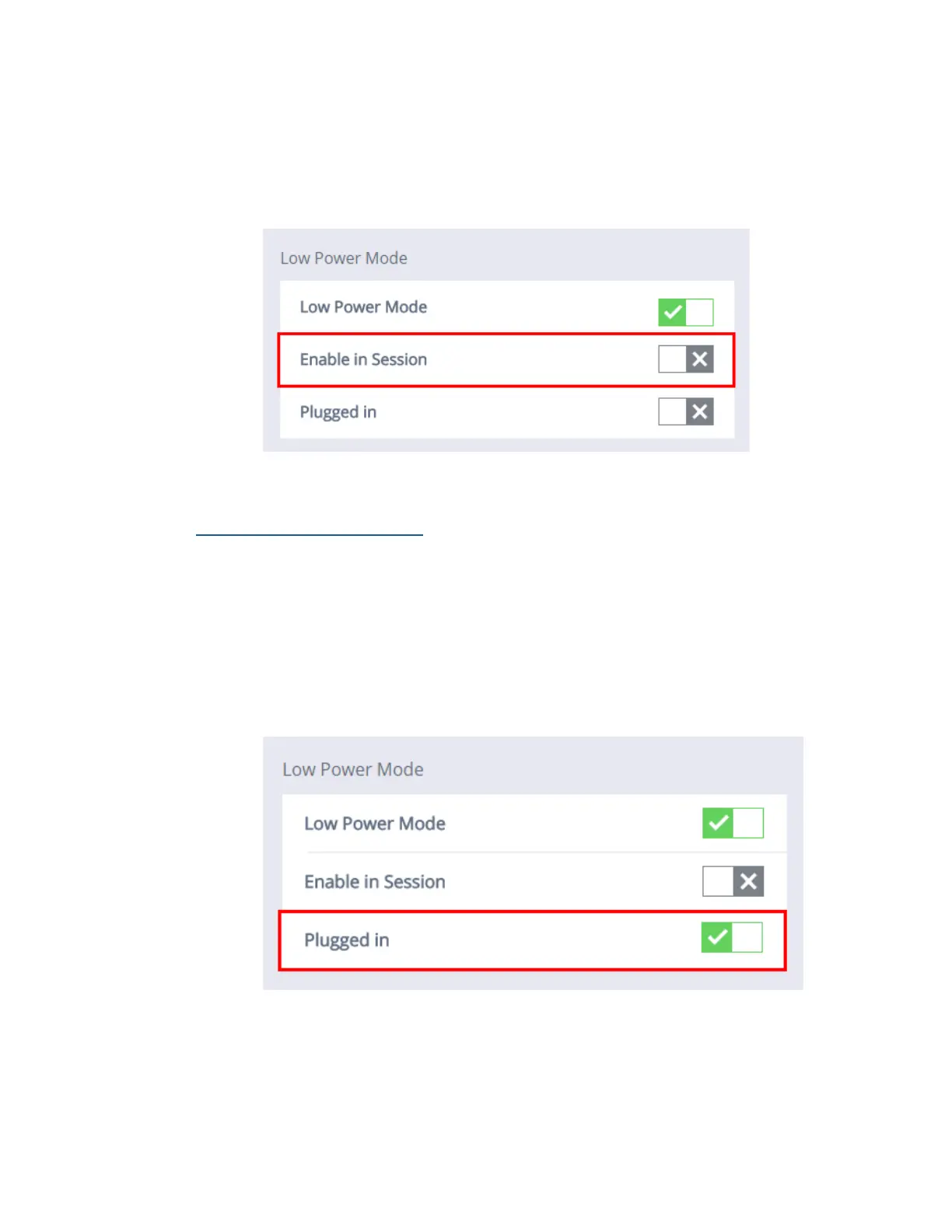
To Disable In Session Mode:
1. Click the Power Management submenu.
2. Click the box next to Enable In Session. When the gray ‘x’ is selected, En-
able In Session Mode will be turned off.
Enabling Plugged In Mode
With this mode enabled, the unit will go to sleep in the selected time of inactiv-
ity even with the power cord plugged into an AC outlet.
To Enable Plugged In Mode:
1. Click the Power Management submenu.
2. Click the box next to Plugged In. When the green ‘check mark’ is selected,
Plugged In Mode will be enabled.



 To Next Page