4. Advanced Operation
PROGRAMMABLE AC POWER SOURCE
128
3.
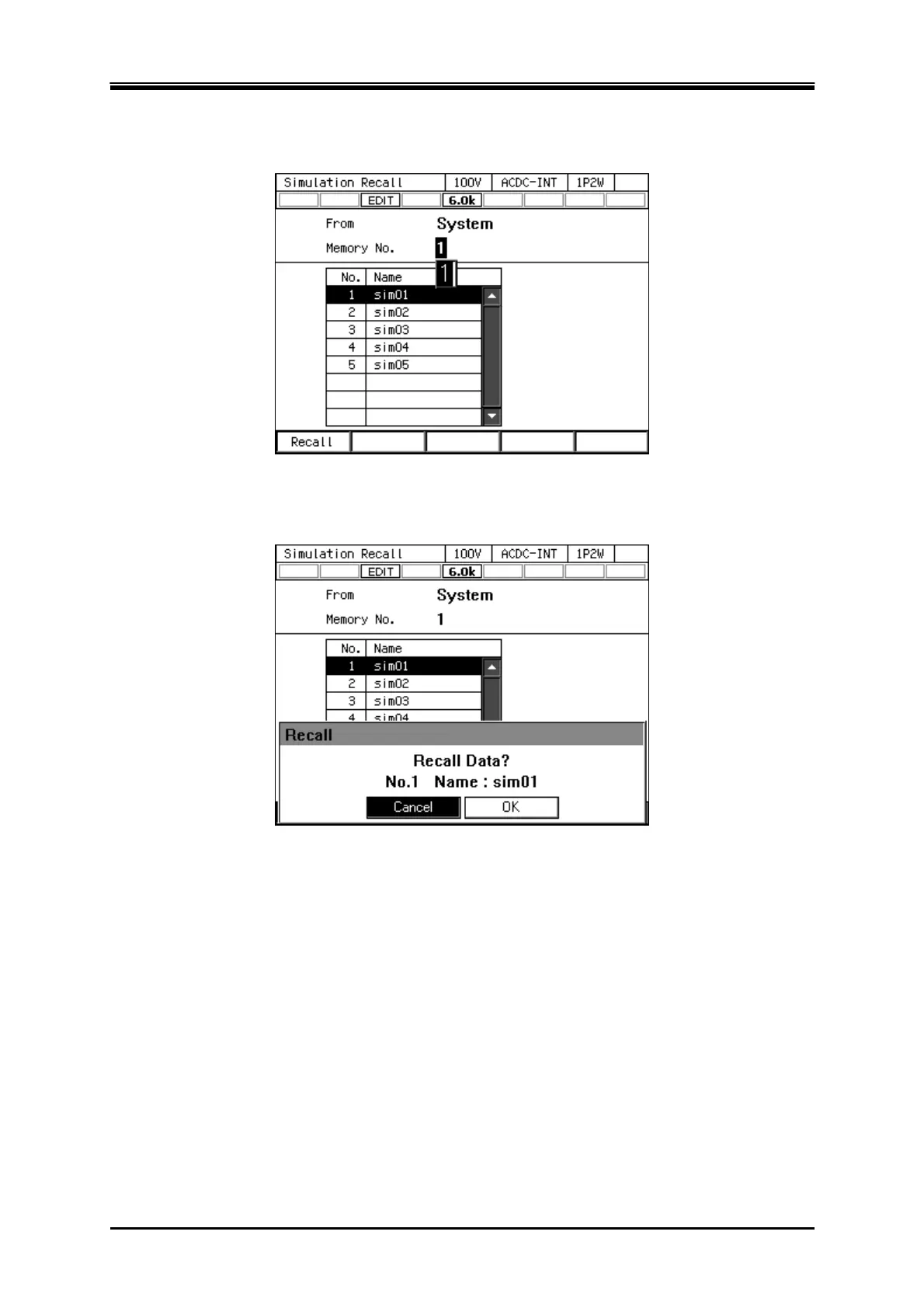
Specify the memory number of simulation to be loaded in [Memory No.] item, and then push
[Recall] soft-key.
4.
The confirmation window for loading the simulation opens. Select [OK]. The simulation with
the specified memory number is loaded.
Load the simulation stored in the USB memory
For how to connect USB memory to this product, and how to disconnect from this product, see 4.9.



 To Next Page