4. Advanced Operation
PROGRAMMABLE AC POWER SOURCE
172
4.
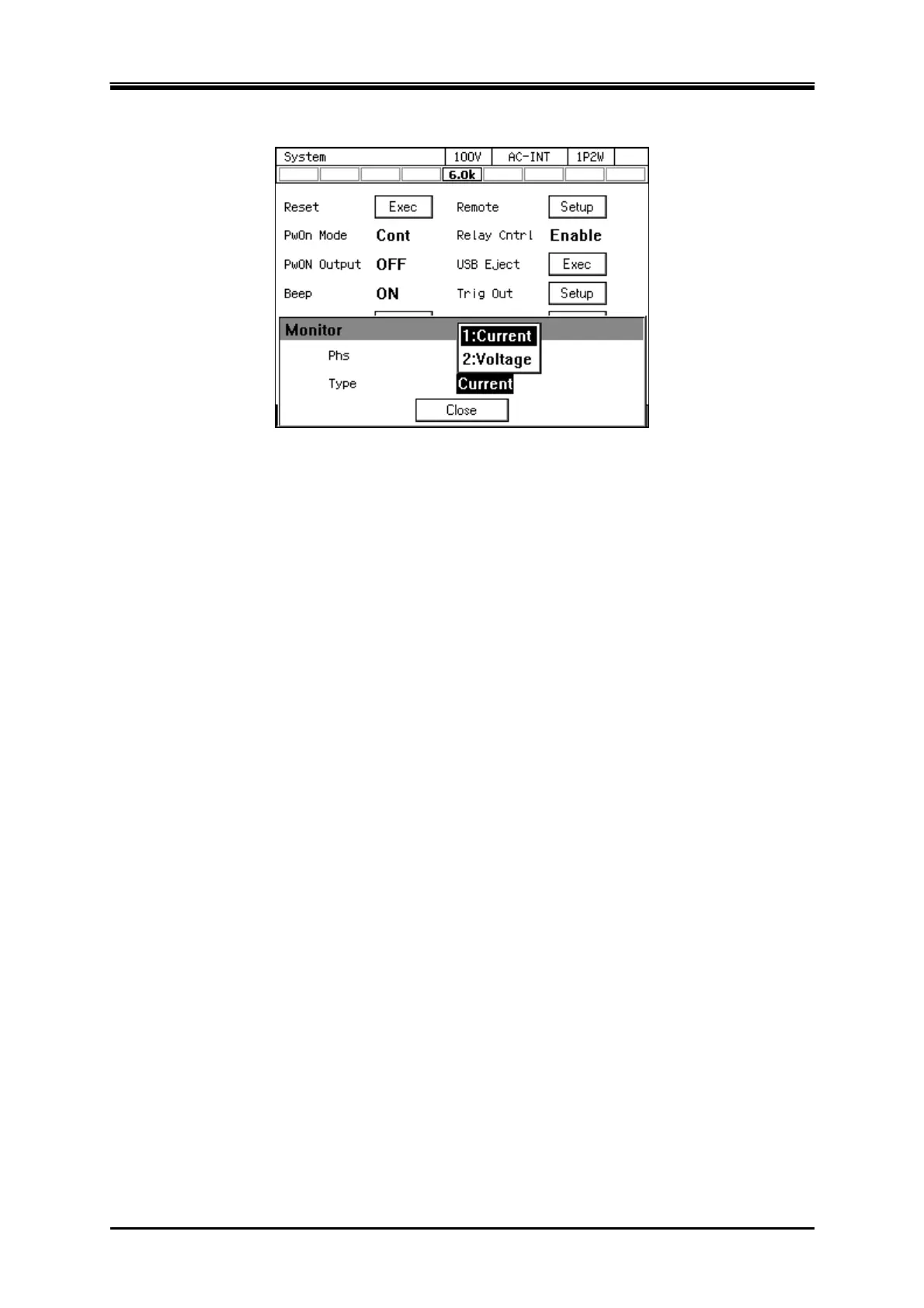
For the [Type] item, select the output voltage or current.
5.
Put the cursor on [Close], then press the ENTER key.
-------- Notes ------------------------------------------------------------------------------------------------------------
In a polyphase system, configure monitor setting for each of the phases using the L1 phase
cabinet. Each cabinet's monitor output connector outputs the monitor voltage of that phase.
In a single-phase model, the [Phs] item is fixed to L1.
The output voltage monitor watches the voltage at the output terminal whether the remote
sensing state is on or off.
-----------------------------------------------------------------------------------------------------------------------------



 To Next Page