3.4 Using the Continuous Function
DP Series/DP Series Type R
71
2.
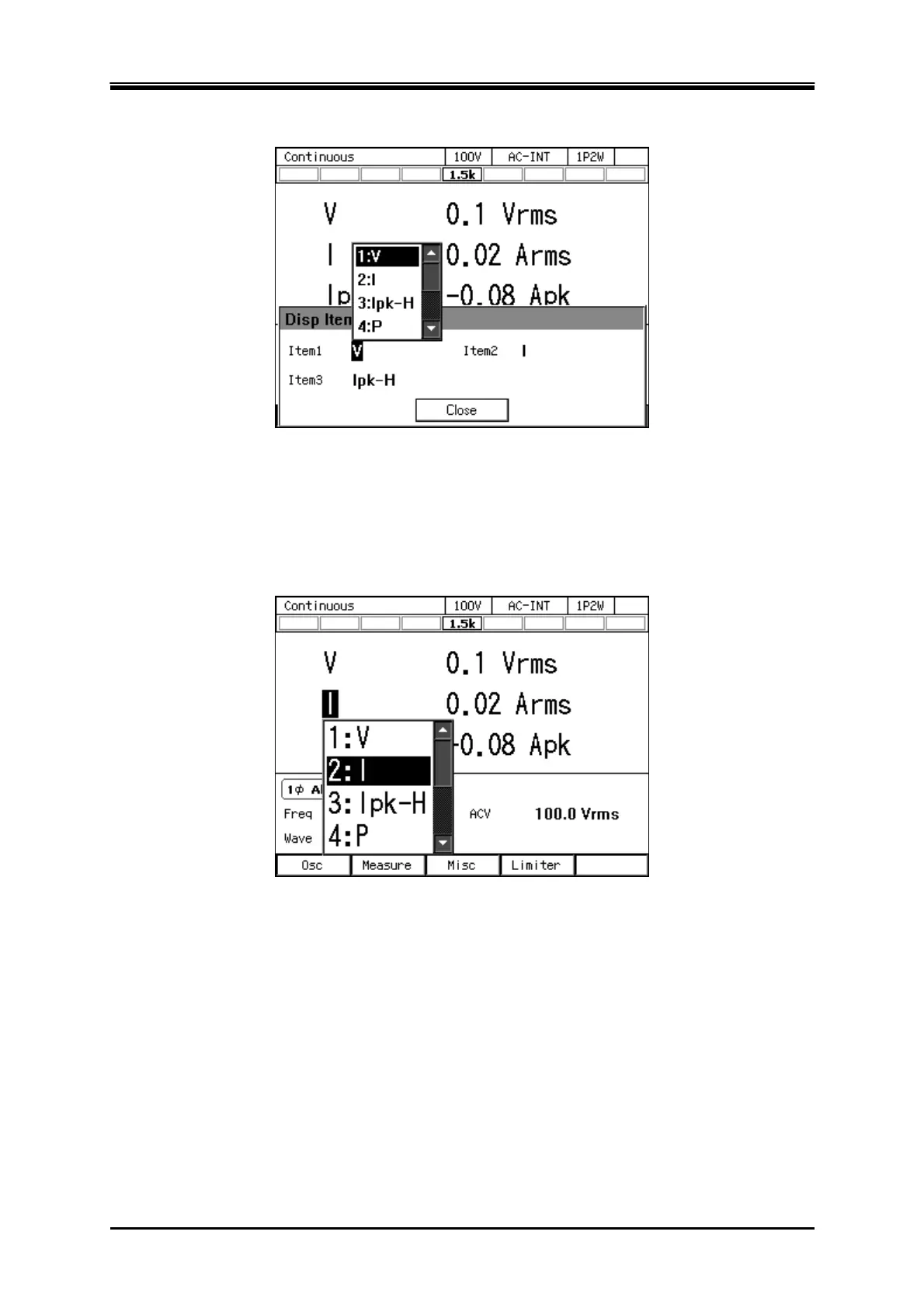
In the [Item1] to [Item3] items, select measured values to be displayed.
3.
Close the window. For how to close the window, see
3.3.4
.
Selecting the measured value being displayed in the Simple View mode (procedure 2)
In the Simple View mode, hover the cursor over the measured value item and press the ENTER key.
The selection box for choosing display items opens.



 To Next Page