EasyManua.ls Logo

Nikon D300S - Page 141

Nikon D300S
501 pages
Print Icon
To Next Page IconTo Next Page
To Previous Page IconTo Previous Page
Loading...
"-'1
K
l.Ll
n
J,~ul
b)
FS.6
L I
DSD
Ie J
l'
~(
NOAMI
I'mlA
While
the
exposure meters are active,
rotate
the
main
command
dial
until
fl.
.."
.
th
h
tt
d
Cu
...
~
c.
appears
In
e s u er-spee
displays. The exposure indicators
do
not
appear
when
fl.
.. ".
ltd
c.~.
~
C.
IS
se
ec e .
3 Choose a
shutter
speed.
4 Press
the
shutter-release
button
all
the
way down.
Press
the
shutter-release
button
on
the
camera
or
remote cord
all
the
way
down.
The
shutter
will
remain
open
while
the
shutter-release
button
is
pressed.
5 Release
the
shutter-release
button.
Remove
your
finger
from
the
shutter-release
button
to
record
the
photograph.
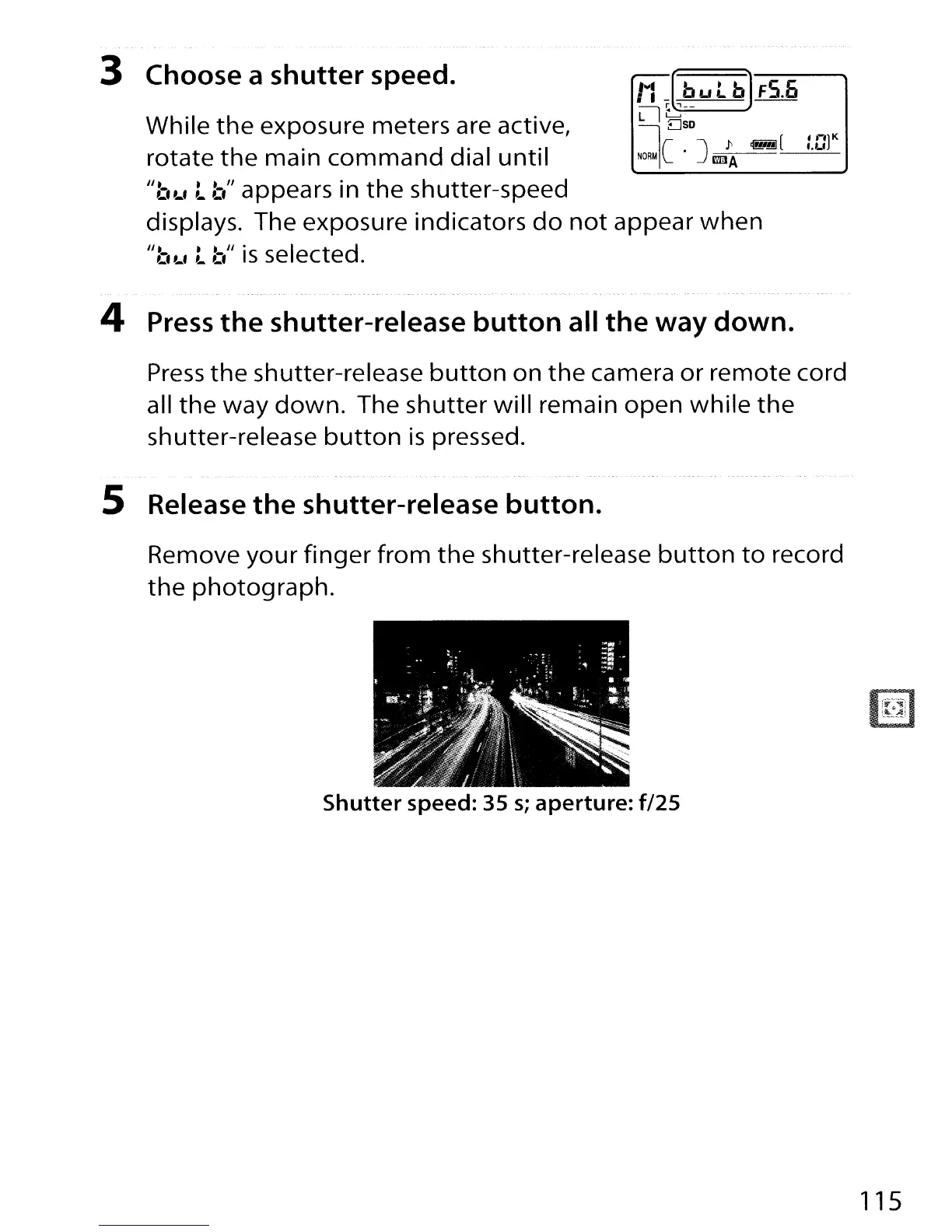
Shutter
speed:
3S
s;
aperture:
f/2S
115

Table of Contents

Other manuals for Nikon D300S

Related product manuals