Using
the
Flash
Use
the
built-in flash when lighting
is
poor or
the
subject
is
back lit. Follow the steps below
to
use
the built-in flash.
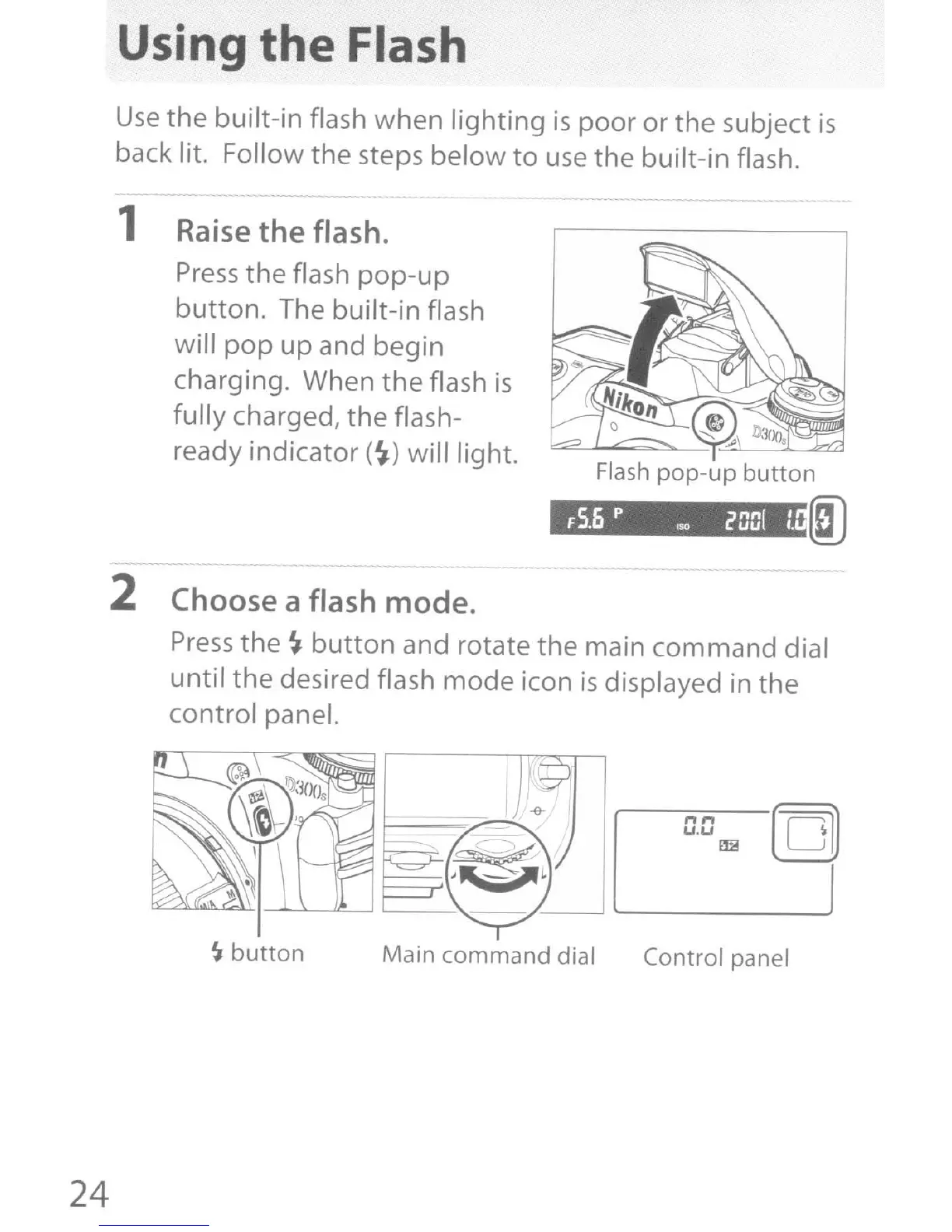
1 Raise
the
flash.
Press
the flash
pop-up
button.
The built-in flash
will
pop
up and begin
charging. When
the
flash
is
fully charged, the flash-
ready indicator
(~)
will light.
F
5.6
p 'so
i'
001
t.
2 Choose a flash
mode.
Press
the
~
button
and rotate the main command dial
until the desired flash mode icon
is
displayed in the
control panel.
0.0
..
[Q)
24
~
button
Main command dial Control panel



 To Next Page