EasyManua.ls Logo

Nikon D300S - Format Memory Card; LCD Brightness; Video Mode

Nikon D300S
501 pages
Print Icon
To Next Page IconTo Next Page
To Previous Page IconTo Previous Page
Loading...
Format
Memory
Card
'g
i!
i-Si,.~-:\h!"_§'
MENU
button
...
't
Setup menu i
'P'
- . t
ih:i
...
--
.
"i!"'s.,tl
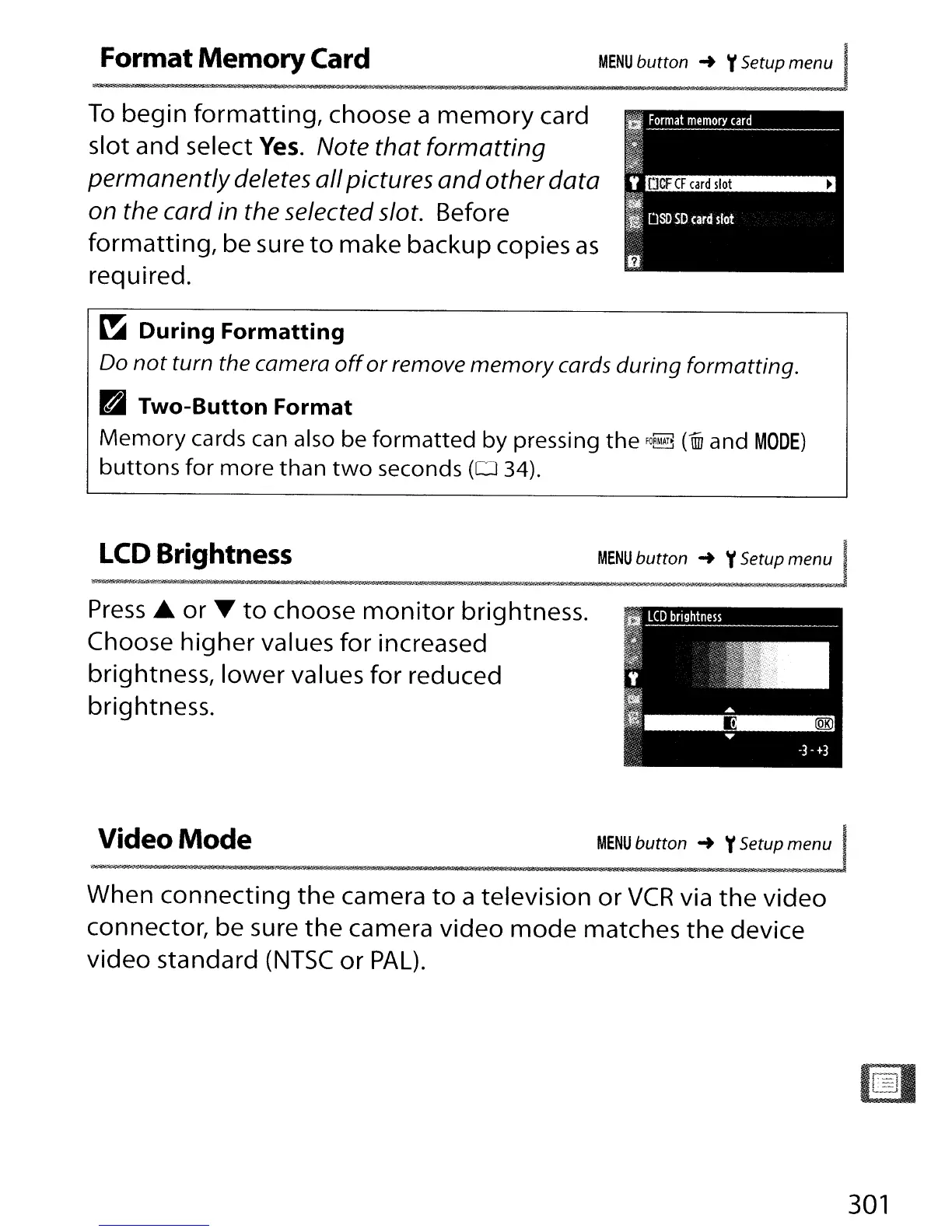
To
begin
formatting,
choose a
memory
card
slot and select
Yes.
Note
that
formatting
permanently
deletes
all
pictures
and
other
data
on the card in the selected slot. Before
formatting,
be sure
to
make backup copies
as
required.
~
During
Formatting
Do
not
turn the camera
off
or
remove
memory
cards during formatting.
~
Two-Button Format
Memory
cards can also be
formatted
by pressing
the
fO~
(un
and
MODE)
buttons
for
more
than
two
seconds
(0
34).
LCD Brightness
MENU
button
...
't
Setup menu I
r·Il
...
r:
!H'-;i'll.
~:?!S!i
'}j"[n
ill
__
rE
:c~~1
Press
£
or"
to
choose
monitor
brightness.
Choose
higher
values
for
increased
brightness,
lower
values
for
reduced
brightness.
Video
Mode
MENU
button ... y
setupme:J
$.
iCN!?],§fS-!i?
pr'-
n . .
-$""
. -
!I',
"'51;0
,.
When
connecting
the
camera
to
a television
or
VCR
via
the
video
connector, be sure
the
camera
video
mode
matches
the
device
video
standard
(NTSC
or
PAL).
301

Table of Contents

Other manuals for Nikon D300S

Related product manuals