Reset Shooting
Menu
MENU
button ... 0 shooting menu I
.,,~~
..
-:-
- - - 'cw
If
ilW_II1J~~
••
:l'-_~
'il.
:;:;:$.I;;"~
..
~~WI;ff;olli'W''''-o/CtI·'re!,
':2~~Ij:l'S
~,_
'01'
'I'
U'
••
:1!!iII*~
,~I'IS"_
~1lMl~~~<ri:!~
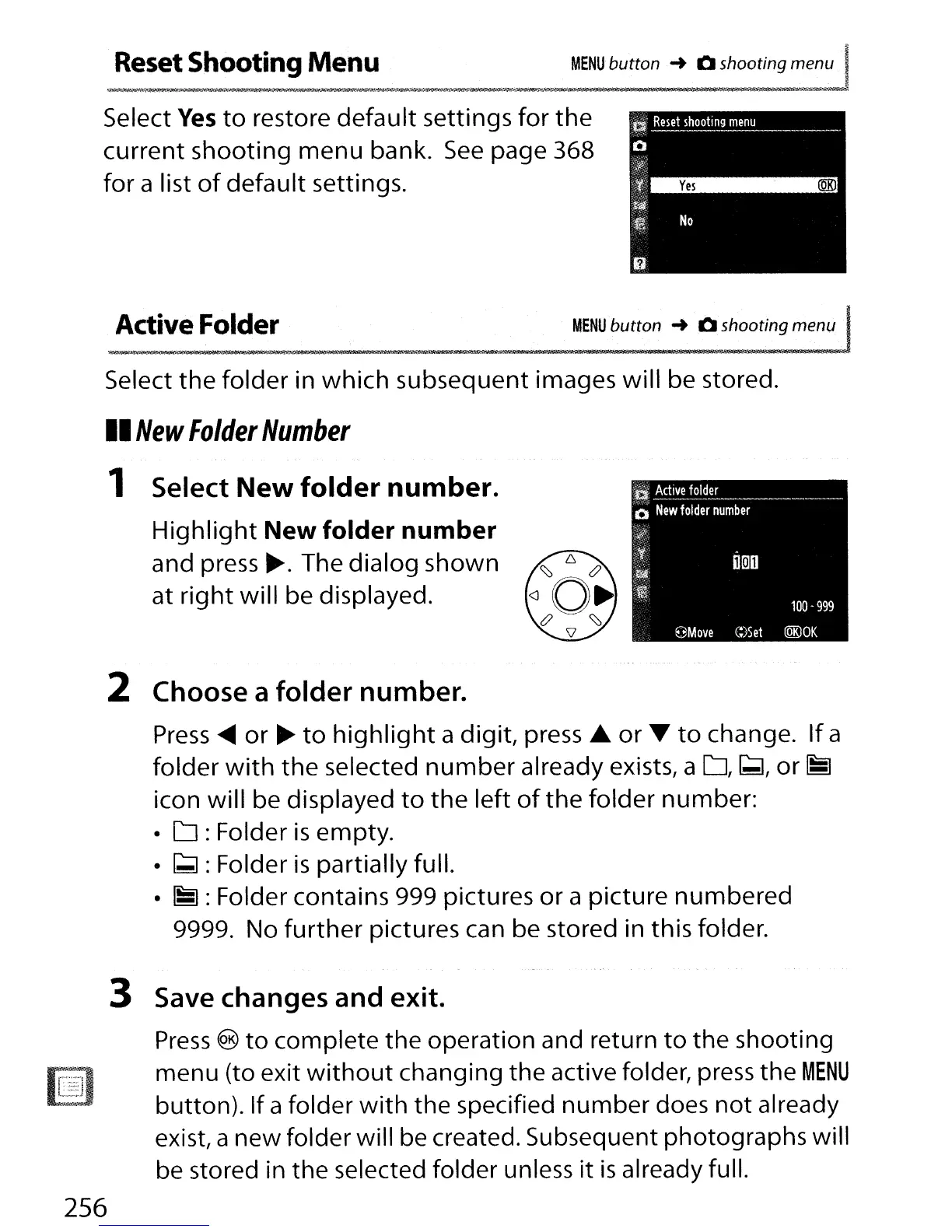
Select
Yes
to
restore
default
settings
for
the
current shooting menu bank.
See
page 368
for
a list
of
default settings.
Active Folder
MENU
button ... 0 shooting menu J
~i(fU~iIt,t;;iiill;iilJi,"i7Il5-
..
~llf;l;I;BI,j'''i.,Jt4JM434:J4_.=J:.llUlll~I!&\
--
1llI6~.l.lfjIl!l':lib"M/iIIIll'lIi<""j
, ......... ,
itT
jllj!'-
"''lSH
~IO:.lt
'i,_;m_ll'_II"'~MlIil?_-_--n_~t
i)OOD
100
-
999
9Move
C:)Set
lQK)OK
a
!,ctive
~~~~
_
o
New
folder
number
4t
~,,~
Select
the
folder in which subsequent images will be stored.
II
New
Folder
Number
1 Select
New
folder
number.
Highlight
New folder number
and
press~.
The dialog shown
at
right
will be displayed.
2 Choose a folder number.
Press
~
or
~
to
highlight
a digit, press.&.
or
~
to
change.
If
a
folder
with
the
selected
number
already exists, a
D,
[;;I,
or
~
icon will be displayed
to
the
left
of
the
folder number:
•
D:
Folder
is
empty.
•
~:
Folder
is
partially full.
•
~:
Folder contains 999 pictures or a picture numbered
9999. No
further
pictures can be stored in this folder.
~.:".~.'1
a=;J
3 Save changes and exit.
Press
®
to
complete the operation and return
to
the shooting
menu (to exit
without
changing the active folder, press the
MENU
button). If a folder
with
the specified number does
not
already
exist, a new folder will be created. Subsequent photographs will
be
stored in the selected folder unless
it
is
already full.
256



 To Next Page