EasyManua.ls Logo

Nikon D300S - Filter Effects; Monochrome; Q Filter Effects

Nikon D300S
501 pages
Print Icon
To Next Page IconTo Next Page
To Previous Page IconTo Previous Page
Loading...
Monochrome
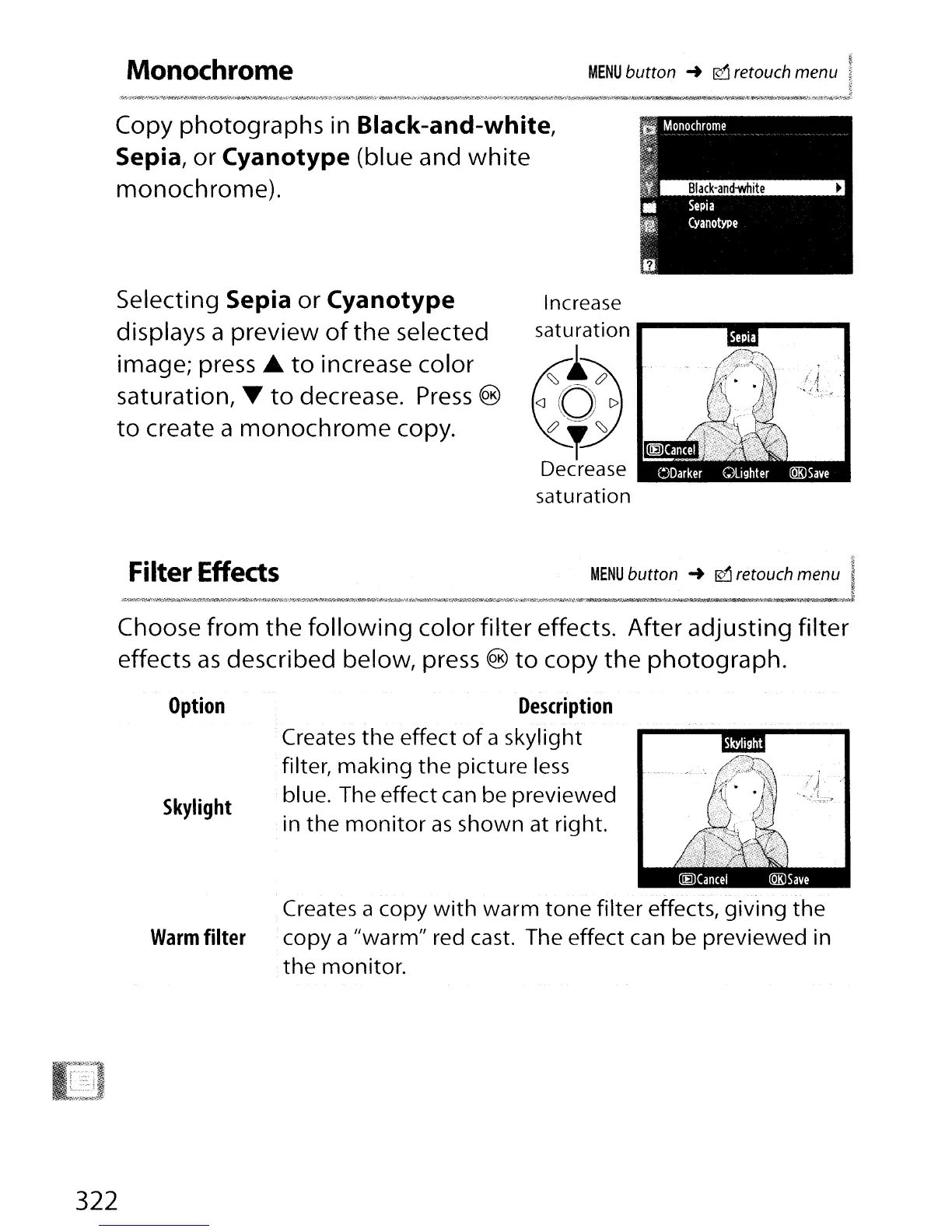
Copy photographs
in
Black-and-white,
Sepia,
or
Cyanotype (blue and
white
monochrome).
MENU
button
..
0 retouch menu
Selecting Sepia
or
Cyanotype
displays a preview
of
the
selected
image; press
to
increase color
saturation,
to
decrease.
Press
®
to
create a
monochrome
copy.
Filter
Effects
Increase
saturation
....
-------
..
~
t~
<J
0
C>
&?'='<::::::,
~
Decrease
saturation
MENU
button
..
0 retouch menu
Choose from the
following
color filter effects. After adjusting filter
effects
as
described below, press ®
to
copy
the
photograph.
Option
Skylight
Description
Creates
the
effect
of
a skylight
filter, making
the
picture
less
blue. The effect can be previewed
in
the
monitor
as
shown at right.
322
Warm
filter
Creates a copy
with
warm
tone
filter effects, giving
the
copy a "warm" red cast. The effect can be previewed in
the
monitor.

Table of Contents

Other manuals for Nikon D300S

Related product manuals