EasyManua.ls Logo

Nikon D300S - Fvlock

Nikon D300S
501 pages
Print Icon
To Next Page IconTo Next Page
To Previous Page IconTo Previous Page
Loading...
FVLock
This feature
is
used
to
lock flash
output,
allowing photographs
to
be recomposed
without
changing the flash level and ensuring
that
flash
output
is
appropriate
to
the subject even when the subject
is
not
positioned in
the
center
of
the frame.
Flash
output
is
adjusted
automatically for any changes in
ISO
sensitivity and aperture.
To
use
FV
lock:
ED
FV
lock
(QK)
f5
Assign
Fn
button
Fn
button
press
,
&B
Preview
i~""
f'
.!.i,
~{
9i
AElAF
lock
.~.
f,:':'
rj;j
lock
only
~"
r5'i!~
AE
lock
(Reset
on
release)
;
r5'i!@
AE
lock
(Hold)
fi'j
AF
lock
only
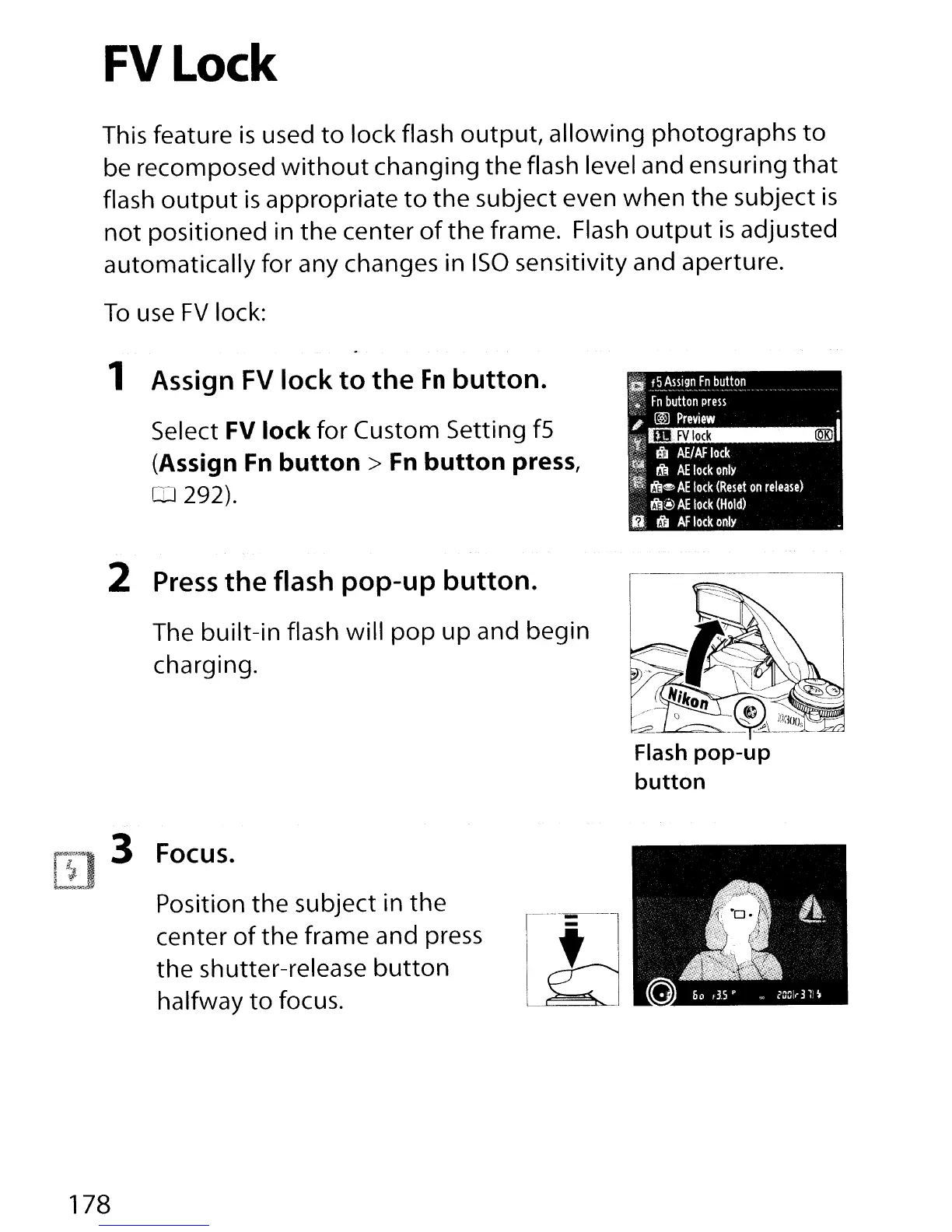
1 Assign
FV
lock
to
the
Fn
button.
Select FV lock for Custom Setting
fS
(Assign
Fn
button>
Fn
button press,
CD
292).
2 Press
the
flash
pop-up
button.
The built-in flash will
pop
up
and begin
charging.
3 Focus.
Position the subject in the
center
of
the frame and press
the shutter-release
button
halfway
to
focus.
178

Table of Contents

Other manuals for Nikon D300S

Related product manuals