Menu
Setup
My
Menu/
Recent Settings
.....-
Option
- - - .
--
-.",
-.
-
~--'
i Clean image sensor
Video
mode
HDMI
.Time zone and date (excepting date and time)
- . - -
~.-
. ---- . -
Language
Image
comment
.
Auto
image
rotation
Image
authentication
Copyright
information
GPS
Non-CPU lens data
All
My
Menu
items
All recent settings
Choose
tab
Settings saved using
the
D300S can be restored
by
selecting Load
settings.
Note
that
Save/load settings
is
only
available
when
a
memory
card
is
inserted in
the
camera, and
that
the
Load settings
option
is
only
available
if
the
card contains saved settings.
B Saved Settings
Settings are saved in a file
named
NCSETUP5.
The camera
will
not
be
able
to
load settings
if
the
file name
is
changed.
~
Virtual Horizon
MENU
button
...
YSetup menu I
..........
4
...
_:c:._:.j£.,...i~~~~.....,~_~U_!J§
!-....,_J2:i..".rL2:1_:(ju!1s_:,~~
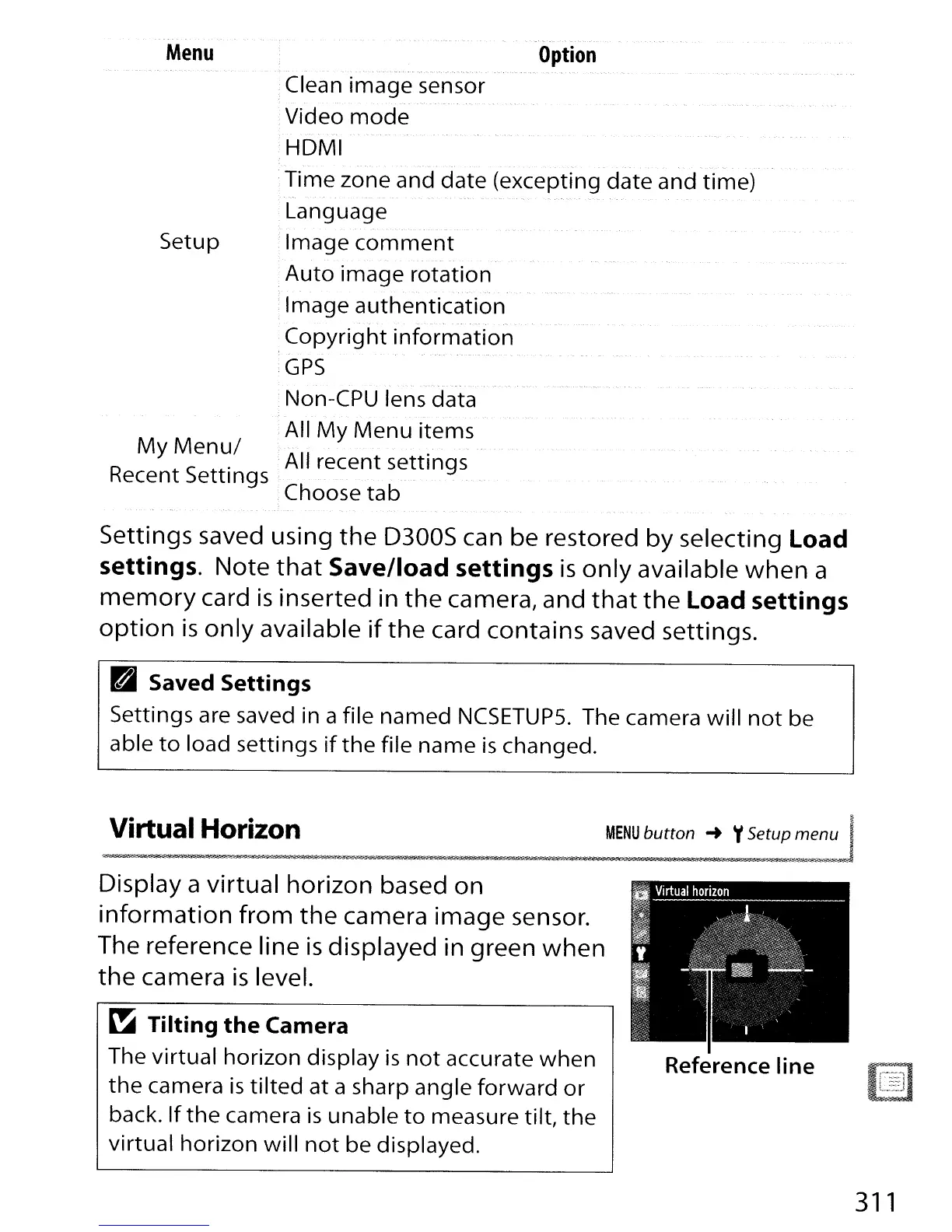
Display a virtual horizon based on
information
from
the
camera image sensor.
The reference line
is
displayed in green
when
the
ca
mera
is
level.
~
Tilting
the
Camera
The virtual horizon display
is
not
accurate
when
the
camera
is
tilted
at a sharp angle
forward
or
back.
If
the
camera
is
unable
to
measure tilt,
the
virtual horizon will
not
be displayed.
Reference
line
311



 To Next Page