EasyManua.ls Logo

Nikon D300S - Viewing Photographs

Nikon D300S
501 pages
Print Icon
To Next Page IconTo Next Page
To Previous Page IconTo Previous Page
Loading...
[B
button
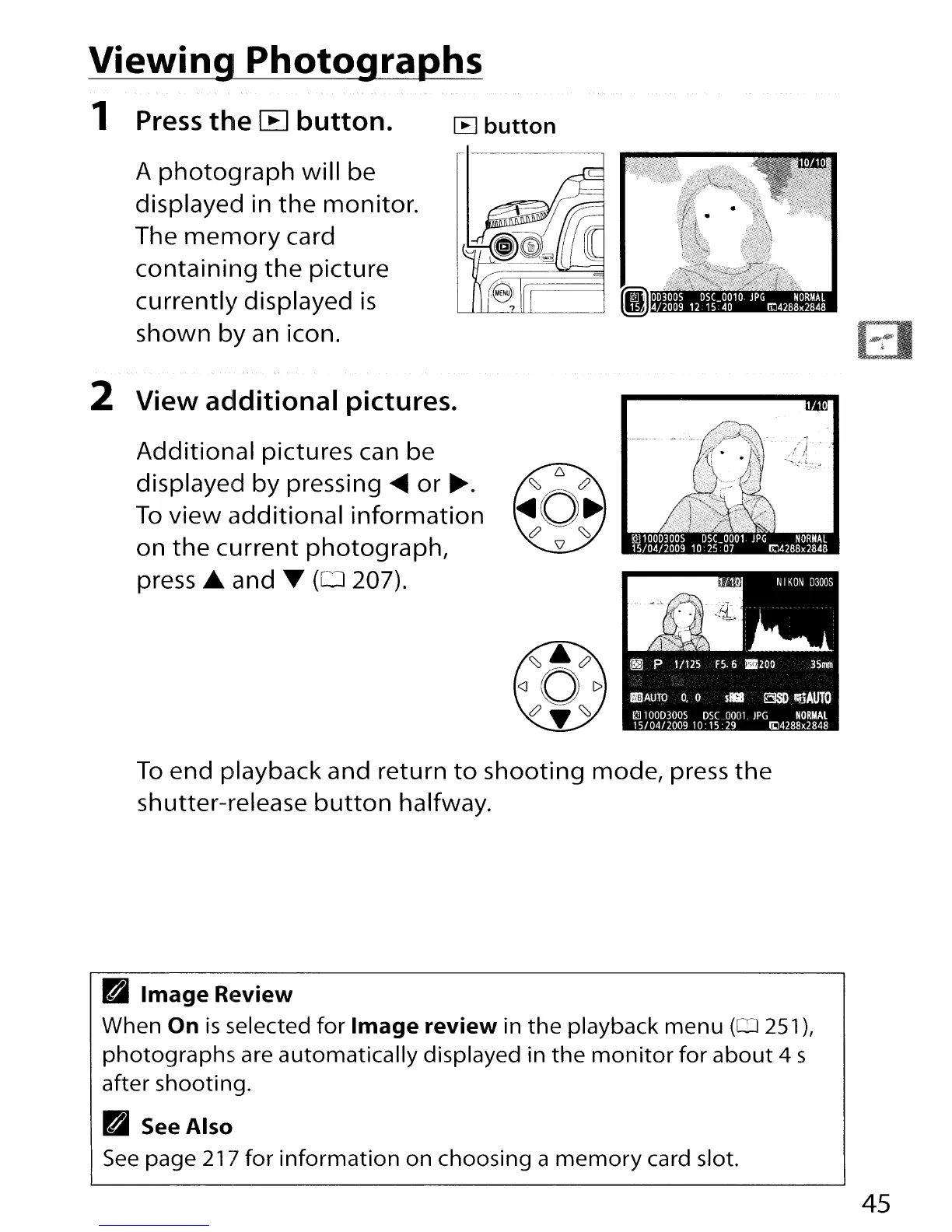
Viewing Photo9-@Phs
1
Press
the
[B
button.
A
photoqraph
will be
displayed in
the
monitor.
The
menlory
card
containing
the
picture
currently displayed
is
shown
by
an
icon.
2 View additional pictures.
Additional
pictures can be
displayed
by
pressing
.....
or
~.
To
view
additional
information
on
the
current
photograph,
press
...
and T
(0
207).
To
end playback and return
to
shooting
mode, press
the
shutter-release
button
halfway.
B
Image
R4~view
When On
is
selected
for
Image
review
in
the
playback
menu
(0251),
photographs
are
automatically
displayed in
the
monitor
for
about
4 s
after shooting.
B See
Also
See
page
21l
for
information
on choosing a
memory
card slot.
45

Table of Contents

Other manuals for Nikon D300S

Related product manuals