The Information
Displa~
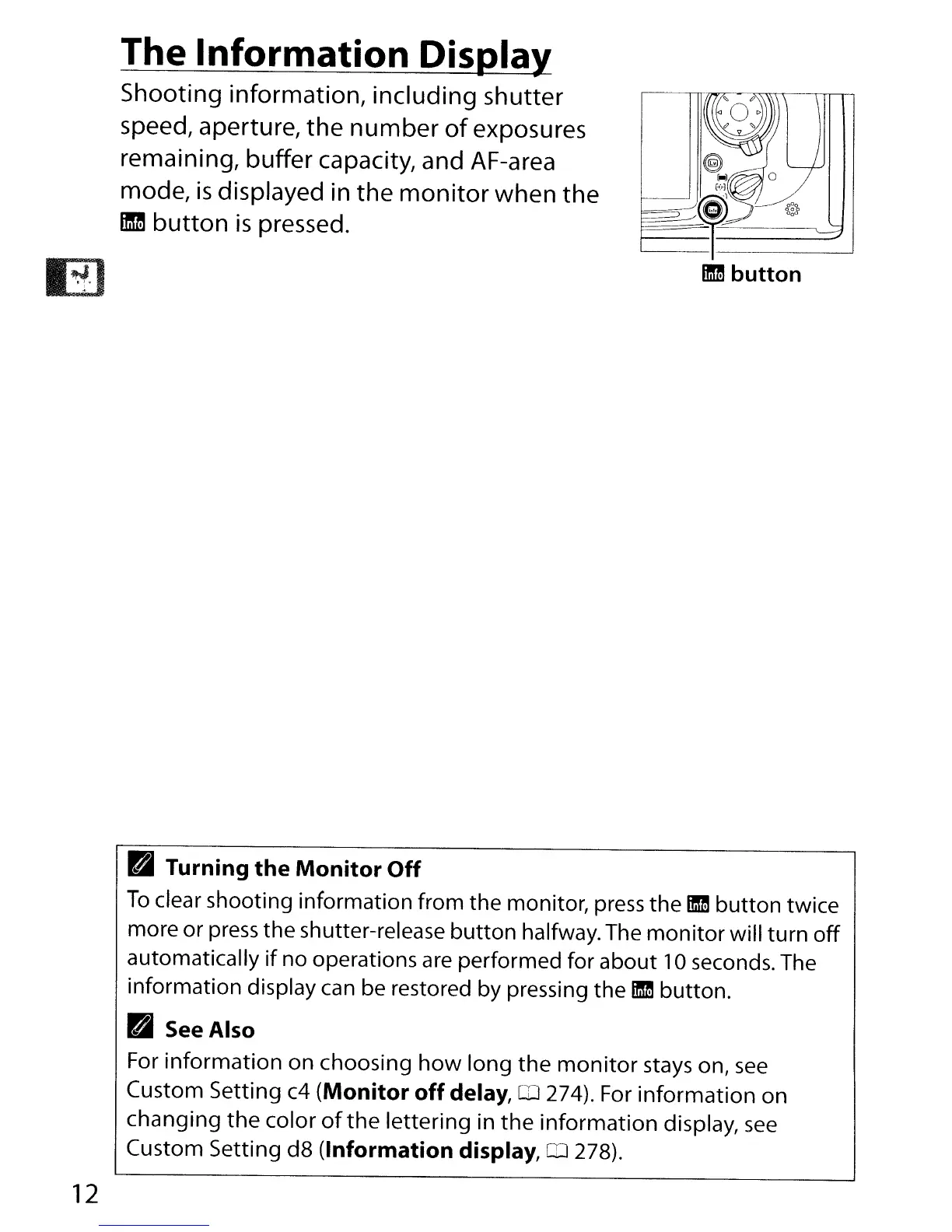
Shooting information, including shutter
speed, aperture,
the
number
of
exposures
remaining, buffer capacity, and AF-area
mode,
is
displayed in the
monitor
when
the
11m
button
is
pressed.
12
mm
button
PI
Turning
the
Monitor
Off
To
clear shooting information from the monitor, press the
ID
button twice
more or press the shutter-release button halfway. The
monitor
will turn
off
automatically
if
no operations
are
performed for about 10 seconds. The
information display
can
be restored by pressing the
ID
button.
PI
See
Also
For
information
on choosing
how
long
the
monitor
stays on,
see
Custom Setting c4 (Monitor
off
delay, 0 274). For
information
on
changing
the
color
of
the
lettering in
the
information
display,
see
Custom Setting
dB
(Information display,
rn
278).



 To Next Page