Recording
Movies
Movies
can
be recorded at
24
fps in live view mode. Before
recording, choose a Picture Control
(CD
154)
and color space
(CD
166).
1
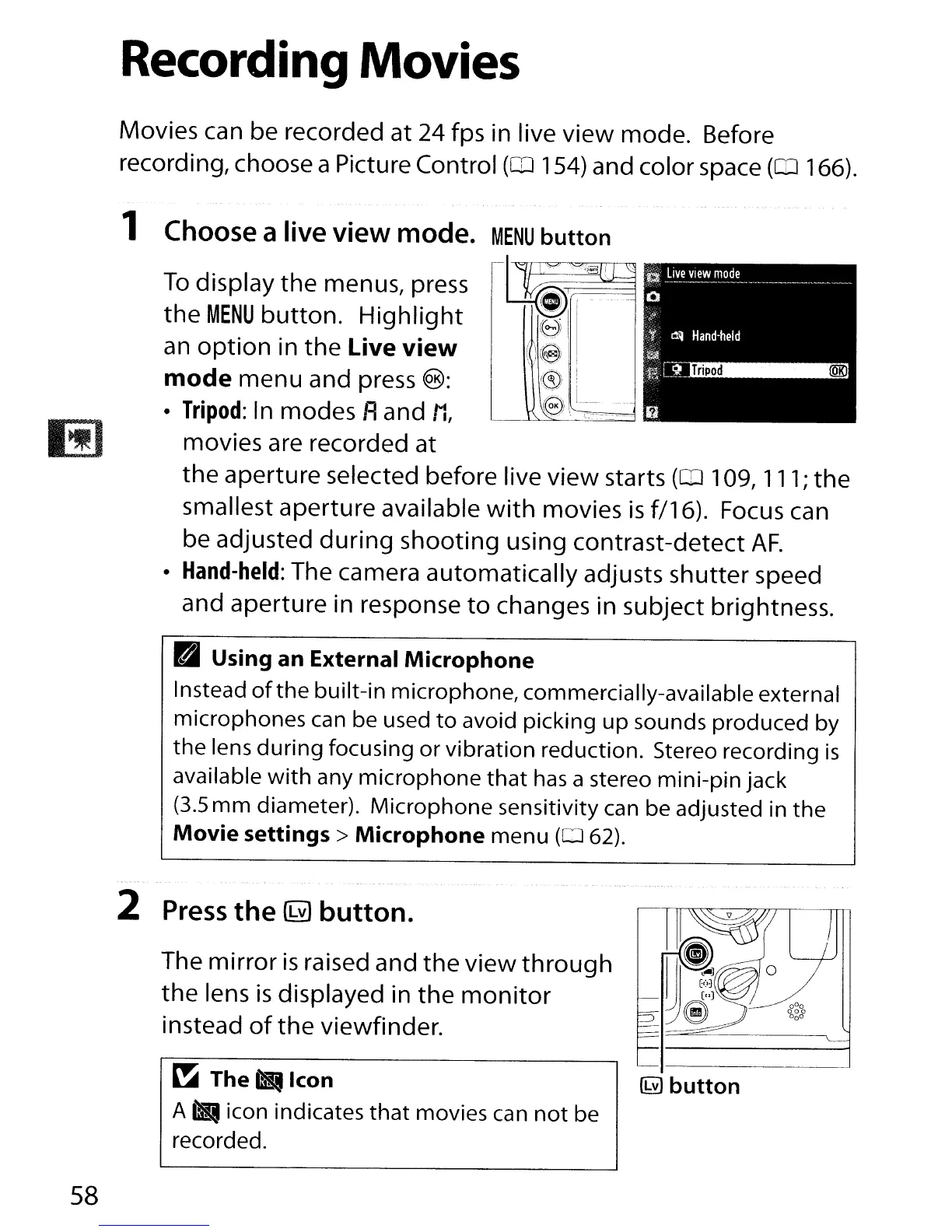
Choose a live view mode.
To
display the menus, press
the
MENU
button.
Highlight
an
option
in the Live view
mode menu and press
®:
•
Tripod:
In
modes Aand
11,
movies are recorded at
the aperture selected before live view starts
(OJ
109, 111; the
smallest aperture available
with
movies
is
f/16). Focus
can
be adjusted during shooting using contrast-detect
AF.
•
Hand-held:
The camera automatically adjusts shutter speed
and aperture in response
to
changes in subject brightness.
Pal
Using an External Microphone
Instead
of
the
built-in microphone, commercially-available external
microphones can be used
to
avoid picking
up
sounds produced by
the
lens
during
focusing
or
vibration reduction. Stereo recording
is
available
with
any
microphone
that
has
a stereo
mini-pin
jack
(3.5
mm
diameter).
Microphone
sensitivity can be adjusted in
the
Movie settings> Microphone menu
(062)
.
..
'-
2
Press
the
@
button.
The mirror
is
raised and the view
through
the lens
is
displayed in
the
monitor
instead
of
the
viewfinder.
58
~
The.
Icon
A"
icon indicates
that
movies can
not
be
recorded.
(hY)
button



 To Next Page