EasyManua.ls Logo

Nikon D300S - B5: Center-Weighted Area; B6: Fine Tune Optimal Exposure; B6. Fine Tune Optimal Exposure

Nikon D300S
501 pages
Print Icon
To Next Page IconTo Next Page
To Previous Page IconTo Previous Page
Loading...
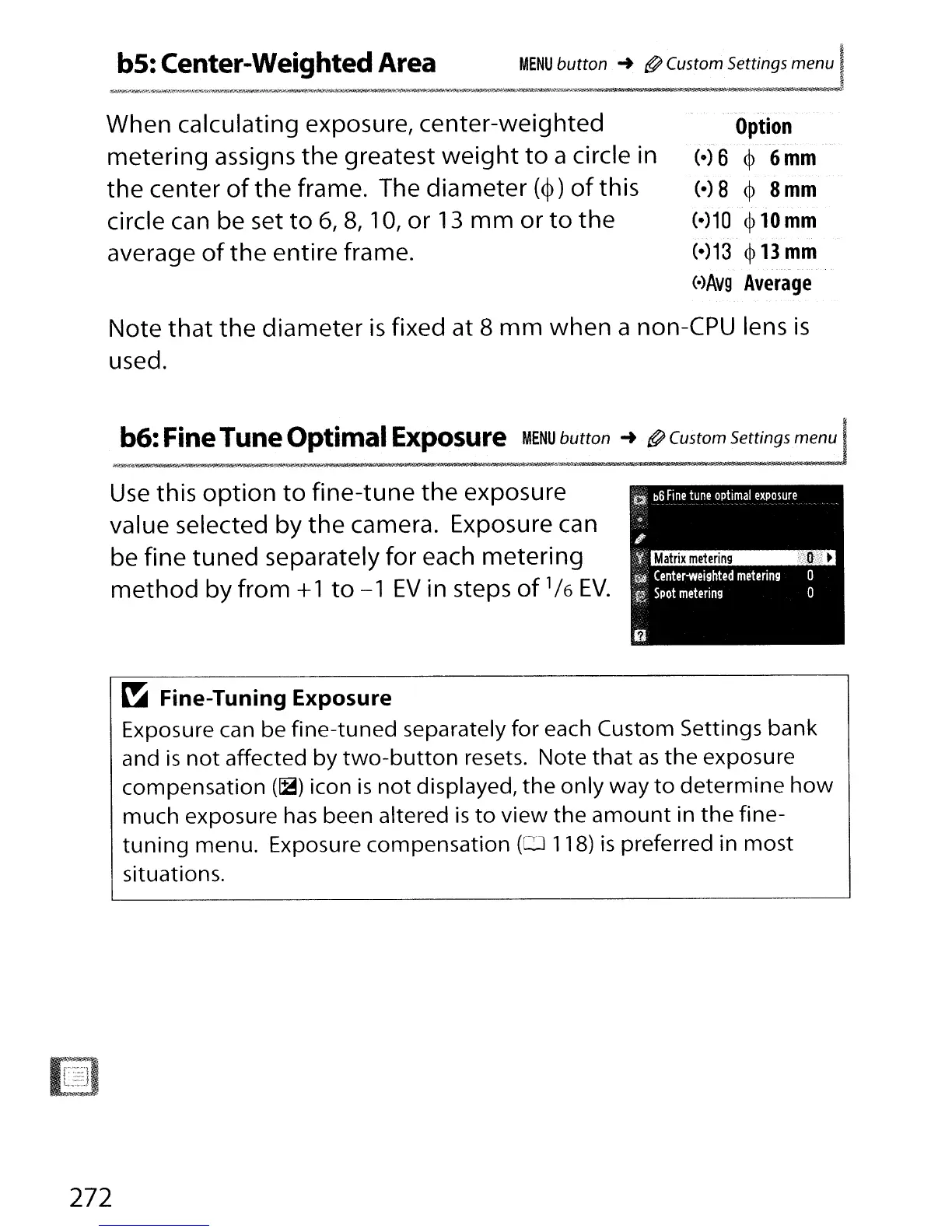
When calculating exposure, center-weighted
metering assigns
the
greatest
weight
to
a circle in
the
center
of
the
frame. The diameter
(~)
of
this
circle can be set
to
6,
8,
10,
or
13
mm
or
to
the
average
of
the entire frame.
.--.-
Option
- -
...
-.
-,
..
".
(-)
6
~
6
mm
(-)
8
~
8
mm
(-)10
~
10
mm
(-)13
~
13
mm
(o)AV9
Average
Note
that
the
diameter
is
fixed at 8
mm
when a non-CPU lens
is
used.
b6:
Fine
Tune Optimal
Exposure
MENU
button
-+
@ Custom Settings menu
Matrix
metering
I'D
:
~
a
b6
Fine
tune
optimal
exposure
o
o
;
',,,/'
.
"l:!i.'
Center-weighted
metering
.~1a
Spot
metering
Use
this
option
to
fine-tune
the
exposure
value selected by
the
camera. Exposure can
be fine
tuned
separately for each metering
method
by from +1
to
-1
EV
in steps
of
1/
6
EV."
~
Fine-Tuning Exposure
Exposure can be fine-tuned separately for each Custom Settings bank
and
is
not
affected by
two-button
resets. Note
that
as
the
exposure
compensation
(~)
icon
is
not
displayed,
the
only way
to
determine
how
much
exposure
has
been altered
is
to
view
the
amount
in
the
fine-
tuning
menu. Exposure compensation
(0
118)
is
preferred in
most
situations.
272

Table of Contents

Other manuals for Nikon D300S

Related product manuals