EasyManua.ls Logo

Nikon D300S - Eye-Fi Upload

Nikon D300S
501 pages
Print Icon
To Next Page IconTo Next Page
To Previous Page IconTo Previous Page
Loading...
~
AFTuning
The camera may be
unable
to
focus at
minimum
range
or
at
infinity
when
AF
tuning
is
applied.
~
Live View (Tripod)
Mode
Tuning
is
not
applied
to
contrast-detect
autofocus
when
Tripod
is
selected in live
view
mode
(049).
RI
Saved Value
Only
one
value can be stored
for
each
type
of
lens.
If
a
teleconverter
is
used, separate values can be stored
for
each
combination
of
lens and
teleconverter.
Eye-Fi
Upload
~
MENU
button
~
't
Setup menu I
~_§~--~~_
SNit
--;~~~
This
option
is
displayed
only
when
an Eye-Fi
memory
card
(available separately
from
third-party
suppliers)
is
inserted in
the
camera. Choose Enable
to
upload
photographs
to
a preselected
destination. Note
that
pictures
will
not
be
uploaded
if
signal
strength
is
insufficient.
Observe all local laws concerning wireless devices and choose
Disable where wireless devices are
prohibited.
~
.
.
_.~~
. .
1._./.
t:=j
~
:cSL!)LSb
~
©
ISO
C
00
<fIiIilUJ
INOI1MI
C'
)
.JI
~
O
· .
;;::;.;;;::
-(
,
ny
4
.;::;:;;;;.
~AUTO
f.U
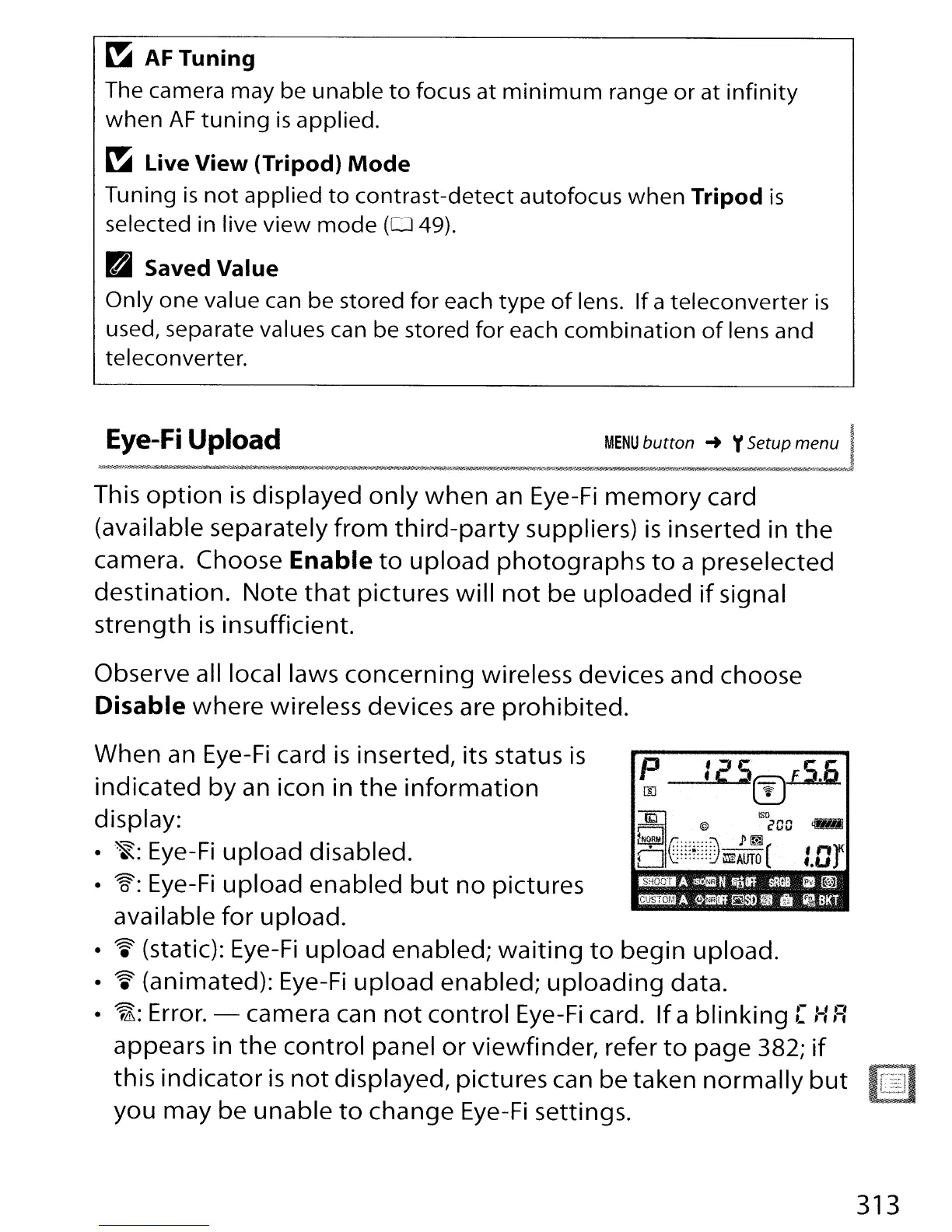
When an Eye-Fi card
is
inserted, its status
is
indicated
by
an icon in
the
information
display:
~:
Eye-Fi
upload
disabled.
W:
Eye-Fi
upload
enabled
but
no
pictures
available
for
upload.
~
(static): Eye-Fi
upload
enabled;
waiting
to
begin
upload.
~
(animated): Eye-Fi
upload
enabled;
uploading
data.
~:
Error. - camera can
not
control
Eye-Fi card.
If
a
blinking
[
:-::=:
appears in
the
control
panel
or
viewfinder, refer
to
page 382;
if
this
indicator
is
not
displayed, pictures can be taken
normally
but
you may be unable
to
change
Eye-Fi
settings.
313

Table of Contents

Other manuals for Nikon D300S

Related product manuals