Option
EJ
Choose
slot
and
folder
..
. .
~
Role
assigned
to
center
of
multi
selector
-
-'
.
-.
'.-
Display card slot selection dialog;
highlight
slot and
press
~
to
display list
of
folders. Highlight folder
and press
®
to
select folder for playback. Only
.folders currently selected for playback
(0
245) are
displayed.
f3:
Multi
Selector
~
MENU
button
...
tfI Custom Settings menu I
-qt
....
~
_
..
:
\L
- • - j
If
lj.
~
in
c _ - i PVle
Ii
- . _
i.
-
~
~_:u
..
!It
.J
If
Reset
meter-off
delay
is
selected,
operating
the
multi
selector
when
the
exposure meters are
off
(OJ
39) will activate
the
exposure meters.
If
Do
nothing
is
selected,
the
exposure meters will
not
be
activated
when
the
multi
selector
is
pressed.
f4: Photo Info/Playback
-
,TSi"
-PIEI'ii'S.FT".
IflnfoA.
T
IPlayback~
~
is
selected, pressing
A.
or
T in full-frame playback changes
the
photo
information
displayed,
while
pressing
~
or
~
displays additional images.
To
reverse
the
role
of
the
multi
selector
buttons
so
that
pressing
A.
or T displays additional images
and pressing
~
or
~
changes
the
photo
information
displayed,
select
Info~~/PlaybackA.
T.
This setting also applies
to
the
multi
selector on
the
optional
MB-Dl
0
battery
pack.
f5: Assign
Fn
Button
MENU
button
...
tfI
Custom Settings
menu
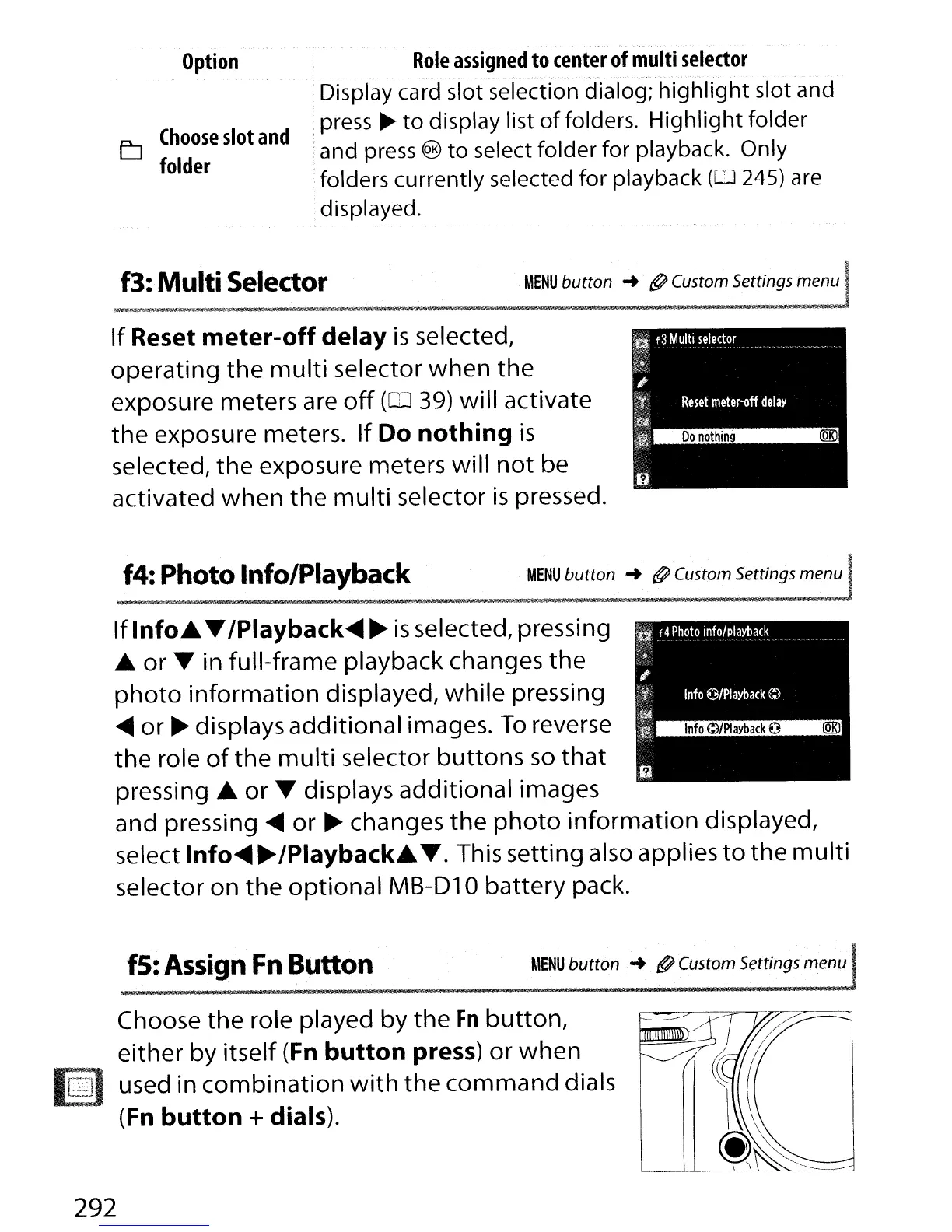
Choose
the
role played by
the
Fn
button,
either by itself (Fn
button
press)
or
when
[~)
used in
combination
with
the
command
dials
(Fn
button
+dials).
I
L_
292



 To Next Page