Metering selector
Rotate the metering selector
to
choose a metering method.
--- --- - - - ---
--
B Center-weighted ( 54)
Assigns the greatest
weight
to
the
center
of
the frame.
--
- - -- --
-----
[t-)]
Matrix
Meters most
of
the
frame.
- -
--
~-
-
-
GJ
Spot
Meters the selected focus point.
-
(bi)
(Live view) button
Press
the
~
button
to
frame pictures in
the
monitor
(0
27).
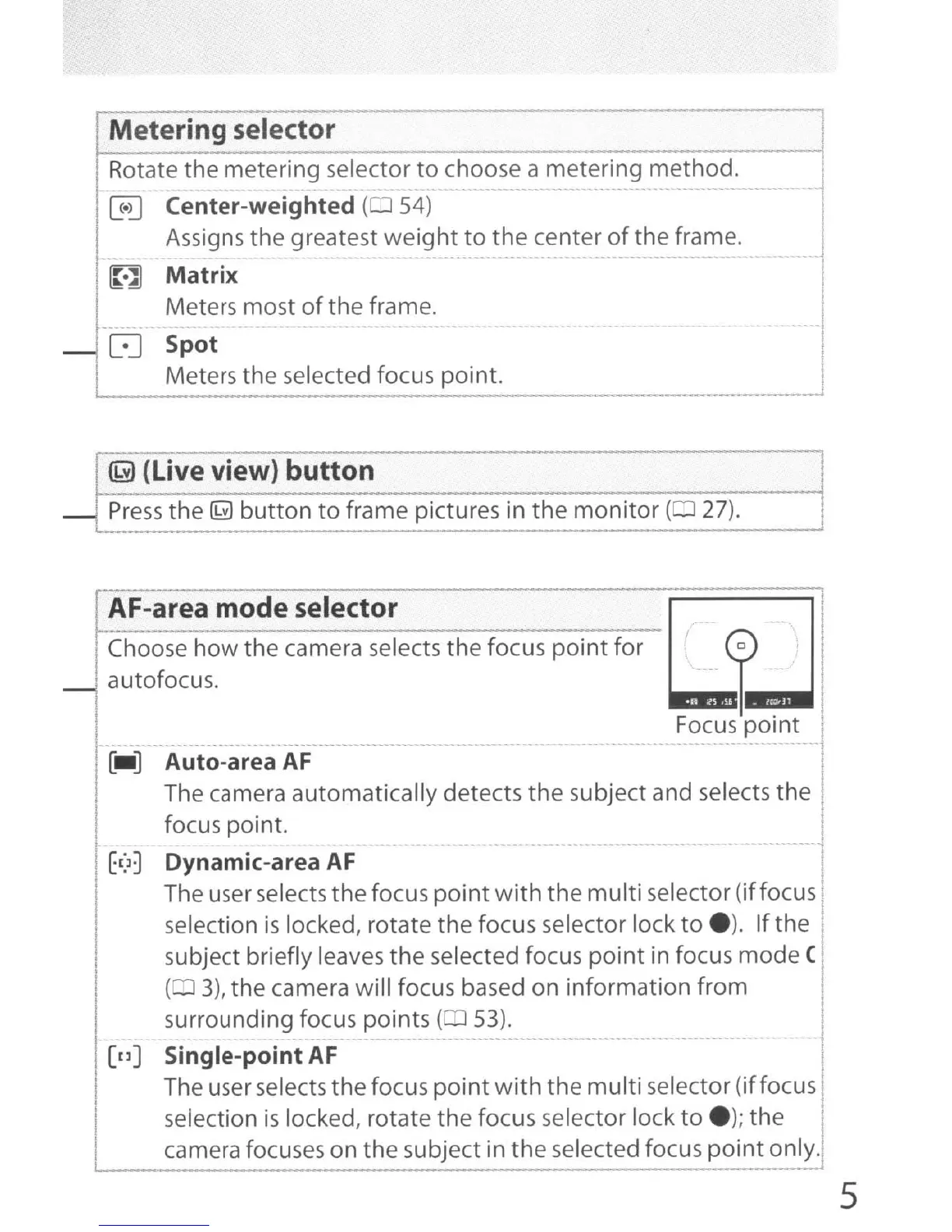
AF-area mode selector
Choose how the camera selects
the
focus
point
for
autofocus.
~I
[nJ
Auto-area
AF
I
The camera automatically detects
the
subject and selects
the
I
focus point.
- -
--
Dynamic-area
AF
The user selects
the
focus
point
with
the
multi
selector (iffocus'
selection
is
locked, rotate the focus selector lock
to
e).
If
the
I
subject briefly leaves
the
selected focus
point
in focus mode (
(03),
the camera will focus based on information from I
surrounding focus points ( 53).
~
-
-----
- --
---
-
...
- - - - --
Single-point
AF
The user selects
the
focus
point
with
the
multi
selector (iffocus I
selection
is
locked, rotate the focus selector lock
to
e);
the
camera focuses on the subject in
the
selected focus
point
only.
5



 To Next Page