60
5
End
recording.
Press
the
center
of
the
multi
selector again
to
end recording
(to end recording and take a still picture in live view, press the
shutter-release
button
all the way down). Recording will end
automatically when
the
maximum
size
is
reached or
the
memory
card
is
full.
B
Maximum
Size
Individual movie files can be
up
to
2
GB
in
size.
The maximum
length
is
5 minutes for movies
with
a frame
size
of
1280 x 720,
20
minutes for other movies;
note
that
depending
on
memory
card
write
speed, shooting may end before this length
is
reached.
B
See
Also
Frame
size
and microphone sensitivity
can
be selected in
the
Movie
settings menu
(062).
The behavior
of
the
AE-LIAF-L
button
can be
adjusted using Custom Setting f7 (Assign AE-L/AF-L button;
IT] 296).
B Adjusting Microphone Sensitivity
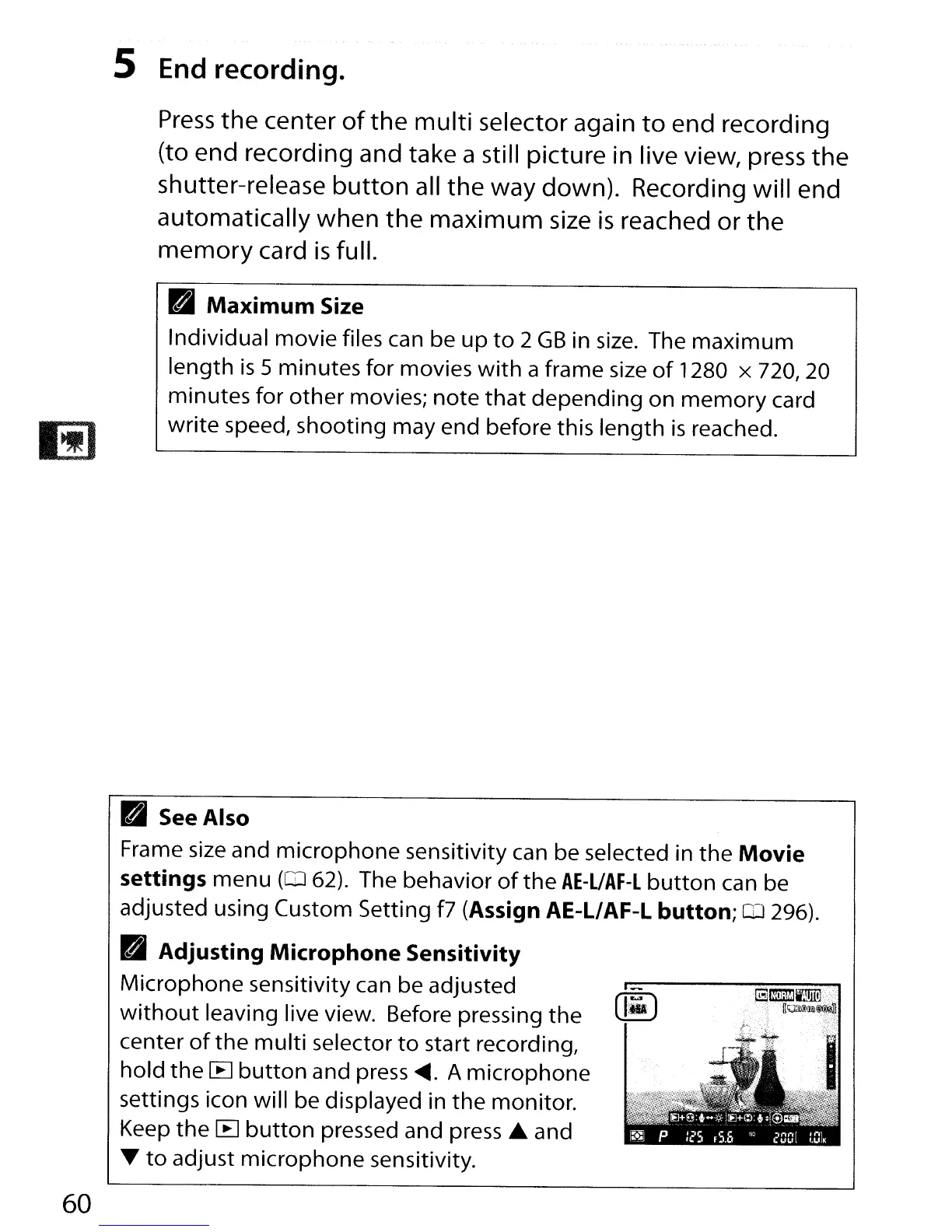
Microphone sensitivity can be adjusted
without
leaving live view. Before pressing the [1-)
center
of
the
multi
selector
to
start recording,
hold the [E]
button
and press
~.
A microphone
settings icon will be displayed in
the
monitor.
Keep
the
[B
button
pressed and press
~
and
T
to
adjust microphone sensitivity.



 To Next Page