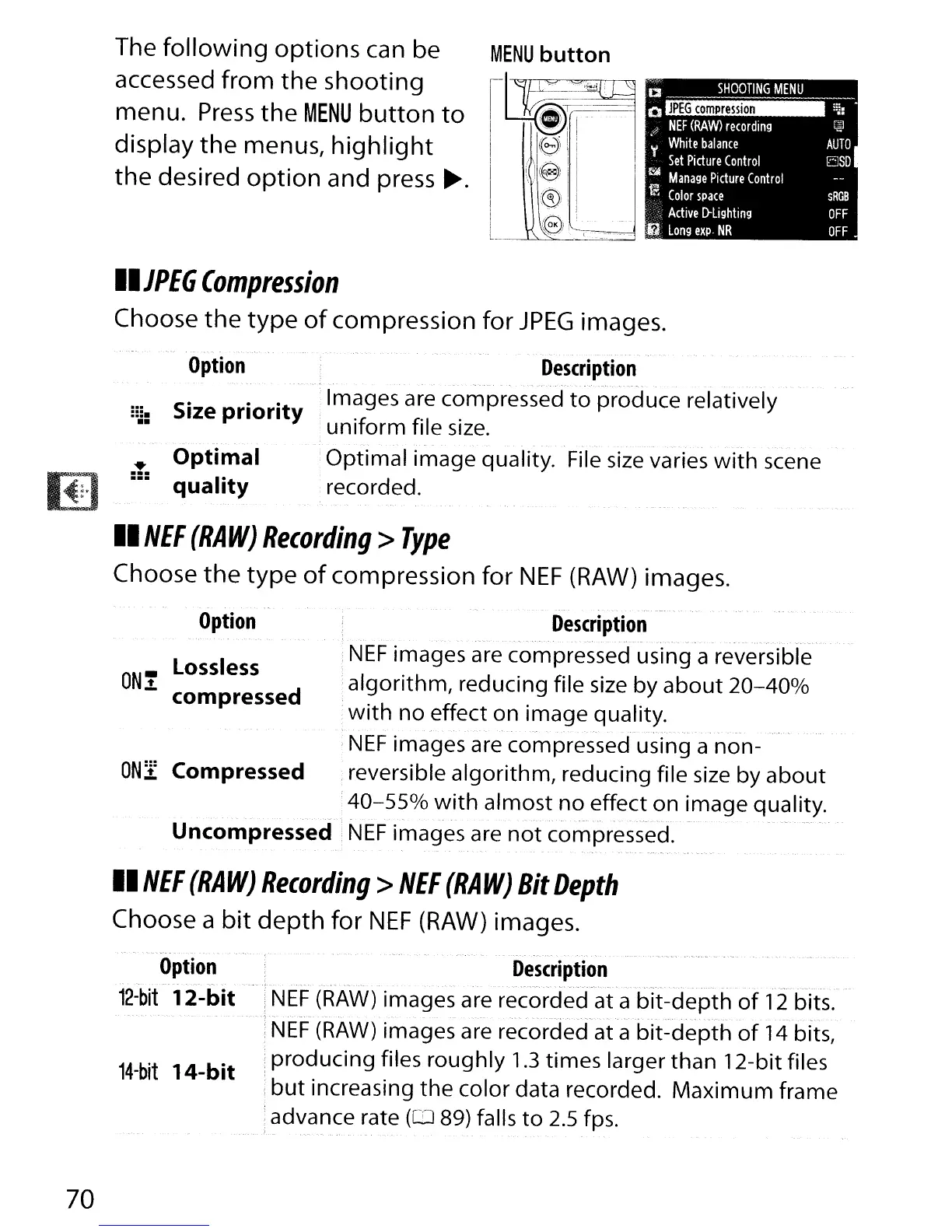
The
following
options
can be
accessed from the shooting
menu.
Press
the
MENU
button
to
display
the
menus,
highlight
the
desired
option
and press
~.
II
JPEG
Compression
Choose
the
type
of
compression for
JPEG
images.
-
Option
::J:
Size priority
• Optimal
:=:
quality
Description
-Images are compressed
to
produce relatively
:uniform file
size.
.
".",--.
.
.•.
Optimal image quality.
File
size
varies with scene
recorded.
Option
ONi
Lossless
compressed
II
NEF
(RAW)
Recording>
Type
Choose
the
type
of
compression for
NEF
(RAW)
images.
Description
..
_~.
- --- .
~,.
- -
".
---.,.-
..
-_.~
--
-.
-.
".
-
NEF
images are compressed using a reversible
algorithm, reducing file
size
by
about
20-400/0
with
no effect on image quality.
.- . -
.-
-
-.
-.
.
NEF
images are compressed using a non-
ON:t
Compressed
,reversible algorithm, reducing file
size
by about
;
40-55%
with
almost no effect on image quality.
Uncompressed
i
NEF
images are
not
compressed.
--
-.-
.-.---
II
NEF
(RAW)
Recording>
NEF
(RAW)
Bit
Depth
Choose a
bit
depth
for
NEF
(RAW)
images.
70
.
_.
Option
_.
-'
~_.
,-
12-bit
12-bit
14-bit
14-bit
Description
- :
NEF
(RAW)
images are recordecfat a
bit-depth
of
12
bits:-
--:-NEF
(RAW)
images are recorded-at a
hit~depthof
1Ll'blts~
,producing files roughly
1.3
times larger than 12-bit files
i
but
increasing the color data recorded. Maximum frame
:advance rate
(CD
89) falls
to
2.5
fps.



 To Next Page