Configuration Guide ─ V3.5
WGS5000
NoniusSoft, Software e Consultoria para
Telecomunicações, S.A.
Rua Actor Ferreira da Silva, 100
4200-298 Porto • Portugal
Phone: +351 220301520
Fax: +351 220301521
E-mail: nonius@noniussoftware.com
Website: www.noniussoftware.com
Gigabit Hotspot/Captive portal LAN Interface (default configuration)
Gigabit Primary WAN Interface and Management Interface
Green LED lighted when the cable is connected
B – Off/Yellow/Orange
LED
LED Blink when the port has activity
Off- 10Mbps / Yellow – 100Mbps / Orange – 1Gbps
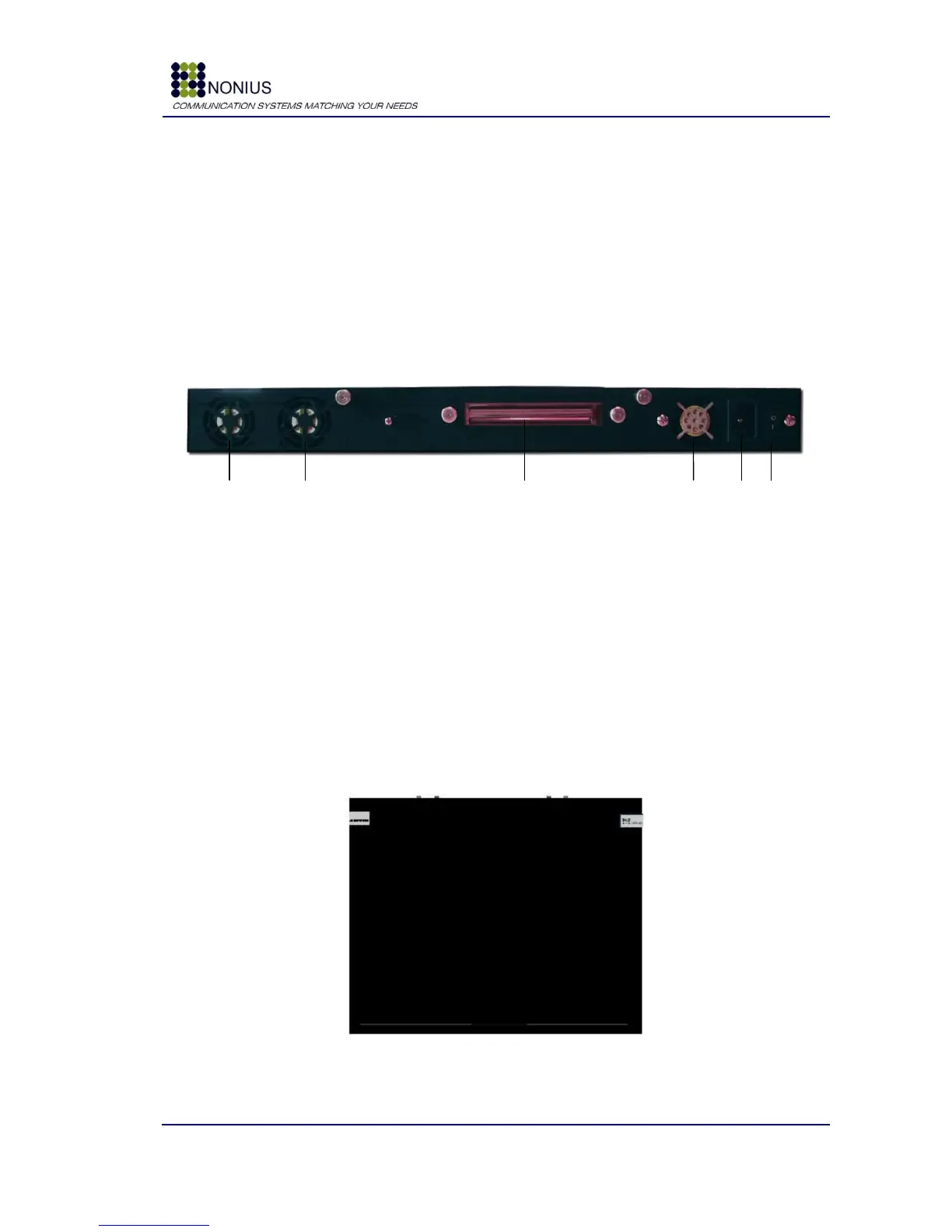
3.2. Rear View
Figure 2: WGS5000 – Rear View
Connect here the AC power cord
3.3. Top View
In the top view you‟ll see in both sides two labels that provide warranty assurance: if you remove
these labels, the equipment automatically loses its warranty.
Figure 3: WGS5000 – Top View



 To Next Page