NoniusSoft, Software e Consultoria para
Telecomunicações, S.A.
Rua Actor Ferreira da Silva, 100
4200-298 Porto • Portugal
4. WGS5000 Application
4.1. Minimum Hardware Requirements
The WGConfig is a web environment that runs in its proper web server (the web server is one of
the WGS5000 software components). The WGConfig can be accessed using a standard web
browser. The advised minimum is Microsoft Internet Explorer 5.0+, Netscape 4.7+ Navigator or
Firefox 1.0+.
The minimum hardware requirements are:
WINDOWS
Pentium processor
Windows NT/2000/XP
64MB of memory. We recommend more.
Standard web browser for Windows (available support only for MS Internet Explorer 5,0+,
Netscape 4,7+ Navigator and Firefox 1.0+)
LINUX
Pentium processor
Any Linux distribution
64MB of memory. We recommend more.
Standard web browser for Linux (available support only for Netscape 4,7+ Navigator and
Firefox 1,0+)
4.2. Setting Up For Management
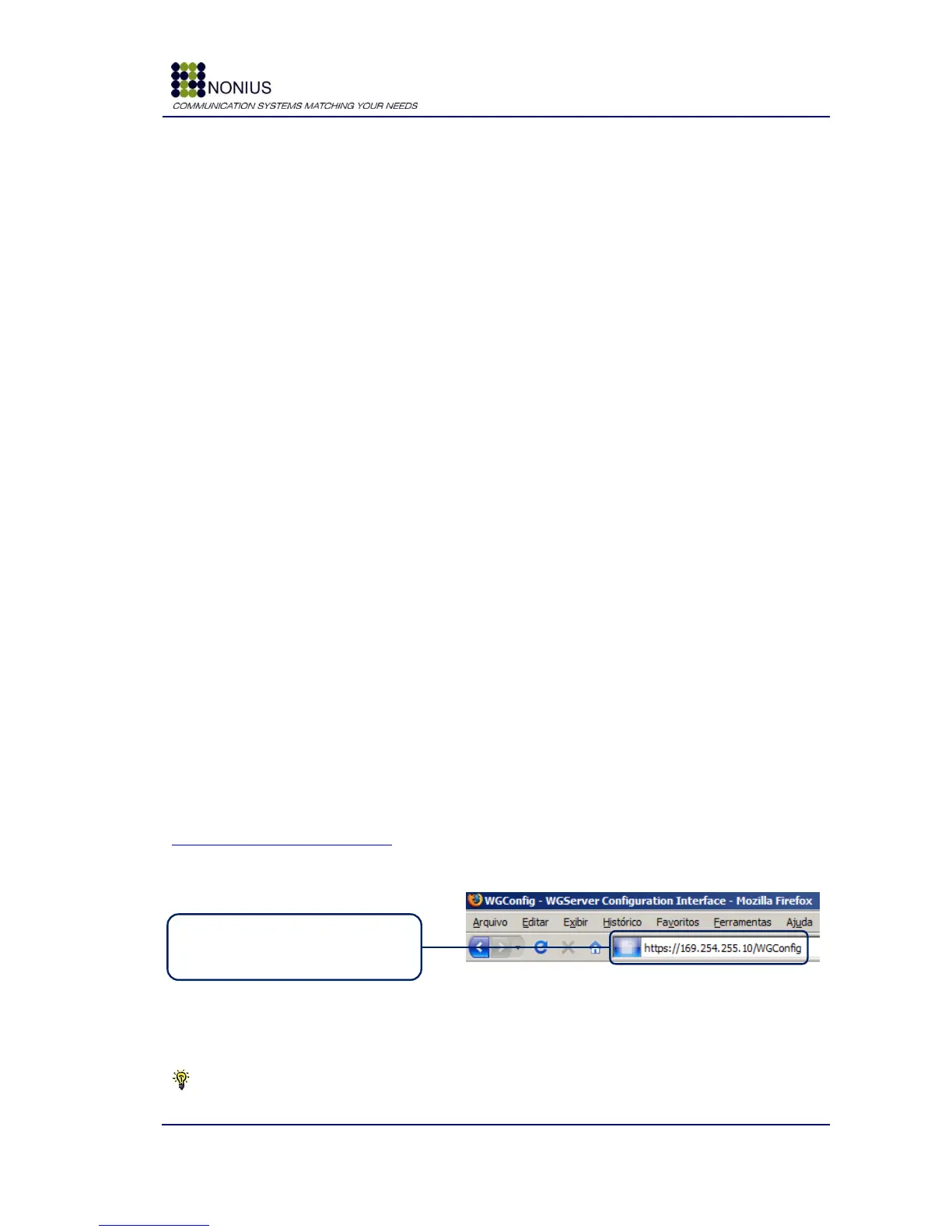
To open the WGConfig - WGS5000‟s configuration interface, for the first time, connect an Ethernet
cable to the “LAN 1” interface (on the right hand from behind), and point your browser to
https://169.254.255.10/WGConfig.
Figure 4: Accessing the WGConfig Login Page
Tip: Assign a fixed IP address to your Nic card. Example: 169.254.255.11/24



 To Next Page