NoniusSoft, Software e Consultoria para
Telecomunicações, S.A.
Rua Actor Ferreira da Silva, 100
4200-298 Porto • Portugal
VLAN VID: not configured
WGQoS
Rate Limit: disable
UPLOADRATE not configured
DNLOADRATE not configured
Traffic Classify: disable
Common Download Rate: 80
VoIP Download Rate: 10
P2P Download Rate: 60
Others Download Rate: 10
VoIP Upload Rate: 10
P2P Upload Rate: 10
Others Upload Rate: 10
Captive Portal
Captive Portal: enable
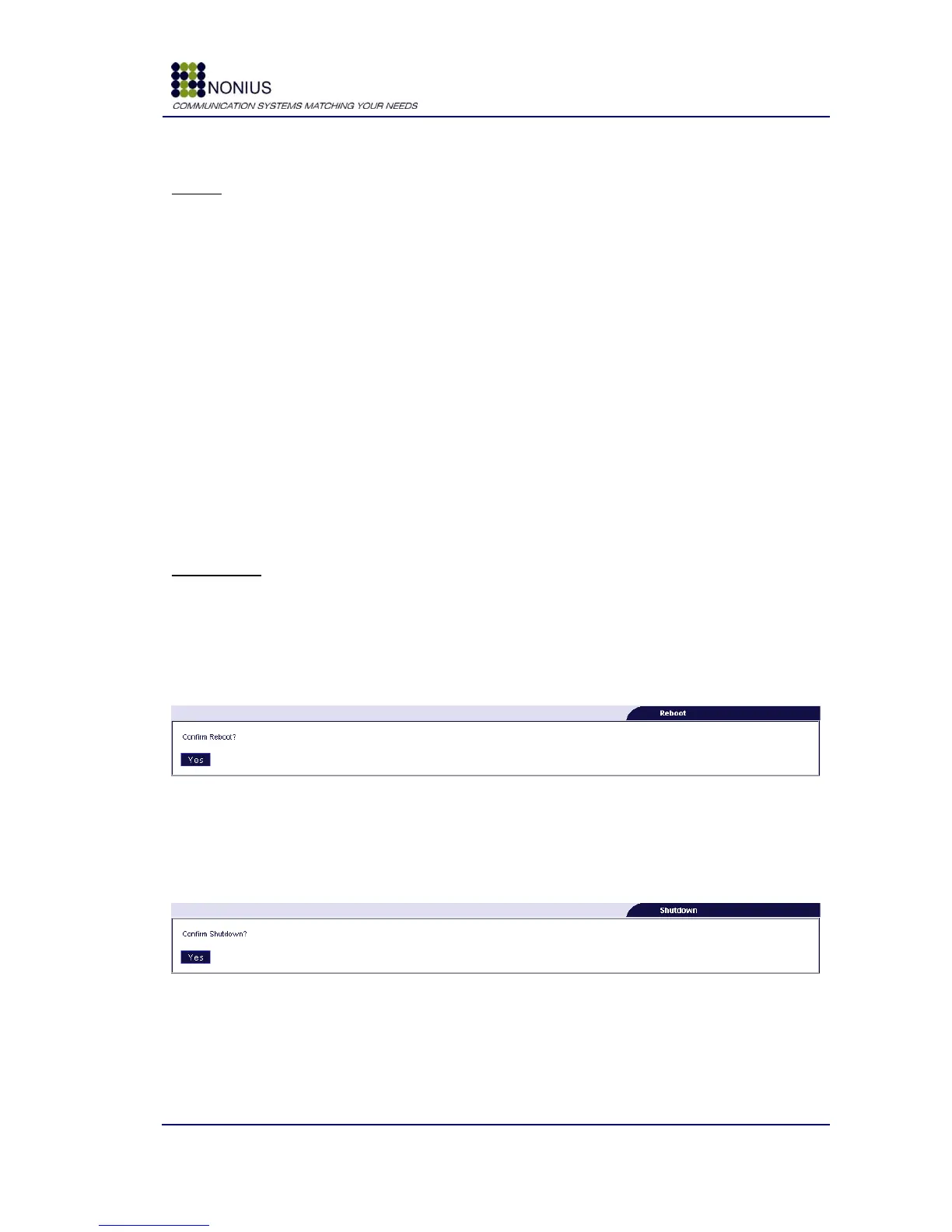
4.11.8. Reboot Submenu
Reboot selection will restart the WGS5000.
Figure 82: Administration Menu – Reboot
4.11.9. Shutdown Submenu
This will perform a graceful shutdown to the WGS5000.
Figure 83: Administration Menu – Shutdown
4.11.10. Logout Submenu
Logout selection will logoff the management session, user/password will be requested in order to
perform new login.



 To Next Page