NoniusSoft, Software e Consultoria para
Telecomunicações, S.A.
Rua Actor Ferreira da Silva, 100
4200-298 Porto • Portugal
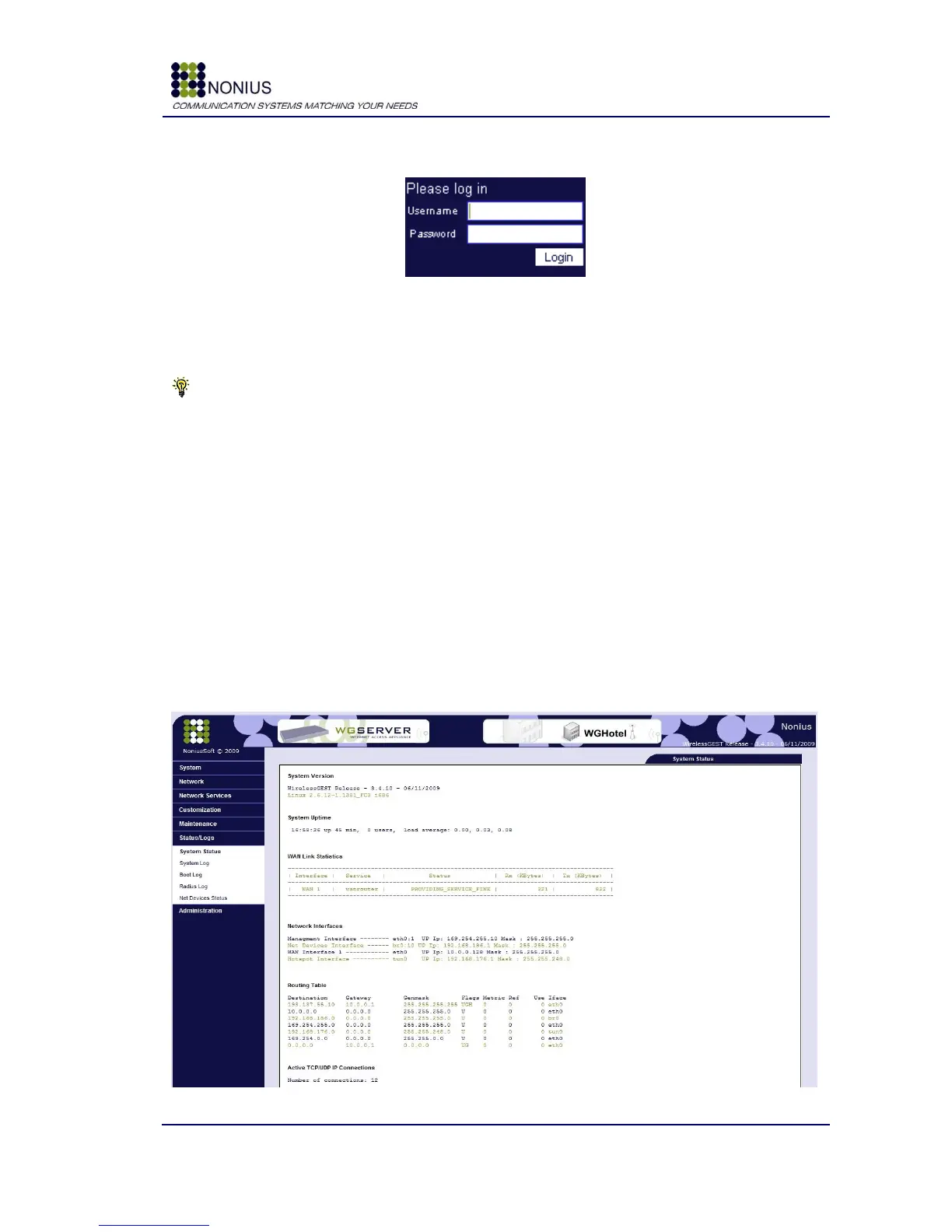
You should now be able to see the following page:
Figure 5: WGConfig – Login
Insert the username and password credentials. The Administrative username is “admin” and the
password is “ta12jfcp”.
Tip: One of the first things you should do when you login for the first time is to assign a fixed IP
address to the WGS5000‟s WAN interface and to connect it to the internal network (this may be the
client‟s internal network or your company‟s internal network, if you are testing the equipment).
Afterwards you will be able to manage and configure the WGS5000 from any point in your network.
4.3. Application Pages - General Description
After starting the application, as described in the previous chapter, you will have access to a set of
pages that will allow you to configure the WGS5000 system. This page contains essentially two
working areas:
Menu in the left area;
Edition/visualization area in right.
Observe the page in the following figure:
Figure 6: WGConfig – General Description



 To Next Page