Username: Set the printer‟s username.
Password: Set the printer‟s password.
Brother QL-560 Print Server
Print Server Model: Select the paper width of your Brother QL-560 ticket‟s printer.
Brother QL-560/580N Paper Type
Paper Type: Select the paper width of your Brother QL-560/QL-580N ticket‟s printer.
4.12.3.1. Press Button and Print Voucher Ticket
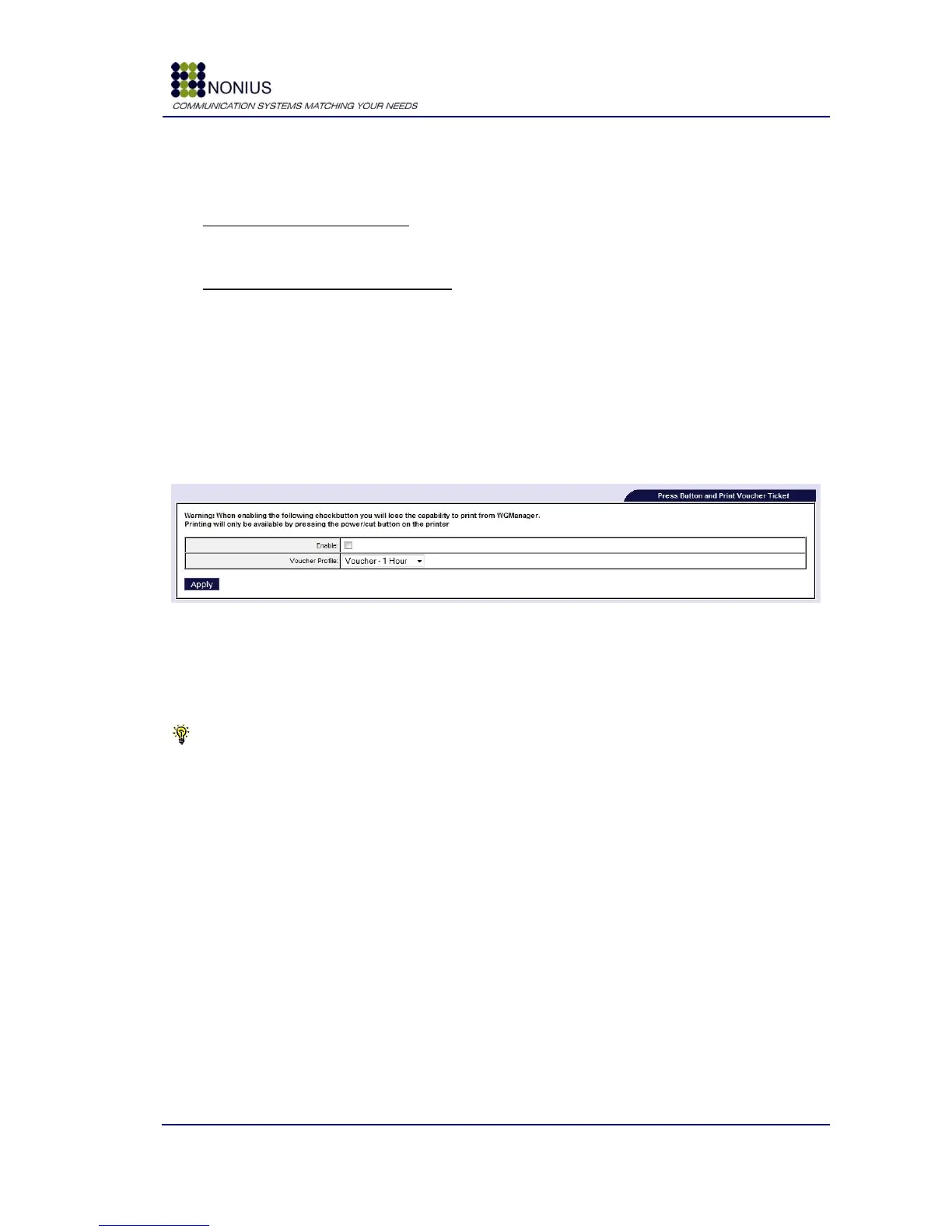
With this feature you can create vouchers on demand using a printer button. To generate a new
voucher you will need to press the button and wait a few seconds so that the voucher can be
printed. Depending on your printer model, the action button varies, in the QL-550/560 the button is
the power button, in the QL-580N the action button is the cut button.
Figure 90: WGTicket – Press Button and Print Voucher
Enable: Enable/disable Press Button and Print Voucher feature.
Voucher Profile: Select the preferred Service Profile that the generated vouchers will have upon
their generation/printing.
Tip: With this mode enabled, only these vouchers can be printed, the WGManager print
voucher/tickets options will be disabled.
This functionality has only been tested with Brother printer equipment, support for different printers
should be confirmed with Nonius.
4.12.4. WGPrintServer Configuration Submenu
This submenu is only visible if the WGPrintServer license is active. This module may be used in
WGHotel solutions - where it may be intended to provide print services to clients. It will be
necessary to configure the hotel‟s printer that will be used to print the client‟s documentation. For
details, please check the WGPrintServer guide.



 To Next Page