NoniusSoft, Software e Consultoria para
Telecomunicações, S.A.
Rua Actor Ferreira da Silva, 100
4200-298 Porto • Portugal
4.8.5. WGManager Users
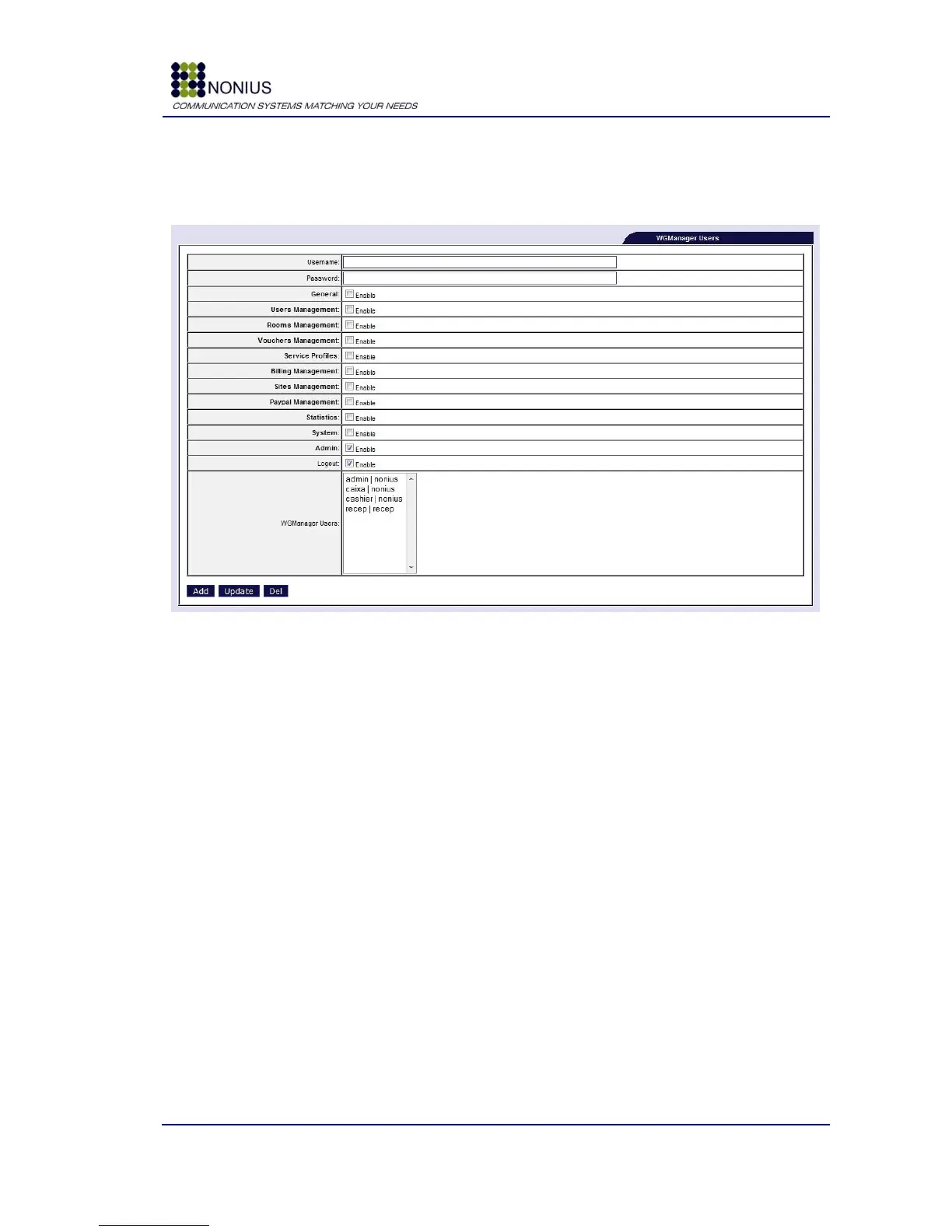
In this menu you can add, delete or modify the WGManager users. It allows to configure the
password, menus and submenus access on a per user basis.
Figure 53: Customization Menu – WGManager user menus permissions
Username: Username of the WGManager user.
Password: Sets the user password.
Permissions checkboxes: In order to improve the permissions granularity there are two levels of
abstraction, the first checkbox allows the user to access each main menu, in each main menu we
have submenus, each one with a corresponding checkbox that allows configuring the permission to
that submenu.
WGManager Users: Allows you to select one user causing the form to be reloaded with the
selected user details, for editing purposes.
Add: Adds a new WGManager user
Update: Updates the information of the selected WGManager user
Del: Deletes the selected WGManager user



 To Next Page