NoniusSoft, Software e Consultoria para
Telecomunicações, S.A.
Rua Actor Ferreira da Silva, 100
4200-298 Porto • Portugal
Notify Internet Service Initiation: Enable this option to send a notification whenever a hotspot
user does the first login. The WGS5000 will call a remote WebService when a hotspot user executes
its first login.
Tip: The Expired Callback feature is dependent on the peer‟s WSDL. Please consult Nonius for
checking out if this service will work with your software.
4.8. Customization Menu
The options of this menu allow customizing the system accordingly to the client‟s requirements.
Figure 45: Customization Menu
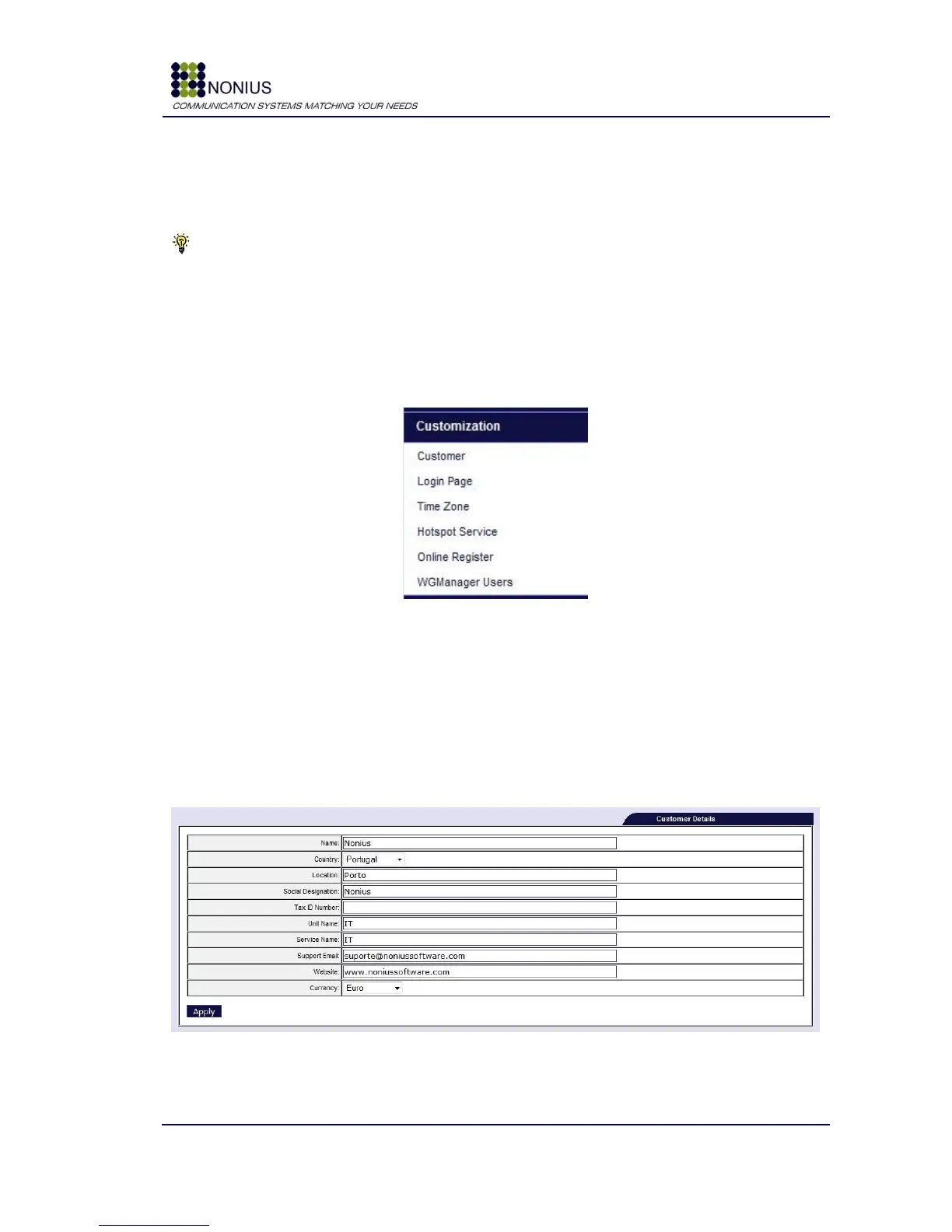
4.8.1. Customer Submenu
Insert the costumer‟s data in the following form for automatic generation of security certificates.
These certificates assure privacy since the access to the web server will be done through public key
cryptography. This form is also used for determining the currency that is used for vouchers and
how many vouchers shall be printed
per
page.
Figure 46: Customization Menu – Customer
Name: Insert the client‟s institutional name;



 To Next Page